


Once a catalog grows past a few hundred SKUs, creative production usually breaks first. The real bottleneck is turning thousands of products into ads that still look branded, current, and worth clicking. That is where most large ecommerce teams hit the same wall: too many products, too many formats, and not enough design time to keep up.
At Marpipe, this is the problem we see most often. That’s why we’re writing this guide to compare the best creative automation platforms for stores with large catalogs, ranked for ecommerce teams that need to produce more creative, test faster, and keep catalog ads from looking like feed exports.
Best Creative Automation Platforms for High-SKU Ecommerce Brands
- Marpipe
- Hunch
- Smartly.io
- Confect
- Celtra
- ROI Hunter
- Bannerflow
- Productsup
- Rocketium
1. Marpipe
Best for: Ecommerce teams that need catalog creative built for testing and performance
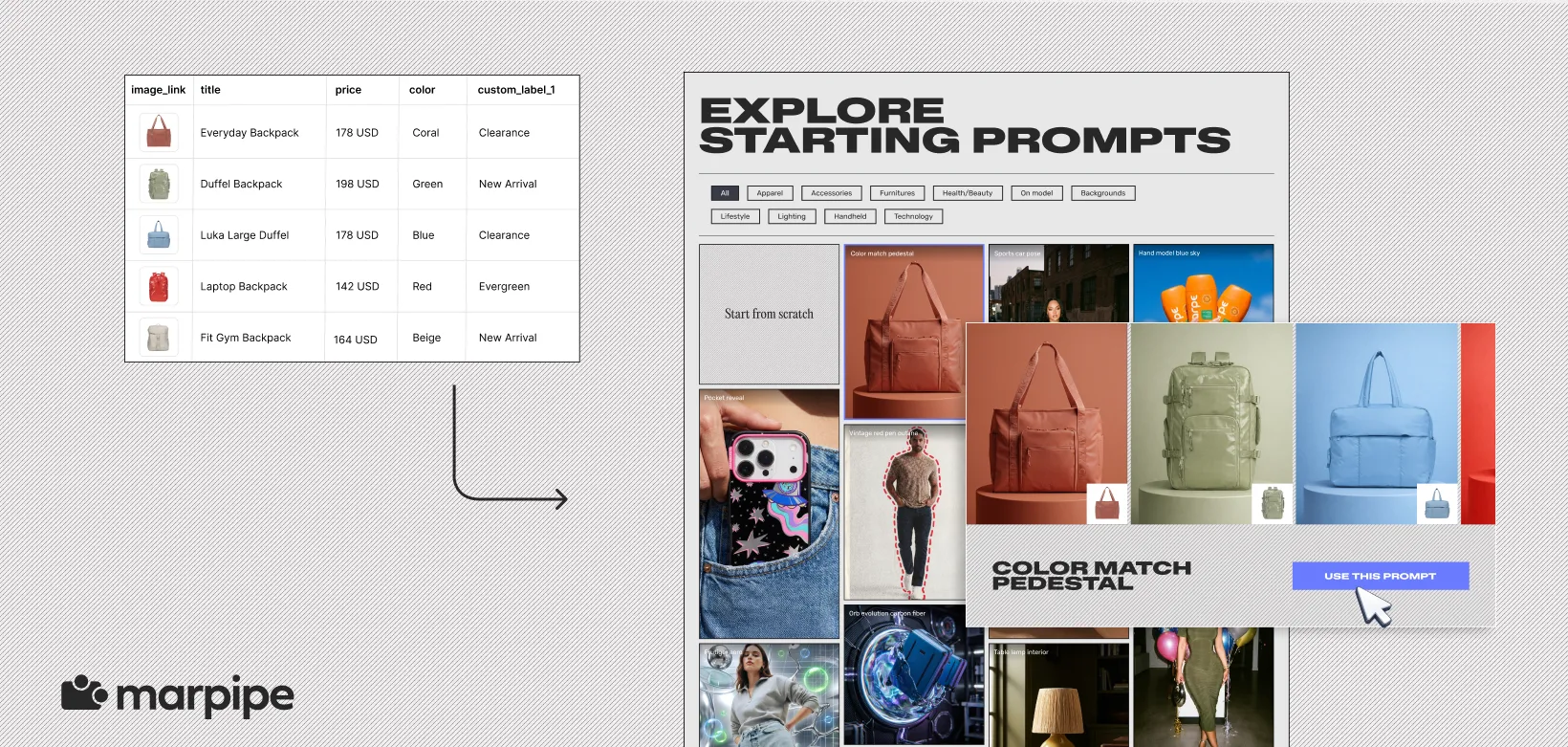
Marpipe is built for ecommerce brands that need more than asset automation. It is designed to turn product catalogs into scalable creative systems, which makes it especially useful for brands managing large SKU counts across paid social.
Where Marpipe stands out is in how it treats the product feed. Instead of using it only as a delivery layer, Marpipe uses it as the input for creative production, which makes it easier to generate branded variations, test creative at scale, and keep catalog ads from feeling repetitive.
Key features
- Turns product feed data into creative inputs for scalable catalog ad production.
- Tests layouts, messaging, and overlays at the product level across catalog segments.
- Applies branded templates across thousands of SKUs without manual design rebuilds.
- Connects feed cleanup, enrichment, and creative production in one workflow.
- Built for catalog ads across paid social channels and product-heavy campaigns.
2. Hunch

Best for: Teams managing large-scale social creative and campaign execution
Hunch is often evaluated by teams that want creative automation and campaign execution inside the same platform, especially for paid social workflows with high campaign volume. It is a common comparison for brands deciding between campaign orchestration and catalog-specific creative systems. For a closer look at how the two platforms differ, see this breakdown of Marpipe vs. Hunch.
For brands running large campaign volumes across social, Hunch is often a strong fit because it supports both creative generation and downstream campaign management in the same workflow.
Key features
- Connects catalog creative production directly to campaign setup and paid social execution.
- Generates static and video assets from product feeds using automated templates.
- Lets teams launch campaigns from the same system used to build creative.
- Combines audience targeting, product selection, and creative logic in one workflow.
- Built for teams managing high campaign volume across paid social channels.
3. Smartly.io

Best for: Enterprise teams managing creative and media together
Smartly.io is well suited for larger teams that want creative production closely tied to paid media execution. It is often used by enterprise advertisers managing high budgets across multiple social platforms, where creative output and campaign delivery need to stay tightly connected.
Its strength is operational scale. Smartly helps large teams manage creative production, campaign execution, and optimization in one place, which can simplify workflow for enterprise media teams.
Key features
- Combines creative production, media buying, and reporting in one operating system.
- Supports campaign orchestration across Meta, TikTok, Pinterest, and Snapchat.
- Automates creative production using reusable templates tied to campaign logic.
- Centralizes budget pacing, delivery controls, and performance reporting.
- Built for enterprise teams managing creative and media at scale.
4. Confect

Best for: Ecommerce brands that want faster catalog creative production
Confect is a practical option for ecommerce teams that want to improve catalog creative without adding unnecessary complexity. It is focused on helping brands create stronger product ads from catalog feeds, especially for teams looking to improve visual quality and speed up production.
It is especially useful for teams that want a more streamlined way to improve dynamic product ads while keeping workflows simple and accessible.
Key features
- Builds product ads directly from feed data using branded catalog templates.
- Automates pricing, product names, badges, and promotional overlays inside ad creative.
- Gives teams control over layout, spacing, typography, and image framing.
- Speeds up template setup for ecommerce teams with smaller production workflows.
- Simplifies seasonal refreshes and pricing updates across large product sets.
5. Celtra
Best for: Large organizations managing high-volume creative production
Celtra is often used by larger organizations that need more structure around approvals, governance, and multi-team asset production. That makes it a common choice for enterprise creative operations, especially when multiple stakeholders are involved in production. For ecommerce teams comparing operational control against catalog-specific creative workflows, this breakdown of Marpipe vs. Celtra gives a clearer side-by-side view.
For brands that need governance, collaboration, and structured production at scale, Celtra is often a strong operational fit.
Key features
- Structures creative production across review, approval, and publishing workflows.
- Manages permissions and stakeholder approvals across larger creative teams.
- Standardizes templates for repeatable output across campaigns and markets.
- Supports collaboration between designers, marketers, and internal stakeholders.
- Built for multi-team production across regions, brands, and business units.
6. ROI Hunter
Best for: Retail and commerce media teams
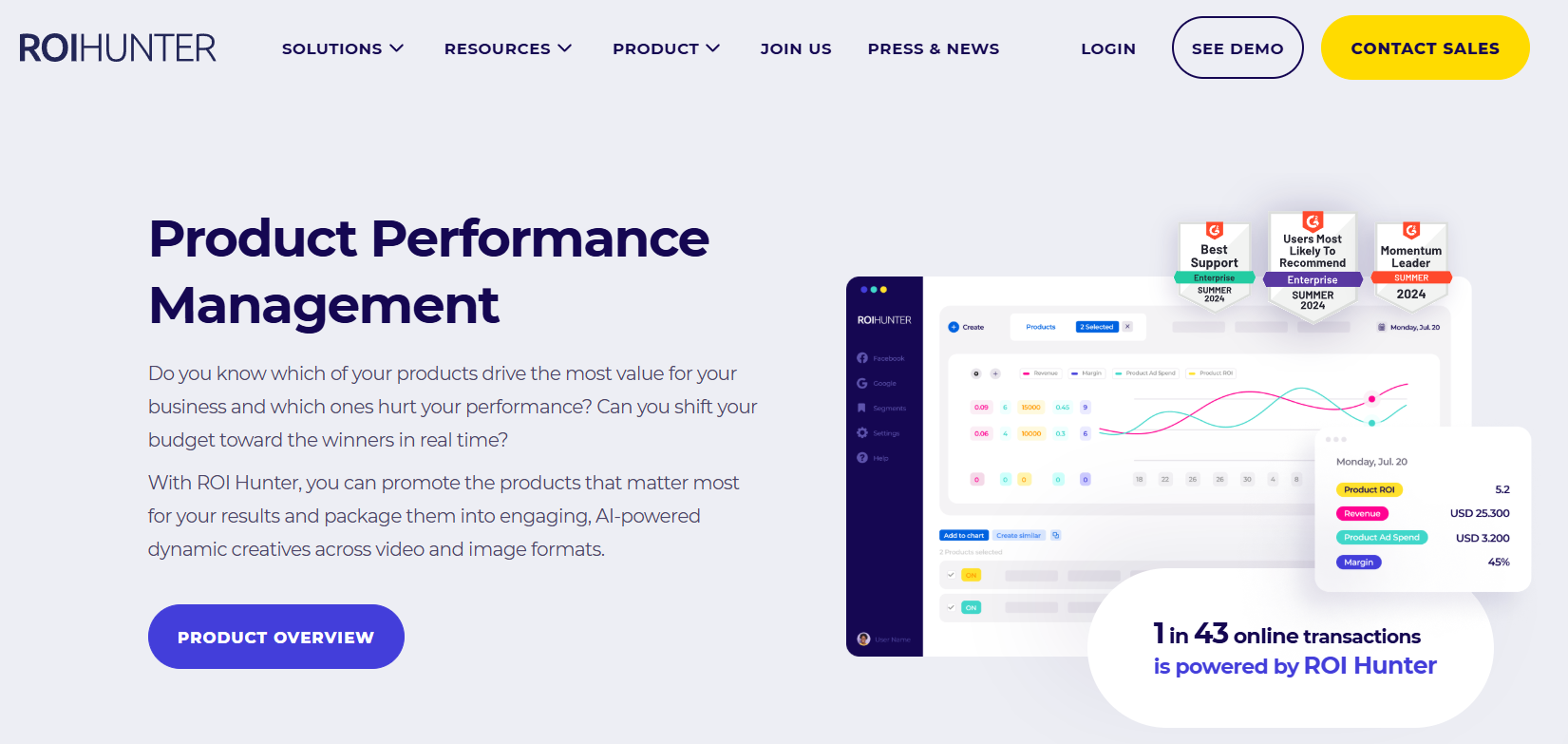
ROI Hunter is well suited for brands focused on commerce media, retail media, and product-led advertising workflows. It helps teams connect product data, campaign execution, and retail-focused performance in a more commerce-specific environment.
For brands with a strong retail media focus, ROI Hunter is often a useful fit for combining product data and media activation.
Key features
- Connects product catalogs directly to commerce-focused campaign automation.
- Supports retail media workflows shaped by marketplace and merchandising signals.
- Uses product availability and margin inputs to guide campaign decisions.
- Aligns merchandising logic with paid media execution in one workflow.
- Built for commerce teams managing retail and product-led advertising.
7. Bannerflow

Best for: Teams managing creative across display and digital channels
Bannerflow is a good fit for teams that need creative automation across display, programmatic, and broader digital formats. It is often used by brands managing high volumes of creative across channels where publishing and version control matter just as much as production.
It is especially useful for teams looking for broader digital creative workflow support beyond paid social.
Key features
- Produces digital creative across display, web, paid social, and programmatic placements.
- Manages localized creative versions without duplicating asset production.
- Connects publishing workflows directly to creative production systems.
- Standardizes recurring ad formats through reusable digital templates.
- Built for teams managing high-volume digital asset production.
8. Productsup
Best for: Ecommerce teams improving product data before creative production
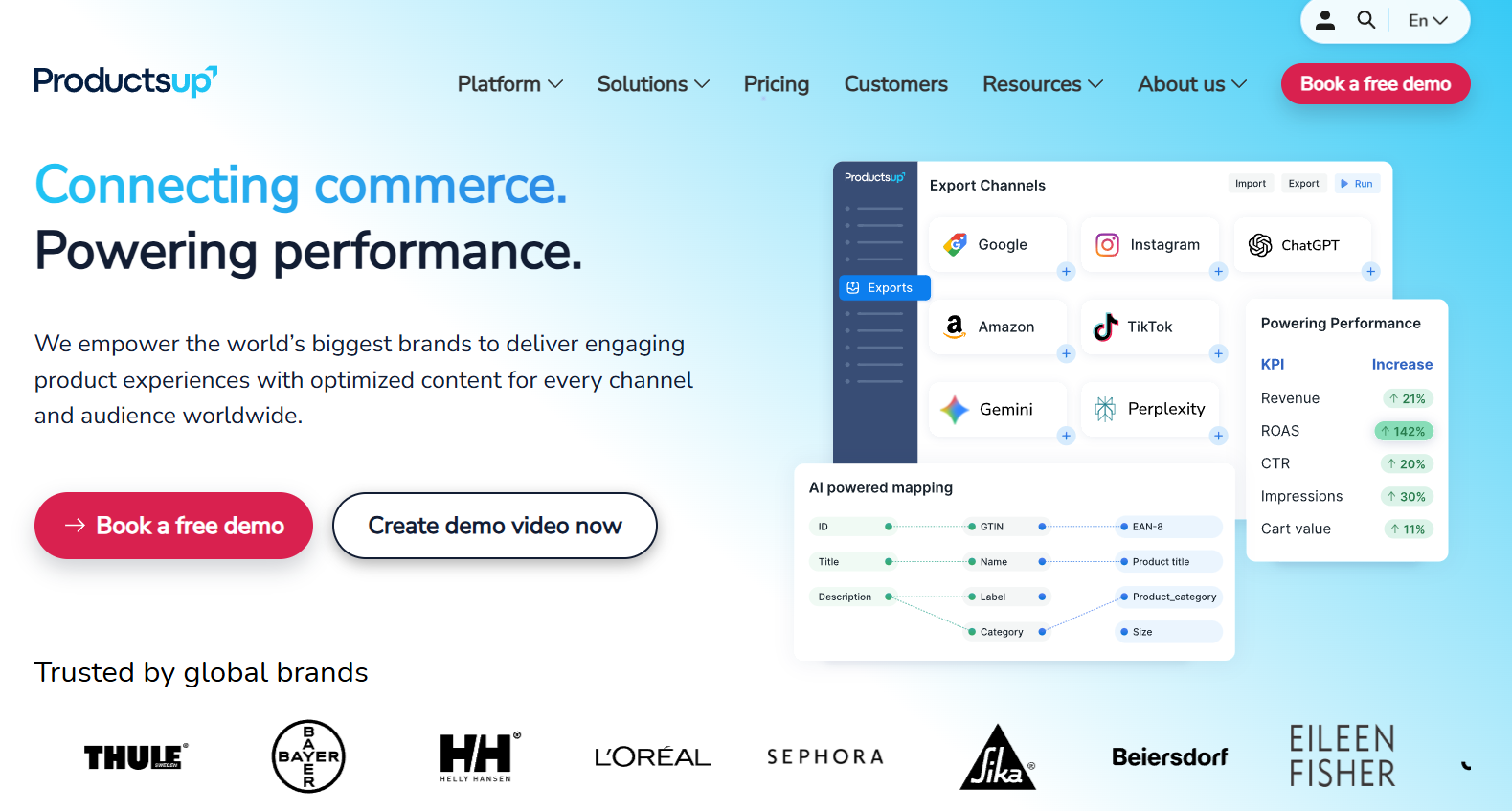
Productsup plays an important role earlier in the workflow. While it is more focused on product data than creative production, it is often used by large ecommerce brands to structure, clean, and prepare product feeds before they move into creative systems.
For teams where catalog complexity starts at the feed level, Productsup is often a foundational part of the stack. Many ecommerce teams use Productsup to clean and structure catalog data before it moves downstream, but once the feed is stable, creative production usually becomes the next operational bottleneck. That is where teams often start comparing broader workflow options and looking at tools built closer to performance creative. For brands evaluating what comes after feed infrastructure, this breakdown of Productsup alternatives is a useful next step.
Key features
- Cleans and structures product data before it reaches creative or ad systems.
- Standardizes catalog inputs across channels, marketplaces, and paid media platforms.
- Enriches product feeds with cleaner attributes for downstream creative use.
- Improves feed governance for large catalogs with inconsistent product data.
- Built for ecommerce teams managing complex product data infrastructure.
9. Rocketium

Best for: Teams producing high volumes of creative across ecommerce and retail channels
Rocketium is a strong fit for brands producing creative across paid social, marketplaces, retail channels, and broader commerce environments. It supports high-volume asset generation and is often useful for teams that need product-led creative across more than one channel.
For brands producing a wide range of commerce assets, Rocketium offers useful flexibility across formats and workflows.
Key features
- Produces high-volume creative from product catalogs across ecommerce and retail channels.
- Automates asset generation for paid social, marketplaces, and product detail pages.
- Uses templates to scale creative output across large product sets.
- Supports image, video, and motion asset production in one workflow.
- Built for teams managing multi-channel commerce creative at scale.
Creative Automation Platform Comparison Table
Here’s a quick comparison of every tools mentioned in this article:
Which Platform Solves the Right Problem
The best creative automation platform is not the one with the longest feature list. It is the one built for the problem your team is actually trying to solve.
If your catalog is hard to manage, feed infrastructure matters first. If campaign complexity is slowing execution, media workflow matters more. If your team cannot produce enough creative to support the catalog, the creative layer becomes the real constraint.
That is where the right platform earns its value. Not by doing more, but by removing the bottleneck that costs the most.
If creative production is the part of your catalog workflow slowing everything else down, start with the system built to fix that first. Book a demo and see how Marpipe helps ecommerce teams turn large product catalogs into scalable creative that launches faster, tests smarter, and performs better.
Frequently Asked Questions
What is creative automation in ecommerce?
Creative automation is the process of turning product data into repeatable ad creative using templates, rules, and automation workflows. Instead of designing every asset manually, ecommerce teams use creative automation to generate branded ads across large product catalogs faster and more consistently. If you need a full breakdown of how this works, this guide on creative automation covers the fundamentals in more detail.
Why do large ecommerce brands need creative automation?
Once a catalog grows past a few hundred SKUs, manual asset production becomes too slow to support paid media efficiently. Creative automation helps large ecommerce brands produce more creative, refresh promotions faster, and keep catalog ads aligned with product changes without rebuilding assets manually.
What should ecommerce teams evaluate first in a creative automation platform?
Start with the bottleneck. Some teams need better feed quality. Others need faster asset production. Others need better product-level testing. The right platform depends less on feature count and more on which part of your workflow creates the most delay.
Will creative automation replace ecommerce designers?
No. Creative automation removes repetitive production work, but design teams still define systems, templates, messaging logic, and creative direction. The goal is not replacing designers. It is giving them fewer repetitive assets to rebuild manually.
