

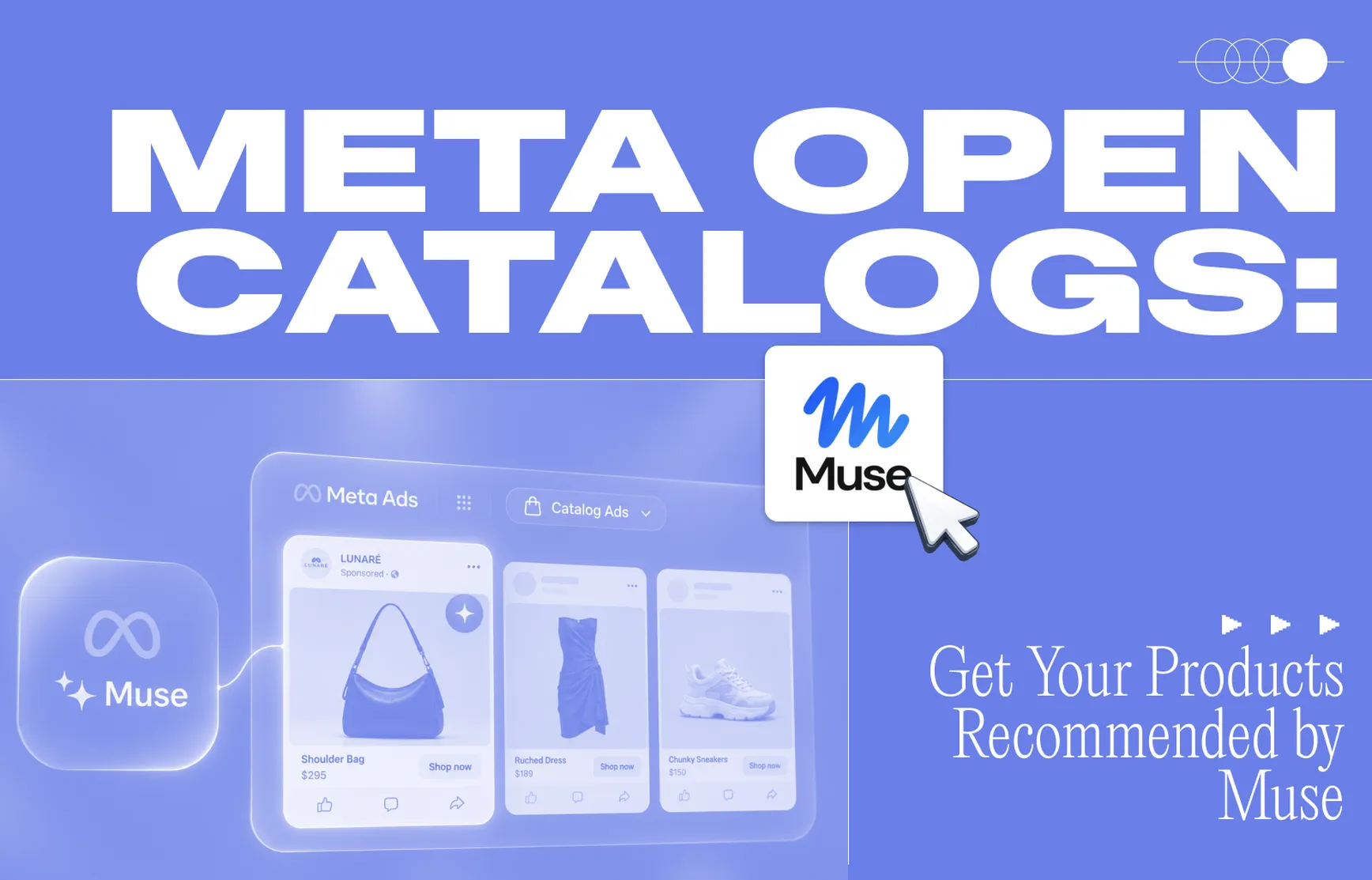
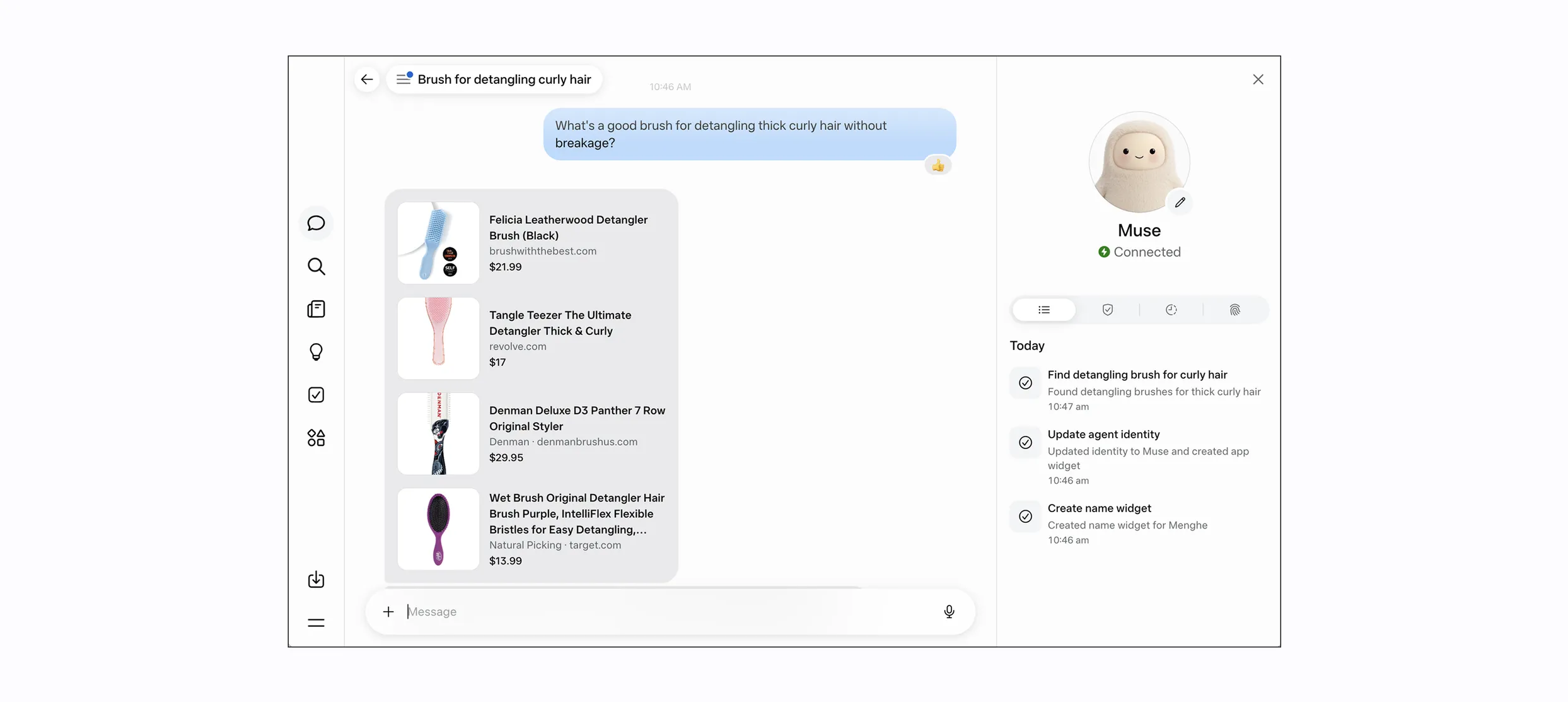
Shoppers are changing how they look for products. Instead of typing keywords into Google, tens of millions of people now ask Meta's Muse agent what to buy. According to Meta's latest earnings call, shopping has become the most popular use case for Muse.
To meet that shift, Meta is beta testing Open Catalogs, a way for brands to make their products available for Muse to recommend. Meta partnered with Marpipe to build the on-ramp, and brands are already being onboarded through the Meta Agentic Feed in Marpipe.
Here's what it is, why it matters, and how to get the most out of it.
What is Meta Open Catalogs?
Open Catalogs lets brands share structured product data with Meta so its AI agent can find, understand, and recommend their products when a shopper asks. It's currently in beta.
Marpipe has always been about making your catalog work harder. The Meta Agentic Feed applies the same idea to how machines read your products, not just how people see them.
Why the Meta Agentic Feed matters for your brand
1. Shoppers are skipping search and asking AI
When someone asks Muse for a recommendation, they're describing exactly what they want. Those shoppers are close to buying, and the brands Muse can read clearly are the ones it can recommend.
2. Early brands get a head start
AI shopping is new, and the rules are still being written. Brands that show up early learn faster how agents choose products and build an edge before the channel gets crowded.
3. It's reach you don't have to pay for
Every marketer is being asked to do more with the same budget. A free, always-on channel that puts your full catalog in front of high-intent shoppers is rare. You don't need a campaign, a brief, or a test budget, and it runs in the background alongside your paid programs.
4. There's no new project for your team
You don't need a new vendor, a dev ticket, or a feed specialist. If your catalog is connected to Marpipe, your feed is already being built from it. Marpipe handles the field mapping, formatting, and keeping it up to date.
Why a feed for AI agents is different from a feed for people
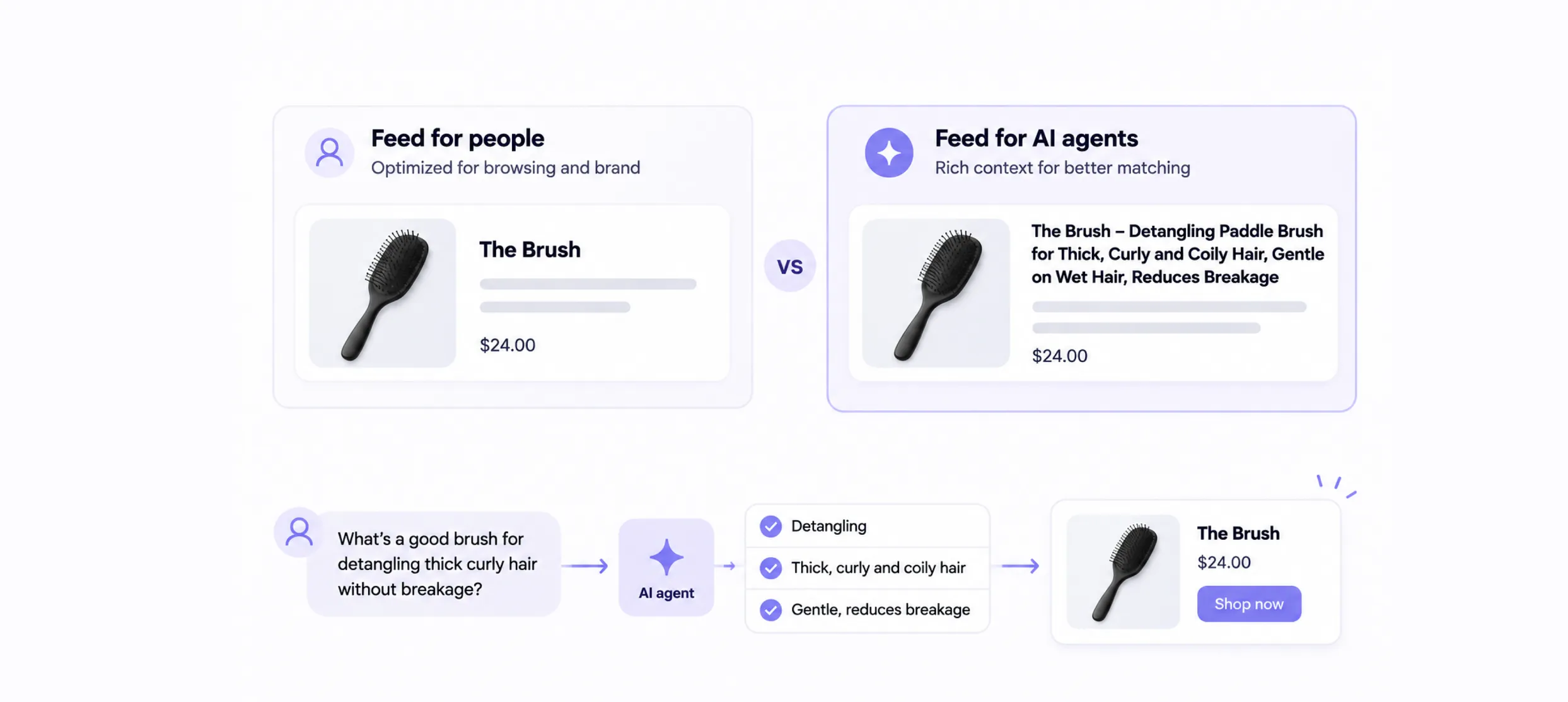
The product feed behind your ads and your website is built for people. Titles are short and on brand, and descriptions are written to look good in a carousel or on a product page. That's the right call when a person is scrolling.
An AI agent reads your catalog differently. It isn't skimming. It's trying to work out which product best answers a specific request. To do that, it needs as much context as you can give it, and that context belongs in the title and description.
Example: a hairbrush called "The Brush"
Say you sell a hairbrush called The Brush. In your ads feed, the title is just:
The Brush
It's clean, it's memorable, and it works for a shopper who already knows your brand.
Now imagine a shopper asks Muse: "What's a good brush for detangling thick curly hair without breakage?" The title "The Brush" gives the agent almost nothing to match on. Your agentic feed title might look more like this:
The Brush – Detangling Paddle Brush for Thick, Curly and Coily Hair, Gentle on Wet Hair, Reduces Breakage
That title tells the agent who the brush is for, what kind of hair it works on, and the problem it solves. Those are the details shoppers actually mention when they ask an assistant for help.
Shoppers won't see that long title. The title in your agentic feed isn't shown to them word for word. The agent uses it to understand and match your product, then writes its own clean, short version for the shopper. You get the extra context with no clutter, and your brand name still comes through.
That's why the Meta Agentic Feed is a separate output in Marpipe rather than a copy of your ads feed. Your ads can keep their short, polished titles (built for DPA and creative surfaces) while your agentic feed carries all the detail an agent needs.
How to optimize your catalog for AI shopping agents
The feed works out of the box, but a little attention to your product data goes a long way.
- Check your field mapping. Open the Meta Agentic Feed from your Output Feeds page and go to Field Mapping. This controls which catalog fields are sent to Meta, so make sure your best titles and descriptions are the ones going out.
- Write for the question, not the keyword. As in the brush example above, add the who, the what for, and the why to your agentic feed titles and descriptions: the occasion, fit, material, hair or skin type, and use case. The more context the agent has, the more requests your products can match.
- Fill the gaps. Products with missing details still go out, but they give the agent less to match on. Feed Health shows where attributes or images are missing, so you can fix the products that matter most first.
- Push changes when they matter. The feed refreshes daily on its own. After you fix a batch of titles or launch a collection, click Sync Again to send the update right away.
- Watch it work. The Inspect tab shows exactly what Meta receives. Publish History logs every refresh, with when it ran, how many products went out, and whether it succeeded.
Where to find the Meta Agentic Feed in Marpipe
Go to Output Feeds in Marpipe. Below your regular feeds is a new Agentic Feed section showing your Meta Agentic Feed, its status, product count, and last refresh. If the toggle is on, your products are listed.
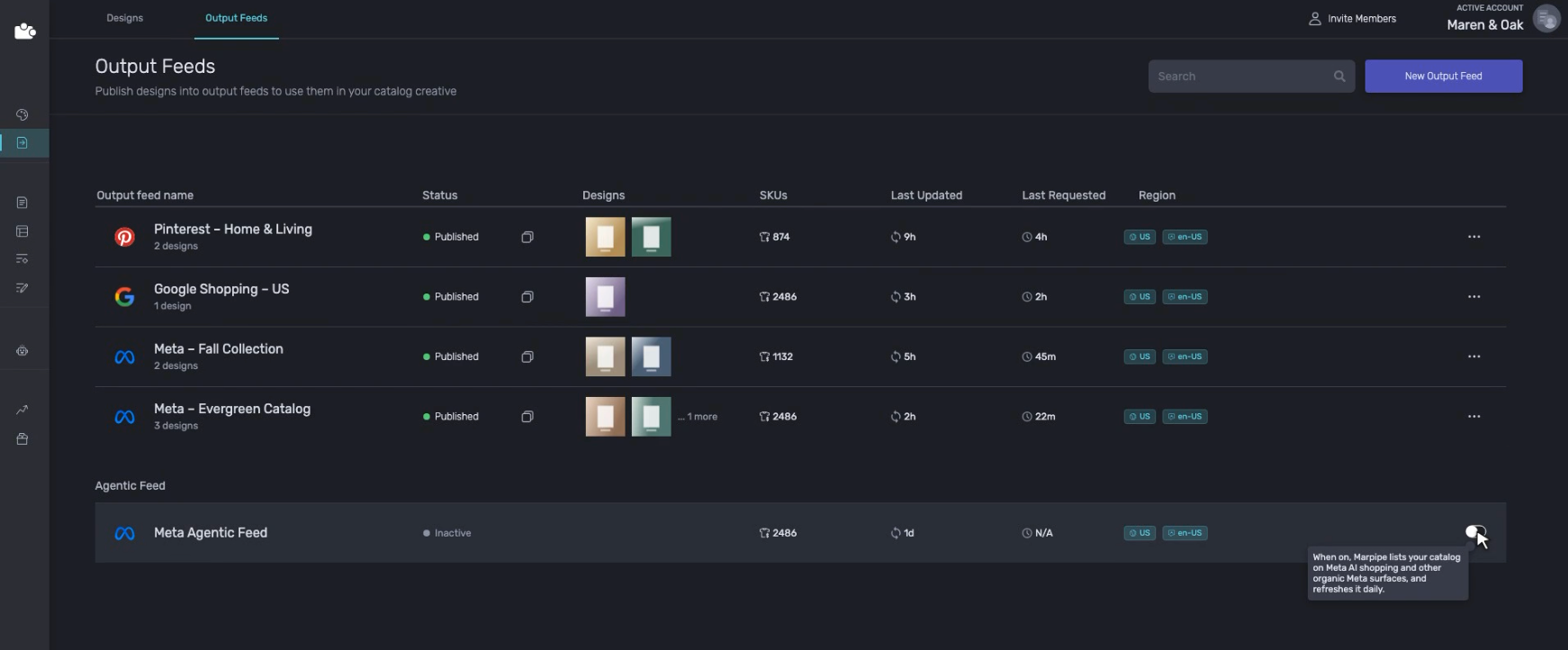
If you're still using Marpipe's sample catalog, connect your own catalog first. Your products start going out as soon as you do. The Meta Agentic Feed is available on paid Marpipe plans.
Get your catalog into the answer
AI shopping is early, and the brands that show up first will learn the most about how it works. Your catalog is already in Marpipe. Now it can be in the answer too.
Frequently asked questions
What is Meta Open Catalogs?
It's a beta program from Meta that lets brands share product data so the Muse AI agent can recommend their products better to shoppers.
How do I get my products into Open Catalogs?
Connect your catalog to Marpipe on a paid plan. The Meta Agentic Feed is built from your catalog automatically.
Does it cost extra in ad spend?
No. It's an organic channel, so you don't pay for placements.
How often does the feed update?
It refreshes daily, and you can trigger a sync anytime with Sync Again.