


.jpeg)
Magento (now Adobe Commerce) powers some of the world's largest and most important e-commerce sites. With its cutting edge features, Magento gives brands nearly total control over their online stores. But, that flexibility comes with a big deal of complexity, especially when it comes to feed management.
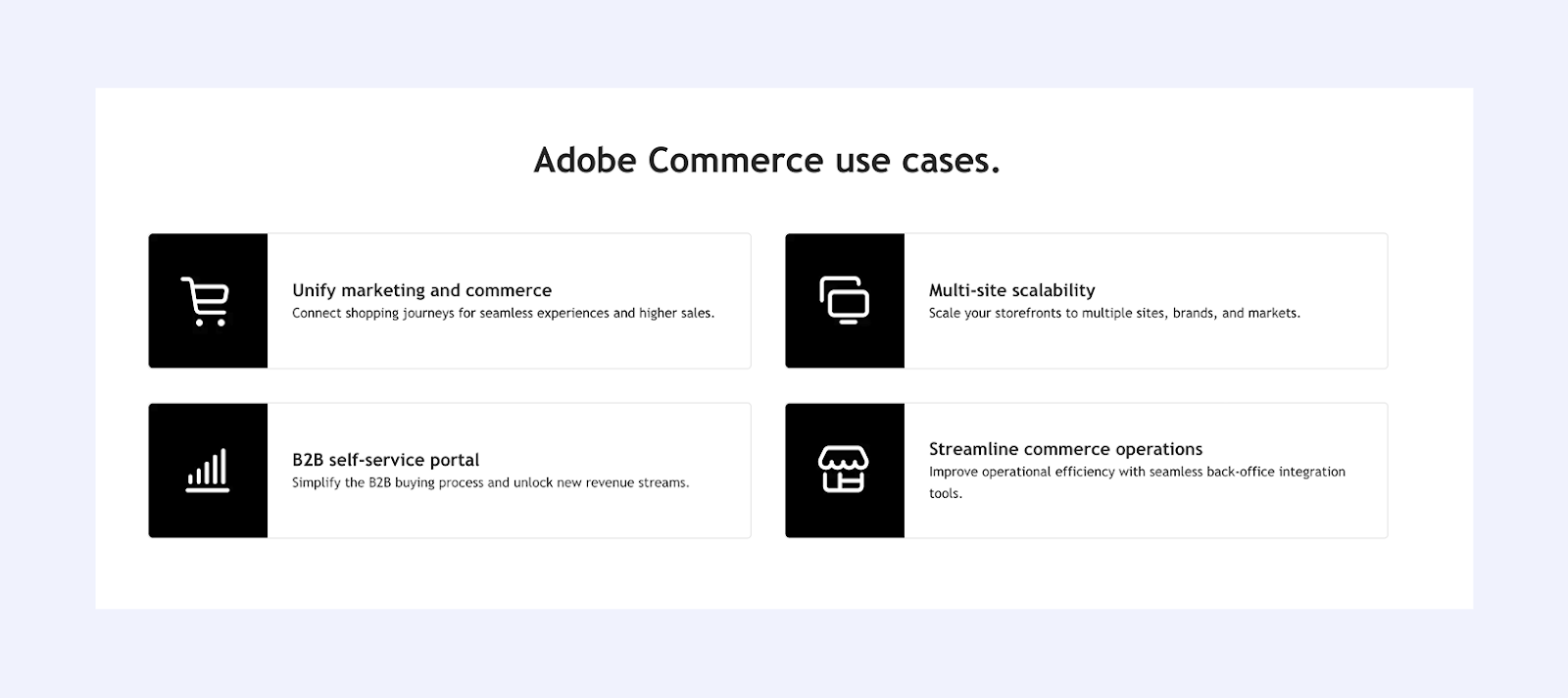
This guide will cover everything brands need to know about creating, optimizing, and managing Magento product feeds for maximum advertising performance.
What is a Magento Product Feed?
A Magento Product Feed is a structured data export formatted for advertising platforms like Google Shopping, Meta (Facebook/Instagram), TikTok, Pinterest, and others. Differently from other platforms with built-in feed generation, Magento requires a more strategic technical approach to feed optimization.
Magento's rich product data model allows for highly detailed feeds once properly configured.
Why Magento Product Feed Management is Different
Enterprise-Scale Complexity
Enterprise Magento shops balances large catalogs (often 10k+ SKUs), complex relationships (configurable, bundled, grouped), advanced pricing by customer group,, and deep custom attributes. That richness demands a more complex feed strategy than simpler platforms.
No Native Feed Generation
Magento will not produce ad-ready feeds out of the gate. Teams must either install a feed extension, build a custom exporter on the API, or manually export (only realistic for very small catalogs).
Advanced Product Types
Magento supports simple, customizable, and downloadable products. Each type deserves tailored handling: configurables need variant-level data; bundles and grouped items often need clear component pricing; virtual/downloadable products may require different availability and fulfillment metadata, and so on.
How to Create a Magento Product Feed
Method 1: Use Magento Feed Extensions
Many teams start with a feed extension from vendors like Mageplaza, Amasty, WebToffee, or GoDataFeed. These typically offer templates for major channels, attribute mapping, scheduling, and error reporting. The usual flow goes as follows: install from Marketplace, configure in Admin, choose target channel, map attributes, filter products, schedule updates, generate, and validate the output before submitting the feed URL to each platform.
Method 2: Use a Feed Management Platform
For brands running multi-channel advertising, a platform-agnostic feed tool can outperform a single Magento extension. Benefits include deeper optimization, easier troubleshooting, and creative support for catalog ads. Marpipe's feed management platform connects to Magento via API, syncs products automatically, organizes with custom labels, optimizes feeds for Google, Meta, TikTok, Pinterest, and more, updates inventory in real time, and provides comprehensive error detection—all completely free.
Method 3: Custom Development with Magento API
For maximum control, some enterprises build a custom exporter on Magento’s REST or GraphQL API, transforming data to each channel’s spec, hosting the feed, and scheduling regeneration. This offers total flexibility and integration with internal systems but demands ongoing engineering to track platform changes and maintain hosting.
Method 4: Manual Export (Not Recommended for Large Catalogs)
Manual export from Admin, hand-reformatting, and upload can work for very small catalogs or one-off tests under ~100 SKUs; it does not scale beyond that.
Magento Product Feed Optimization Best Practices
Handle Configurable Products Correctly
For configurables, exporting associated simple products usually wins: each variant gets its own ID, price, and image, enabling precise targeting on Google Shopping and Meta. Exporting only the parent keeps the feed smaller but loses variant-level relevance, pricing, and imagery. In most cases, choose variant-level export and reserve parent-only feeds for niche cases where simplicity outweighs precision.
Optimize Product Titles and Descriptions
Magento product names can be terse or technical. Rewrite titles to include brand, product type, and key attributes like color, size, and material, staying within roughly 50–80 characters: “Nike X-500 Men's Running Shoes - Black/White, Size 10.” Keep descriptions benefit-led and front-load the first 140 characters for impact. Dynamic templates in feed tools can assemble these elements reliably.
Map Magento Categories to Google Product Categories
Magento categories seldom mirror Google’s taxonomy, so create mapping rules in your feed tool and map to the most specific Google Product Category. Review competitor choices and test for products that could fit multiple branches (for example, “Footwear > Athletic > Running” mapped to “Apparel & Accessories > Shoes > Athletic Shoes > Running Shoes”).
Leverage Magento's Custom Attributes
Use Magento’s rich attributes to fuel targeting: GTIN/UPC and MPN for identification, margin for bidding segmentation, season for campaign grouping, performance tier for prioritization, and brand tier to align bids. Map these into custom_label_0-4 to drive smarter campaigns.
Handle Multi-Store Magento Installations
Multi-store setups add layers: catalog differences by store view, pricing by website or customer group, currencies by market, and warehouse-specific inventory. Generate distinct feeds per store view and market so pricing, currency, and availability stay accurate, and keep attribute mapping consistent across feeds to simplify maintenance.
- Use store-specific URLs in link attribute
- Include correct currency code in price attribute
- Filter products by store visibility settings
Manage Complex Pricing Structures
Magento supports sophisticated pricing that advertising feeds must handle:
Price Types:
- Regular price
- Special price (sale pricing)
- Tiered pricing (discounts by quantity)
- Customer group pricing (different prices for different customer segments)
- Catalog price rules (automatic discounts)
Feed Best Practice:
- Use regular price as price attribute
- Include active special price as sale_price
- Calculate sale_price_effective_date from special price date range
- Ignore tiered/group pricing in advertising feeds (use default customer group price)
Optimize Product Images
Magento supports extensive product media:
Image Best Practices:
- Use base image for image_link
- Include additional gallery images via additional_image_link
- Ensure images are minimum 800 x 800 pixels (1200+ recommended)
- Use clean, professional product photography
- Maintain consistent backgrounds across products
- Compress images for fast loading
Image URL Considerations:
- Use full HTTPS URLs (not relative paths)
- Ensure images are accessible without authentication
- Consider CDN for faster loading
- Use original uploaded images (not resized thumbnails)
Implement Real-Time Inventory Updates
Magento inventory can change frequently. Keep feeds current:
Update Strategies:
Hourly/Daily Scheduled Updates: Generate new feed file on schedule
- Good for: Most e-commerce operations
- Pros: Simple, reliable
- Cons: Lag between inventory change and feed update
Real-Time API Sync: Push inventory changes immediately
- Good for: High-volume stores, limited inventory, flash sales
- Pros: Always current
- Cons: More complex to implement
Hybrid Approach: Scheduled full feed updates + real-time inventory API
- Good for: Enterprise operations
- Pros: Best of both approaches
- Cons: Most complex setup
Common Magento Product Feed Errors
Error: "Missing Required Attribute"
Cause: Magento products missing attributes required by advertising platform.
Fix:
- Review platform requirements for your product categories
- Add missing attributes to Magento products
- Set default values for missing attributes at feed level
- Use feed rules to populate missing fields from other data
Error: "Incorrect Product URL"
Cause: Product URLs in feed don't match accessible URLs or redirect incorrectly.
Fix:
- Verify base URL configured correctly in Magento
- Check URL rewrites are working properly
- Ensure products are enabled and visible
- Use canonical URLs without query parameters
Error: "Image Can't Be Downloaded"
Cause: Product images aren't accessible to advertising platforms.
Fix:
- Verify images exist in Magento media folder
- Check image URLs load in incognito browser
- Ensure Magento isn't blocking external access to media
- Use CDN URLs if configured
- Confirm HTTPS (not HTTP) image URLs
Error: "Price Format Invalid"
Cause: Price doesn't match required format for advertising platform.
Fix:
- Use format XX.XX CUR (e.g., "29.99 USD")
- Remove currency symbols from price values
- Include correct currency code based on store
- Handle decimal places consistently

Error: "GTIN Missing or Invalid"
Cause: Products lack required GTINs or GTINs are formatted incorrectly.
Fix:
- Add GTIN attribute to Magento product data
- Populate with valid UPC, EAN, or ISBN codes
- For products without GTINs, include identifier_exists= false
- Validate GTIN checksums are correct
Advanced Magento Feed Strategies
Product Set Segmentation for Campaign Optimization
Create sophisticated product segmentation using Magento's rich data:
By Margin: Calculate margin from cost and price attributes:
- High Margin: 50%+ (bid aggressively)
- Medium Margin: 30–50% (standard bidding)
- Low Margin: <30% (conservative bidding)
By Performance: Pull sales data from Magento:
- Best Sellers: Top 20% by revenue
- New Arrivals: Recently added products
- Slow Movers: Bottom 20% by revenue
By Inventory Status: Use stock levels for promotion strategy:
- Overstock: Excess inventory to clear
- Limited: Low stock, limit ad spend
- Well Stocked: No inventory concerns
These segments enable the advanced product feed strategies that top e-commerce brands use.
Multi-Market Feed Management
Enterprise Magento stores often sell in multiple countries:
Strategy:
- Generate separate feeds per market/language
- Include correct currency per market
- Use market-specific URLs
- Adapt product titles/descriptions per language
- Apply market-specific product filtering
I
ntegration with ERP and PIM Systems
Many Magento enterprise installations integrate with external systems:
Product Information Management (PIM): Use PIM as source of truth for product data, sync to Magento, then generate feeds
Enterprise Resource Planning (ERP): Pull real-time inventory and pricing from ERP for feed accuracy
Best Practice: Ensure feed generation pulls from most current data source.
Multi-Platform Advertising with Magento
Enterprise brands don't advertise on just one platform. Your Magento store likely needs feeds for:
- Google Shopping
- Meta catalog ads
- TikTok Shopping
- Pinterest product ads
- Bing Shopping
- Marketplace feeds (Amazon, eBay, etc.)
Each platform has different requirements, optimization strategies, and feed formats. Managing this complexity efficiently is essential for enterprise operations.
The Enterprise Feed Management Approach
Strategy:
- Centralize product data from Magento (and potentially PIM/ERP)
- Organize and enrich with custom labels, categories, optimizations
- Generate platform-specific feeds automatically with correct formatting
- Deploy to all platforms from centralized dashboard
- Monitor performance across platforms to optimize spend allocation
Marpipe's feed management platform provides enterprise-grade capabilities at no cost. Connect your Magento store, organize products, then automatically generate optimized feeds for all major advertising platforms.

Discover more product feed strategies: Read our guides on Shopify Product Feed, WooCommerce Product Feed, Google Merchant Center Feed, and Bing Shopping Feed.
Frequently Asked Questions
What's the best way to generate product feeds from Magento?
For enterprise Magento stores, dedicated feed management platforms offer the best combination of flexibility, optimization, and multi-platform support. Magento-specific extensions work well for smaller operations focused on one or two platforms. Custom development makes sense only if you have unique requirements that off-the-shelf solutions can't handle.
How do I handle configurable products in Magento feeds?
Export the associated simple products (variations) as separate feed items rather than the configurable parent. This provides better targeting, variant-specific pricing and images, and improved performance on most advertising platforms. Each simple product should have a unique ID and include all variant attributes (size, color, etc.).
Can I use the same Magento feed for Google Shopping and Facebook?
While both platforms accept similar base formats, each has different optimization strategies and requirements. Use feed management tools that automatically generate platform-optimized feeds from your Magento data rather than creating one generic feed for all platforms.
How often should Magento product feeds update?
Enterprise stores should update feeds at least daily, preferably every few hours if inventory is dynamic. High-volume operations benefit from real-time inventory sync via API to prevent advertising out-of-stock products. Feed update frequency should match your inventory turnover rate.
Does Magento 2 / Adobe Commerce have better feed capabilities than Magento 1?
Magento 2 (Adobe Commerce) has better API capabilities (REST and GraphQL) that make feed generation more efficient, but it still doesn't include native advertising feed generation. You'll need extensions or feed management platforms regardless of Magento version.
