


.png)
Your guide to smarter feeds, cleaner data, and better-performing ads
DataFeedWatch is a product feed management platform that helps ecommerce brands optimize, organize, and distribute product data across multiple channels. In 2025, it offers AI-powered listing enhancements, automated error detection, and customizable feed templates for platforms like Google, Meta, and Amazon. Whether you're a small DTC brand or managing thousands of SKUs, Data Feed Watch simplifies feed management and improves ad performance.
If you’ve ever tried wrangling a product feed manually, you know the drill. One missing image, one outdated price, one miscategorized item — and suddenly your Google Shopping ads are disapproved, your Meta catalog is out of sync, and your ROAS is in freefall.
It’s not glamorous. But it’s the backbone of ecommerce performance.
That’s why platforms like DataFeedWatch exist. They’re built to tame the chaos, clean up your data, and make sure your products show up exactly where they should — looking sharp, accurate, and ready to convert.
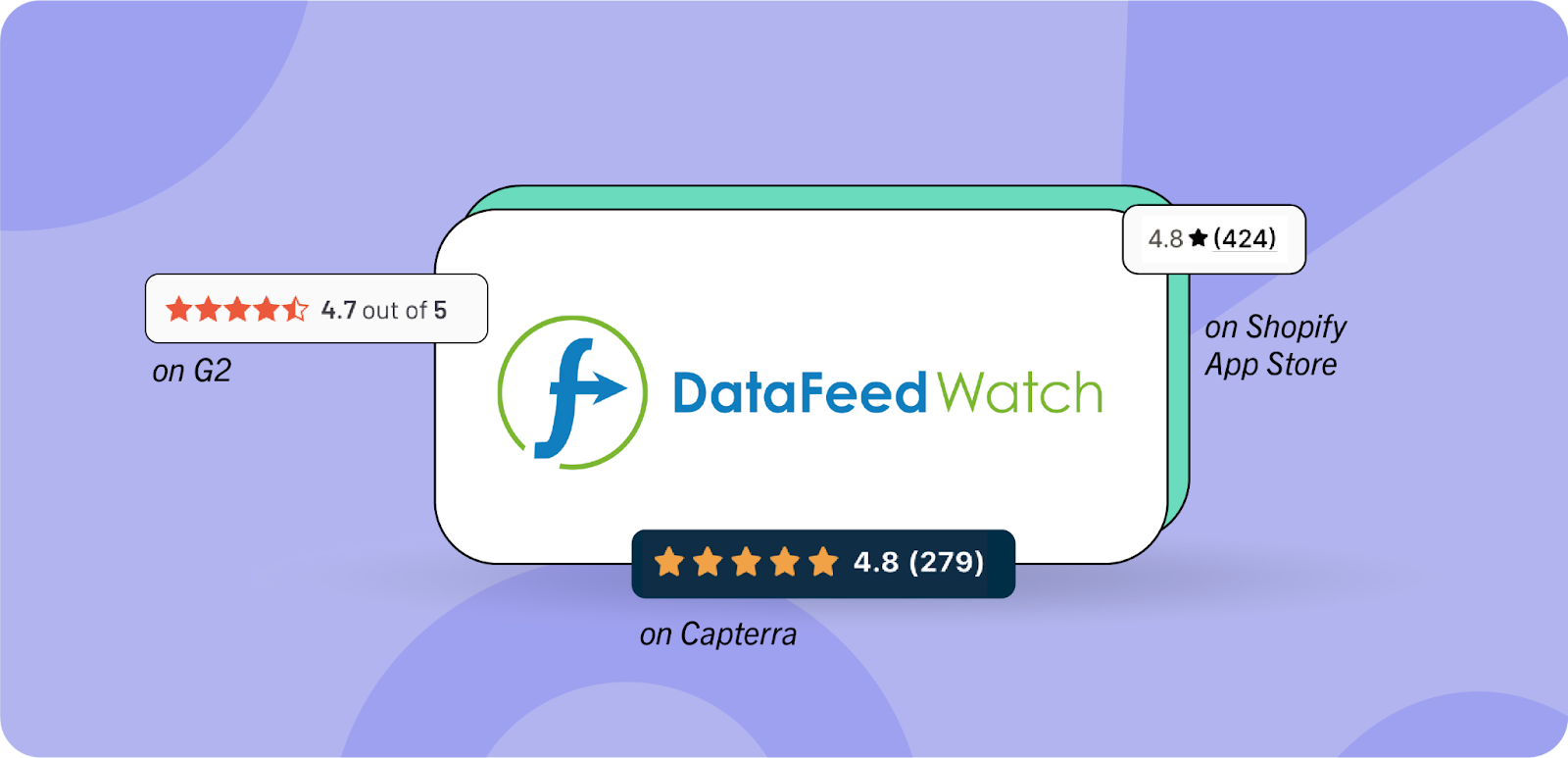
So, is DataFeedWatch still worth it in 2025? Let’s take a look.
Quick Snapshot: What People Say About DataFeedWatch
- 4.8 stars on Capterra
- 4.8 stars on the Shopify App Store
- 4.7 stars on G2
Pretty solid, right? But reviews only tell part of the story. What really matters is how it fits into your day-to-day — and whether it actually saves you time, stress, and missed sales.
What Does DataFeedWatch Actually Do?
Think of it as your product feed’s personal assistant. It keeps your listings clean, organized, and tailored to each platform you sell on — whether that’s Google Shopping, Meta, Amazon, Pinterest, or something more niche.
For Shopify users, setup is a breeze. You connect your store, sync your catalog, and start optimizing. No dev team required.
And if you’ve ever dealt with Google Merchant Center errors or Meta disapprovals, you’ll appreciate how DataFeedWatch helps you stay compliant and visible — without babysitting every single listing.
Smarter Feed Optimization with AI
Let’s be honest: manually editing hundreds of product titles and descriptions is nobody’s idea of fun.
Thankfully, DataFeedWatch now includes AI-powered tools that help you rewrite listings, improve categorization, and even suggest better keywords. It’s like having a junior copywriter who never sleeps — and actually understands feed formatting rules.
The result? Your products show up with stronger context, better search relevance, and fewer disapprovals. Especially in shopping ads, where precision really matters.
One Feed, Many Channels
Managing separate feeds for every platform used to be the norm. Now? It’s a waste of time.
With DataFeedWatch, you build one master feed and apply templates for each channel. Want to exclude out-of-stock items from Meta? Done. Want to add “Free Shipping” to Google titles for products over $50? Easy.
You can even set up custom labels for seasonal promos, top sellers, or high-margin items — so your campaigns stay smart and strategic.
Catch Errors Before They Cost You
Your product feed is your storefront. If it’s broken, your ads won’t run — and your sales will suffer.
DataFeedWatch automatically flags issues like missing fields, invalid URLs, or formatting problems. You get alerts, suggestions, and fixes before your campaigns take a hit.
It’s like having a QA team for your product data. And when you’re juggling hundreds of SKUs across five platforms, that kind of backup is priceless.
Insights That Actually Help
Want to know which products are driving clicks, conversions, and revenue? DataFeedWatch gives you performance metrics across channels so you can double down on what’s working — and cut what’s not.
You can filter by product, category, or channel to see what’s moving the needle. It’s not just about managing data. It’s about making smarter decisions with it.
How to Get the Most Out of DataFeedWatch
If you're running ecommerce campaigns across Google, Meta, or any other ad-hungry platform, DataFeedWatch is like having a backstage crew that keeps your product listings sharp, synced, and ready to perform. It’s not just a dashboard—it’s your command center. Here’s how to squeeze every drop of value out of it:
Polish Your Listings
Let’s be real: your product titles and descriptions are the first impression. If they’re messy, vague, or just plain boring, people scroll right past. DataFeedWatch gives you the tools to clean them up—fast. You can tweak titles to include keywords people actually search for, rewrite descriptions so they sound less like a warehouse inventory sheet, and swap out images that look like they were taken in a dimly lit basement.
And the best part? You don’t have to do it all manually. The AI helps you scale this process like a machine—but with human flair. It’s like having a copywriter who doesn’t complain, doesn’t sleep, and actually understands feed formatting rules. You’ll go from “meh” listings to “click-worthy” in no time.
Automate the Boring Stuff
Inventory changes. Prices fluctuate. Promotions come and go. And if you’re still updating all that manually, I’m sending you a virtual hug—because that’s brutal.
DataFeedWatch lets you automate the grunt work. You set the rules once (like “hide out-of-stock items” or “add ‘Free Shipping’ to products over $50”), and the platform keeps everything updated across all your channels. No more scrambling mid-campaign because a product went out of stock or the price changed overnight. It’s like setting your ecommerce on autopilot—except you’re still in control.
Think of it as your feed’s personal assistant. It handles the boring stuff so you can focus on strategy, creative, and actually growing your business.
Watch What’s Working
Ever feel like you’re throwing ads into the void and hoping something sticks? Yeah, same. That’s why DataFeedWatch’s analytics are a game-changer.
You get real-time insights into which products are driving clicks, conversions, and actual revenue. Not just vanity metrics—real performance data. You can slice and dice by product, category, or channel to see what’s pulling its weight and what’s just taking up space.
It’s like having a dashboard that whispers, “Hey, maybe stop pushing that dusty old SKU and double down on the one that’s flying off the shelves.” Smart, right?
And because it’s all tied to your feed, you can make changes instantly. No waiting for reports. No guessing. Just actionable info, right when you need it.
Customize for Each Platform
Google wants structured data. Meta wants clean visuals. Amazon wants everything formatted like it’s going into a NASA database. Every platform has its own quirks—and if you’re trying to use one-size-fits-all feeds, you’re gonna hit a wall.
DataFeedWatch lets you tailor your feed for each channel. You can adjust keywords, pricing logic, and even create custom labels for things like “Holiday Promo” or “Best Seller.” Want to push bundles on Meta but single SKUs on Google? Easy. Want to highlight eco-friendly products on Pinterest? Done.
It’s like giving each platform its own personalized menu—so your products show up exactly how they should, wherever they land.
What Else Is Out There?
DataFeedWatch is solid, but it’s not the only player in town. Here are a few other tools worth considering:
- Feedonomics: Best for large catalogs and complex feed setups. Think enterprise-level control.
- GoDataFeed: Simple, affordable, and great for small to mid-sized brands.
- Flexify: Built for Shopify merchants. Limited flexibility, but strong integrations with Google and Meta.
- Rithum (formerly ChannelAdvisor): Enterprise-grade with deep analytics and integrations. Ideal for big teams managing massive inventories.
Each tool has its strengths. Your choice depends on your size, budget, and how hands-on you want to be.
Want Better Ads? Pair It with Marpipe
DataFeedWatch is great for managing your feed. But if you want to turn that feed into high-performing creative, Marpipe is your secret weapon.
Here’s how they work together:
Marpipe lets you build ad templates that pull directly from your product feed — titles, images, prices, ratings, and more. You can instantly generate unique ad variations for every SKU.
Want to test different headlines, visuals, or promos? Marpipe makes it easy. And yes, it works for video too.
Keep Everything in Sync
Once your creative is built, you can push it back into DataFeedWatch to validate and distribute it across all your channels. It’s a full-circle workflow that keeps your data and creative aligned.
Together, Marpipe and DataFeedWatch help you go from raw product data to polished, performance-ready ads — without breaking a sweat.
Frequently Asked Questions
Does DataFeedWatch offer free trials? Yes — you get a 15-day free trial to explore the platform and see if it fits your workflow.
Who owns DataFeedWatch? DataFeedWatch was acquired by Cart.com in 2022, giving it access to more resources and integrations.
When was DataFeedWatch founded? It launched in 2013 and has grown into one of the most trusted feed optimization platforms in ecommerce.
How much does DataFeedWatch cost? Pricing starts at $53/month (when paid annually) for starter plans. Costs scale based on product count and channels. Visit their site for the latest breakdown.
