
Most Shopify merchants using the native Meta integration don't realize they've made a tradeoff. They set it up because it was easy, it was free, and it "just worked." They've never questioned it.
If you're running catalog ads on Meta and your store is on Shopify, you've probably set up the native Shopify-Meta integration. It's the default path. It's free. It works.
But at some point, you may have noticed limitations you couldn't quite explain. Products showing up with the wrong image. Titles that make sense on your site but look weird in an ad. No way to add a "Free Shipping" badge without changing your actual product page.
These aren't bugs. They're tradeoffs—ones that come with the native integration.
This article breaks down the differences between Shopify's direct Meta integration and using Marpipe's Shopify app to connect your store to Meta. Neither is universally "better." But one might be significantly better for you, depending on what you're trying to do.
What the Native Shopify-Meta Integration Does Well
Let's start with credit where it's due. The native integration has real strengths:
Easy setup out of the box. The integration automatically pairs with your Meta Pixel and Conversions API to match "View Content" events with your catalog. This is essential for retargeting—and getting it wrong is expensive. The native integration handles this seamlessly.
Centralization. Everything lives in Shopify. If a product goes out of stock, it stops showing in ads almost immediately. One source of truth, minimal room for sync errors.
It's free. No monthly fee, no usage-based pricing. For brands just getting started with catalog ads, the native integration is a perfectly reasonable place to start.
Where the Native Integration Falls Short
Here's where things get tricky. The same simplicity that makes the native integration easy to set up also creates constraints that become painful as you scale.
You can't optimize product data for ads without changing your site.
On your website, you might name a product "The Classic." Clean. Minimal. On-brand.
But in a Facebook ad, that title is competing for attention in a crowded feed. "The Classic" tells the viewer nothing. "Classic Leather Weekender Bag – Free Returns" tells them everything.
With the native integration, you can't have it both ways. Your product title in Shopify is your product title in Meta. Same for descriptions, same for any other product attribute. If you want to optimize for ads, you have to change your storefront—and that's usually not a tradeoff you want to make.
You're stuck with your main product image.
The native integration pulls your primary PDP image into your catalog. That's it. You can't choose a different image for advertising—like a lifestyle shot that performs better in-feed, or a version with a transparent background for cleaner creative.
Your best-performing ad image might not be your best-performing product page image. The native integration doesn't let you make that distinction.
Limited creative overlays or enrichment.
Want to add a "Free Shipping" badge? A "Best Seller" tag? A sale price callout? You can't—not through the native integration. What you see in Shopify is what shows up in Meta, pixel for pixel.
This is the single biggest limitation for brands serious about catalog ad performance. Enriched creative—the stuff that makes a DPA look like a real ad instead of a product grid—isn't possible with the native sync.
All-or-nothing syncing.
You can't easily exclude specific variants or products from your Meta catalog without removing them from Shopify entirely. If you want to hide certain SKUs from ads—maybe low-margin items, or products with poor reviews—you don't have granular control.
Product sets are limited to Shopify collections.
The native integration creates product sets in Meta based on your Shopify collections. That's fine if your collections align with how you want to advertise. But what if you want to create a product set based on revenue performance—your top 50 sellers, or products with the highest ROAS?
You can't. Not with the native integration. There's no way to automate product sets based on ad performance data, only based on how you've organized products in Shopify.
Troubleshooting is a nightmare.
When something breaks—and eventually, something will—the error messages are vague and unhelpful. "Product rejected" doesn't tell you why. "Sync failed" doesn't tell you what failed. You're left guessing, and every hour you spend debugging is an hour your ads are underperforming.
What Marpipe's Shopify Integration Does Differently
Marpipe connects to your Shopify store and syncs your product data to Meta—but with a layer of control in between.
Think of it as a translation layer: your product data comes from Shopify, but before it reaches Meta, you can optimize it for advertising without touching your storefront.
Optimize titles and descriptions for ads—without changing your site.
"The Classic" stays "The Classic" on your product page. But in Meta, it becomes "Classic Leather Weekender Bag | Free Shipping Over $100." You're optimizing for two different contexts, because they are two different contexts.
Choose which images appear in ads.
Pull from any image in your Shopify product gallery—or upload entirely new images just for advertising. Use lifestyle shots in-feed. Use clean product-on-white for retargeting. Match the image to the moment.
Add creative overlays and enrichment.
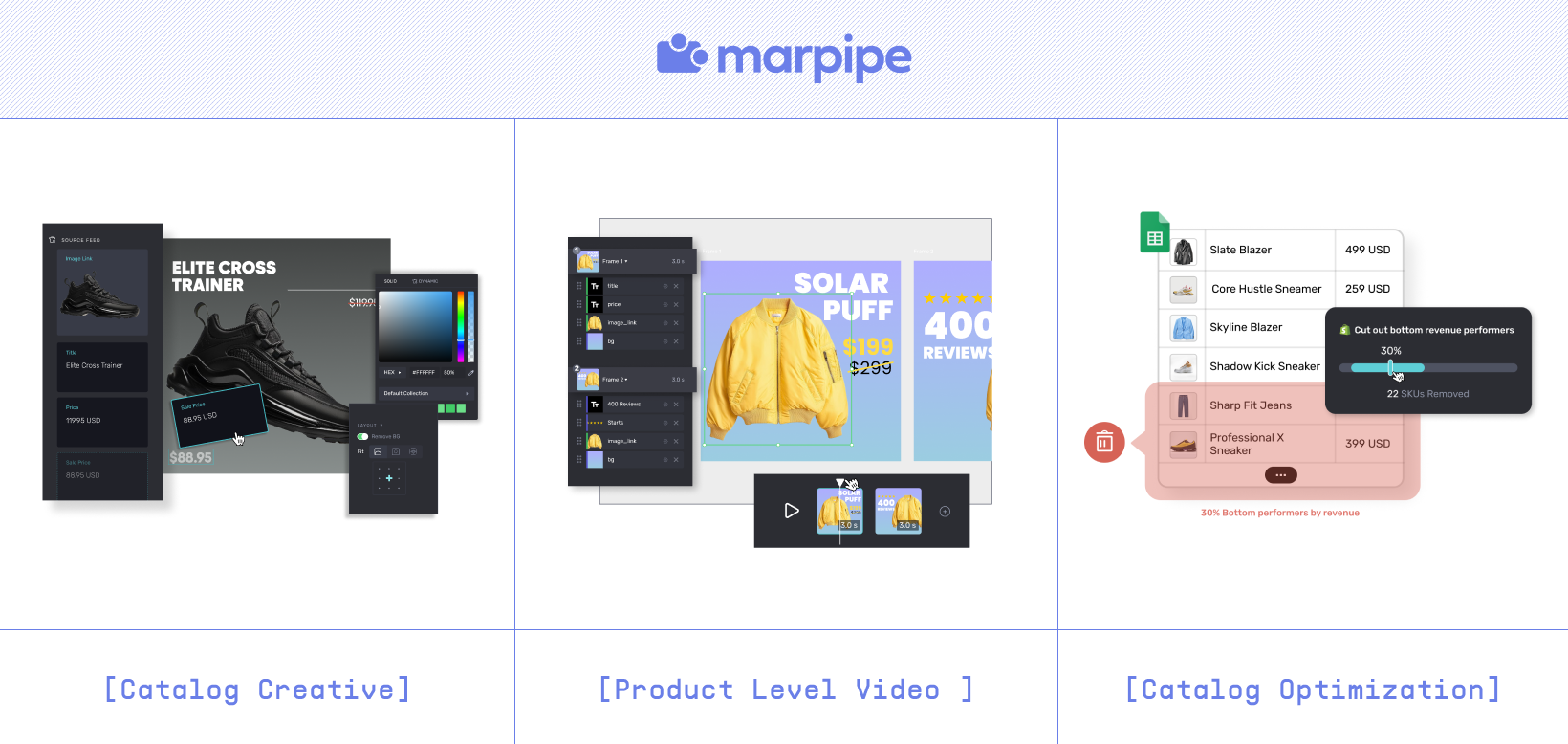
"Free Shipping" badges. "Best Seller" tags. Star ratings. Sale prices with strikethrough. Social proof. Urgency messaging. All applied dynamically to your catalog, at scale, without touching your product pages.
This is what turns a generic DPA into something that actually stops the scroll.

Granular control over what syncs.
Exclude specific variants, hide low-performers, filter by margin or inventory level. Your Meta catalog doesn't have to be a mirror of your Shopify store—it can be a curated version optimized for ad performance.
Product sets based on performance data.
Create product sets based on revenue, ROAS, conversion rate—not just Shopify collections. Automatically promote your winners and suppress your losers.
Better error handling.
When something breaks, you'll know what and why. Clear error messages, actionable guidance, and a support team that actually understands feed issues.
Which One Is Right for You?
Stick with the native integration if:
- You're just getting started with catalog ads and want the simplest possible setup
- Your product titles and images work well for both your site and your ads
- You don't need creative overlays or enrichment
- Real-time sync is more important than creative control
Consider Marpipe if:
- You want to optimize product data for ads without changing your storefront
- You need creative flexibility—different images, overlays, dynamic badges
- You're scaling catalog ad spend and need better performance
- You want product sets based on revenue data, not just Shopify collections
- You've hit limitations with the native integration and aren't sure how to fix them
One More Thing
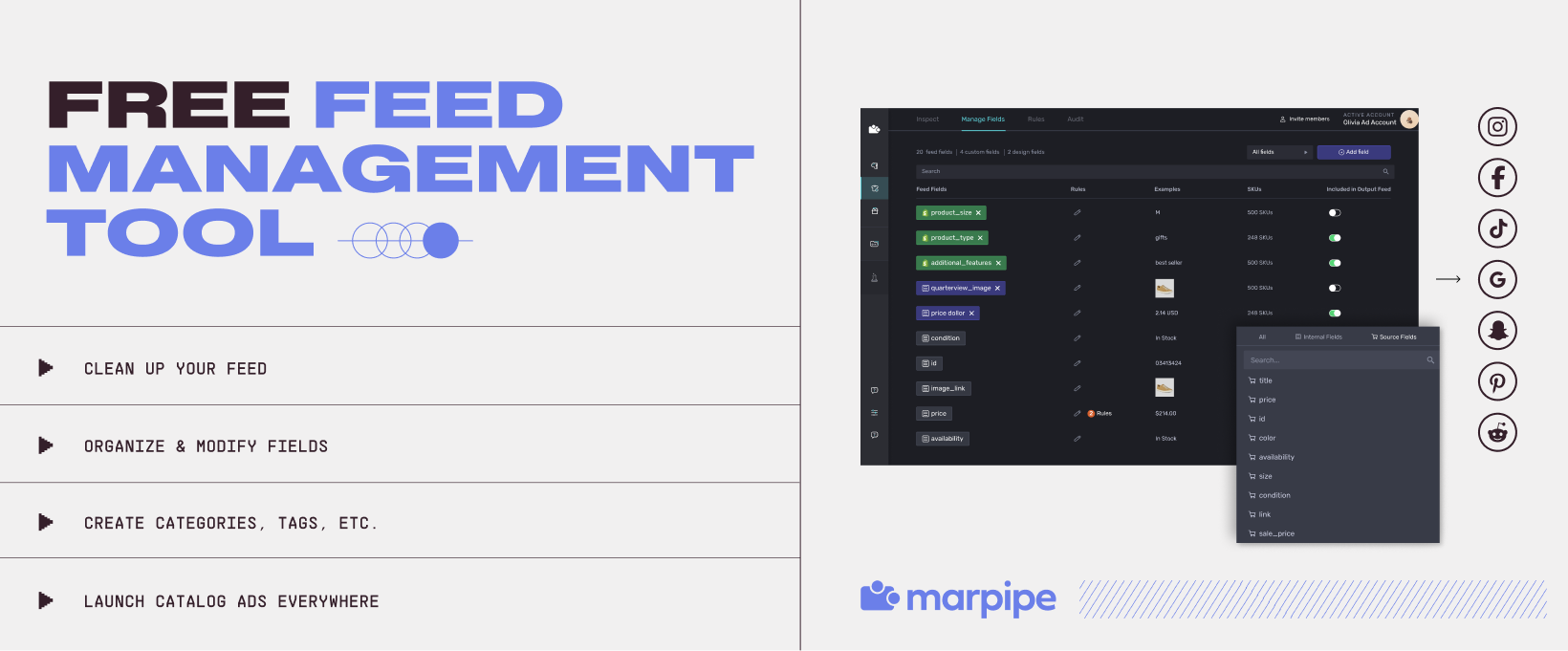
Marpipe's feed management is free. That includes connecting your Shopify store, syncing to Meta, and managing your product data.
The creative enrichment and catalog design tools are where Marpipe adds the most value—but you don't have to pay just to get your feed into Meta. That should be table stakes.
If you're curious what your catalog could look like with Marpipe's enrichment layer, reply to this email or [book a quick call with our team]. We'll show you—no pressure, no pitch.