


.jpeg)
Creating your first product feed can be really overwhelming. You know a product feed is a structured file that holds your product information. Now, building it blindly can be too much. But seeing complete, working examples, and of course, understanding the why behind each field, can make the whole thing much easier to get right. This guide gives you one complete “gold standard” if we may call it that, feed to copy. It shows how to tailor it per platform, and lists the checks that keep feeds healthy as you scale.

Why Product Feed Quality Matters
So, the greatest feeds do three very specific things: (1) keep ads eligible and error-free, (2) improve relevance and performance, and (3) reduce manual rework when you expand to new channels. And on the other hand, bad feeds get disapproved, waste budget on the wrong products, or show stale prices and images that people just don’t trust. A little structure up front saves countless hours later.
Anatomy in One Minute
- Common formats: XML (best for automation), CSV (spreadsheet friendly), TSV (when commas live inside descriptions)
- Minimum required fields: id, title, description, link, image_link, availability, price, brand
- High-impact additions: condition, google_product_category, product_type, gtin or mpn, additional_image_link, color, size, material, custom_label_0-4, sale_price
- Hygiene rules: HTTPS for all links, no redirects that fail, consistent currency codes, and accurate stock status
Minimum Viable Feed (one item, Google-style XML)
<?xml version="1.0" encoding="UTF-8"?>
<rss xmlns:g="http://base.google.com/ns/1.0" version="2.0">
<channel>
<title>Example Store</title>
<link>https://www.examplestore.com</link>
<description>Product feed</description>
<item>
<g:id>SHOE-001-BLK-10</g:id>
<g:title>Nike Air Max 270 Men's Running Shoes - Black, Size 10</g:title>
<g:description>Premium running shoes with Air Max cushioning and breathable mesh.</g:description>
<g:link>https://www.examplestore.com/products/nike-air-max-270-black-10</g:link>
<g:image_link>https://www.examplestore.com/images/nike-air-max-270-black-main.jpg</g:image_link>
<g:availability>in stock</g:availability>
<g:price>149.99 USD</g:price>
<g:brand>Nike</g:brand>
<g:google_product_category>Apparel & Accessories > Shoes > Athletic Shoes > Running Shoes</g:google_product_category>
<g:product_type>Footwear > Men's Shoes > Running Shoes</g:product_type>
<g:item_group_id>SHOE-001</g:item_group_id>
<g:color>Black</g:color>
<g:size>10</g:size>
</item>
</channel>
</rss>
Full Reference: Google Shopping (XML)
Use this as your master and tailor it to other platforms. It shows a standard item and a sale-priced item with variants.
<?xml version="1.0" encoding="UTF-8"?>
<rss xmlns:g="http://base.google.com/ns/1.0" version="2.0">
<channel>
<title>Example Store Product Feed</title>
<link>https://www.examplestore.com</link>
<description>Product feed for Example Store</description>
<!-- Product 1 -->
<item>
<g:id>SHOE-001-BLK-10</g:id>
<g:title>Nike Air Max 270 Men's Running Shoes - Black, Size 10</g:title>
<g:description>Premium running shoes featuring Nike Air Max cushioning. Breathable mesh upper, durable outsole, and responsive comfort for daily wear.</g:description>
<g:link>https://www.examplestore.com/products/nike-air-max-270-black-10</g:link>
<g:image_link>https://www.examplestore.com/images/nike-air-max-270-black-main.jpg</g:image_link>
<g:additional_image_link>https://www.examplestore.com/images/nike-air-max-270-black-side.jpg</g:additional_image_link>
<g:additional_image_link>https://www.examplestore.com/images/nike-air-max-270-black-sole.jpg</g:additional_image_link>
<g:availability>in stock</g:availability>
<g:price>149.99 USD</g:price>
<g:brand>Nike</g:brand>
<g:gtin>00012345678905</g:gtin>
<g:mpn>AIR-MAX-270-BLK</g:mpn>
<g:condition>new</g:condition>
<g:google_product_category>Apparel & Accessories > Shoes > Athletic Shoes > Running Shoes</g:google_product_category>
<g:product_type>Footwear > Men's Shoes > Running Shoes</g:product_type>
<g:item_group_id>SHOE-001</g:item_group_id>
<g:color>Black</g:color>
<g:size>10</g:size>
<g:age_group>adult</g:age_group>
<g:gender>male</g:gender>
<g:custom_label_0>High Margin</g:custom_label_0>
</item>
<!-- Product 2 (with sale price) -->
<item>
<g:id>SHIRT-002-NVY-M</g:id>
<g:title>Classic Cotton T-Shirt - Navy Blue, Medium</g:title>
<g:description>Soft, breathable 100% cotton tee. Crew neck, short sleeves, relaxed fit, pre-shrunk.</g:description>
<g:link>https://www.examplestore.com/products/cotton-tshirt-navy-medium</g:link>
<g:image_link>https://www.examplestore.com/images/cotton-tshirt-navy-front.jpg</g:image_link>
<g:additional_image_link>https://www.examplestore.com/images/cotton-tshirt-navy-back.jpg</g:additional_image_link>
<g:availability>in stock</g:availability>
<g:price>29.99 USD</g:price>
<g:sale_price>19.99 USD</g:sale_price>
<g:sale_price_effective_date>2024-12-01T00:00:00/2024-12-31T23:59:00</g:sale_price_effective_date>
<g:brand>Example Brand</g:brand>
<g:gtin>00012345678912</g:gtin>
<g:condition>new</g:condition>
<g:google_product_category>Apparel & Accessories > Clothing > Shirts & Tops</g:google_product_category>
<g:product_type>Apparel > Men's Clothing > T-Shirts</g:product_type>
<g:item_group_id>SHIRT-002</g:item_group_id>
<g:color>Navy Blue</g:color>
<g:size>M</g:size>
<g:age_group>adult</g:age_group>
<g:gender>male</g:gender>
<g:custom_label_0>On Sale</g:custom_label_0>
</item>
</channel>
</rss>
Platform Differences at a Glance

Delta Snippets by Platform
Meta XML delta (add tracking, square image):
<g:link>https://www.examplestore.com/products/nike-air-max-270-black-10?utm_source=facebook&utm_medium=catalog</g:link>
<g:image_link>https://www.examplestore.com/images/nike-air-max-270-black-square.jpg</g:image_link>
TikTok CSV row (mobile-first image, lean title):
sku_id,title,description,availability,product_page_url,image_link,price,brand,google_product_category,item_group_id,color,size
SHOE-001-BLK-10,"Nike Air Max 270 - Black, Size 10","Air Max cushioning for daily wear.",in stock,https://www.examplestore.com/products/nike-air-max-270-black-10,https://www.examplestore.com/images/nike-air-max-270-vertical.jpg,149.99 USD,Nike,"Apparel & Accessories > Shoes > Athletic Shoes",SHOE-001,Black,10
Pinterest TSV row (vertical image):
id title description link image_link price availability brand condition product_type
DECOR-001 Boho Macrame Wall Hanging - Natural, 24" Handcrafted macrame wall decor in natural cotton. https://www.examplestore.com/products/macrame-wall-hanging https://www.examplestore.com/images/macrame-styled-vertical.jpg 39.99 USD in stock Example Home new Home > Decor > Wall Art
Variants and Sale Pricing
Keep variants explicit. Group them with item_group_id and give each variant its own id, size, color, image, and price. For promotions, use sale_price plus sale_price_effective_date instead of overwriting base price. This preserves historical pricing and avoids disapprovals.
Title and Image Strategy
Titles:
- lead with brand and product type
- then add differentiators (color, size, model)
- 50–80 characters for most platforms
- avoid promos in titles and keep them inside the ad copy instead
Images:
- provide at least one clean product shot and one lifestyle shot
- use square or 4:5 for Meta
- vertical 9:16 for Stories/Reels and TikTok
- taller images (around 2:3) for Pinterest
- always use fast-loading HTTPS URLs
Category and Attributes
Map your categories to the most specific google_product_category you can. Mirror that structure in product_type for your own taxonomy. Include GTINs whenever possible; if none exist and a platform allows it, set identifier_exists to false and strengthen brand, MPN, and titles. Add rich attributes (material, gender, age_group) to improve relevance.
Pricing, Availability, and Inventory Hygiene
- Keep price synced to your landing page; mismatches get disapproved.
- Use sale_price for promos; pair with effective dates.
- Update availability frequently; out-of-stock ads waste spend and hurt user trust.
- Refresh feeds daily at minimum; fast movers benefit from multiple updates or API syncs.
Custom Labels That Matter
Use custom_label_0-4 for segmentation that your campaigns can act on: margin tiers, lifecycle (new, best seller, clearance), season or audience, and price bands. For Meta and Google alike, these labels are critical for structuring campaigns and bids.
Common Product Feed Mistakes (Quick Fix Table)

Simple Variant Pattern (XML)
<item>
<g:id>SHIRT-001-BLK-S</g:id>
<g:title>Classic T-Shirt - Black, Small</g:title>
<g:item_group_id>SHIRT-001</g:item_group_id>
<g:color>Black</g:color>
<g:size>S</g:size>
</item>
<item>
<g:id>SHIRT-001-BLK-M</g:id>
<g:title>Classic T-Shirt - Black, Medium</g:title>
<g:item_group_id>SHIRT-001</g:item_group_id>
<g:color>Black</g:color>
<g:size>M</g:size>
</item>
Governance and QA Checklist
- Validate feeds in Merchant/Commerce Manager diagnostics; fix all errors and warnings.
- Confirm product and image URLs load quickly over HTTPS.
- Keep currency codes consistent; avoid mixing symbols.
- Ensure titles and descriptions are human-readable and free of promo shouting.
- Map categories to the most specific taxonomy level.
- Keep item_group_id consistent across variants.
- Rotate images seasonally and refresh for top sellers to avoid fatigue.
- Track changes with versioning so you can roll back if issues arise.
Multi-Platform Strategy
Start with a strong Google-style feed, then tailor per platform: add UTM tracking for Meta, provide square and vertical images for social, lean titles for TikTok, and taller imagery with richer descriptions for Pinterest. If you run a master catalog, consider separate feeds per market or language, with market-specific pricing and currency. For a deeper dive on channel-specific feeds, see Google Merchant Center Feed, Facebook Product Feed, TikTok Product Feed, WooCommerce Product Feed, and our Product Feed Management Best Practices.
While we’ve given a lot of product feed examples in this article, manually creating and maintaining your product feed is actually a terrible idea. You don’t need a sophisticated platform to begin but you’ll want one that can support more sophisticated options and multiple platforms as you scale.
Choosing the right feed management tool is a big deal.
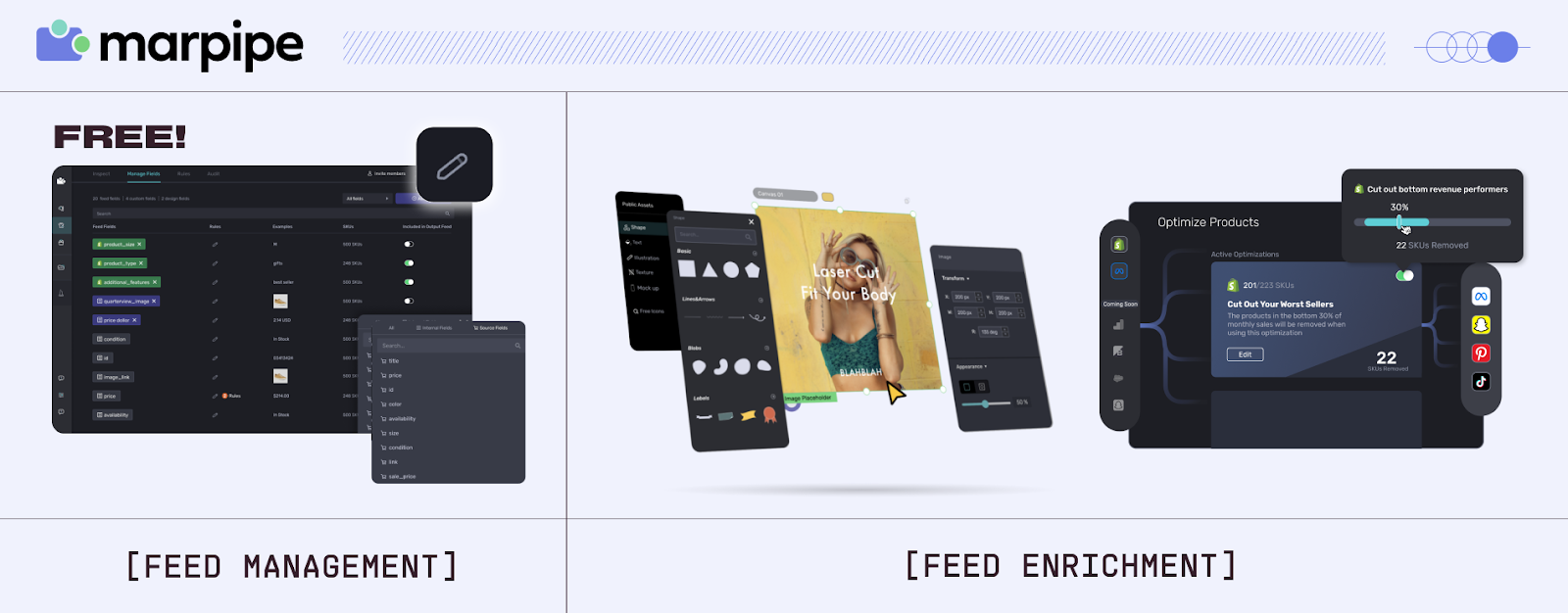
Luckily, Marpipe’s free feed management platform formats feeds for major channels, catches errors before they go live, supports all major platforms, and has the most robust creative features so that you can spend less time fixing feeds and more time scaling catalog ads.
Get started today for free.
FAQs
Can I reuse one feed everywhere?
Start with a Google-style feed, then tailor titles, images, labels, and tracking per platform for best performance.
How many products should I include?
Include all you will advertise; exclude only policy-violating or unshippable items.
How do I validate?
Upload to the platform’s Merchant/Commerce Manager, fix errors and warnings, and confirm images/links load with correct prices and availability.
Should I include out-of-stock items?
Yes—keep them with availability = out of stock so they reappear automatically when inventory updates.
What if I lack GTINs?
Provide GTINs when possible; if none exist, use identifier_exists = false (where allowed) and strengthen brand, MPN, and titles.
