


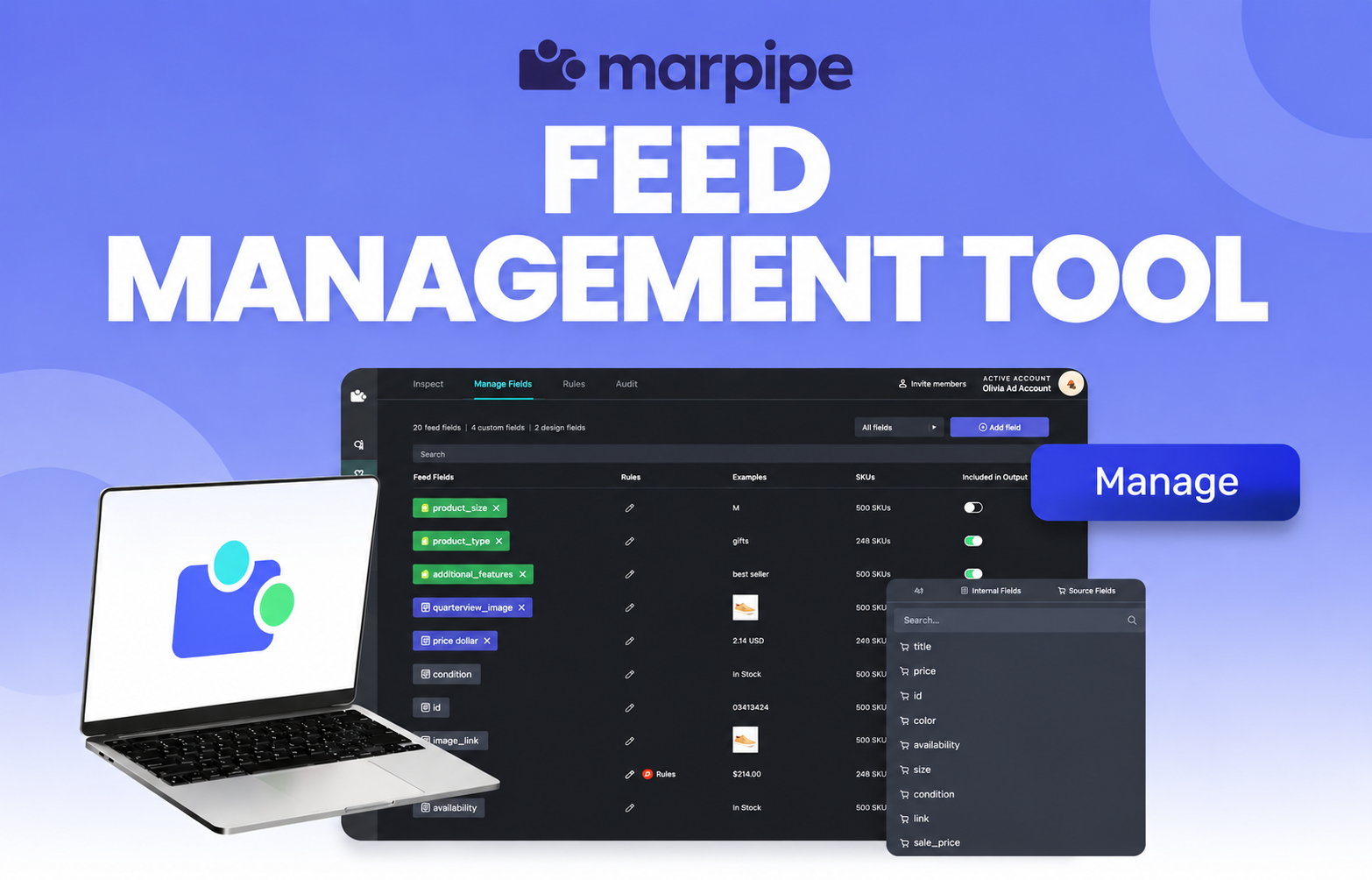
Marpipe Launches a Feed Management Tool
Most ecommerce brands run their product feed in one tool and their catalog ads in another. The feed tool cleans and formats product data. The creative tool makes it look good. The two rarely talk to each other, so every change to how products are grouped, labeled or priced has to be rebuilt by hand somewhere else.
Marpipe is closing that gap. Feed management is now a full part of the Marpipe platform, so the same product data that powers your dynamic ads is the data you clean, enrich and publish to every channel.
Why feed management matters
Feed management tools structure and send product data to platforms like Meta and Google Merchant Center. They turn a raw product catalog into clean, consistently formatted data that each sales and advertising channel will accept.
As CEO Dan Pantelo puts it: "Everyone who sells online is already using a feed management system, even if they don't call it that."
The problem: feed data and creative live in different places
Grouping SKUs for Meta ads, rewriting titles for Google Shopping and managing localized pricing are all feed tasks. Showing a sale badge, highlighting new arrivals and testing creative by product segment are all creative tasks. They depend on the same product data, but most brands manage them in separate systems.
That means duplicated work, labels that drift out of sync, and creative that can't react to what's actually in the catalog.
Pantelo explains: "It's basically a spreadsheet with live syncing. It should be as easy and accessible as Google Sheets."
Why Marpipe built feed management
Marpipe has always run on product feeds. Every dynamic ad, template and creative test on the platform starts with catalog data. We kept seeing messy catalogs hold brands back, both in how their products were accepted by ad platforms and in what their creative could do.
Bringing feed management into Marpipe means one segmentation layer drives both. A rule that tags products as "sale" can update the feed and send those same SKUs to a sale-badge design at the same time.
What's included
Data sources and sync
- Real-time Shopify sync that picks up product changes as they happen
- Support for feed URLs, CSV, TSV, XML, Google Sheets and SFTP/FTP sources
- Flexible sync scheduling, from weekly down to hourly
Feed editing and rules
- A feed editor that non-technical users can pick up right away
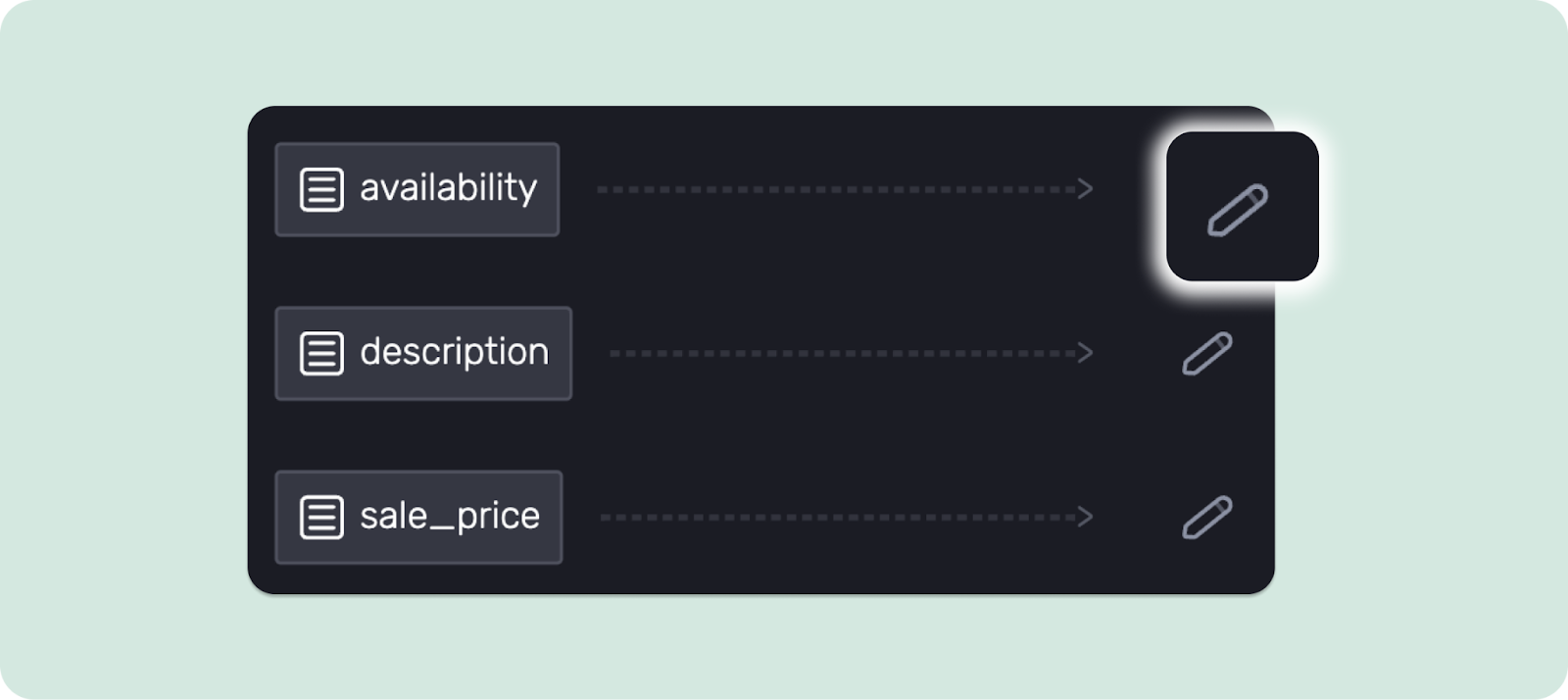
- Rules to override, combine, split and transform field values, including find and replace, math and case changes
- Conditional logic, such as "if out of stock, add 'Back soon' to the title"
- Product grouping by tags, price, inventory, collection or custom criteria
- Custom labels for campaign segmentation
Multi-market
- Localized feeds by region and language from a single catalog
- Market-specific pricing and currency mapped automatically to each output feed
Quality and publishing
- Feed auditing to flag missing or weak product data before it costs you impressions
- Live feed URLs for Meta, Google and other ad channels
- Direct catalog publishing to Meta
Pantelo notes: "You shouldn't need onboarding or training to use a feed tool. If you've ever edited a Google Sheet, you can use this."
Benefits beyond ads
Clean product data helps across your whole operation:
- Lets non-developers manage product data on their own
- Keeps product information accurate and consistent across every channel and market
- Groups products by tag, price range or inventory level without code
- Makes merchandising changes easy to iterate on in real time
- Gives your creative the structured data it needs to adapt automatically
Getting started
Connect your store and Marpipe syncs your product data automatically. From there you can edit fields, build rules, group products and publish channel-ready feeds, all next to the dynamic creative that uses them.
Your edits live in your Marpipe feeds, so your Shopify store data stays untouched. Every change you make is safe to test and easy to undo.
