


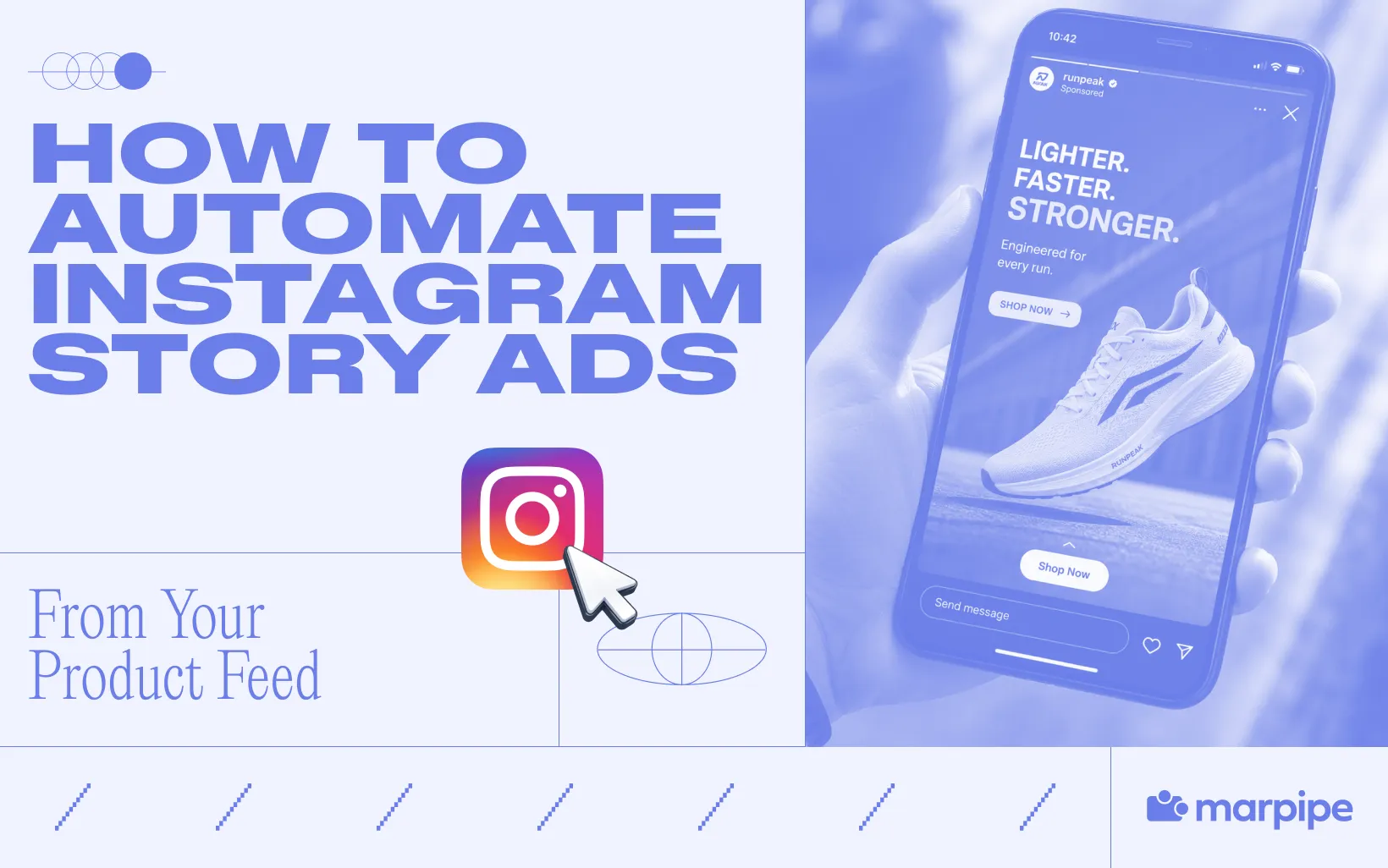
If you need to automate Instagram Story Ads, the problem usually starts the same way. Your team already has the products, the feed, and the campaign live in Meta. But every time you need Story-ready creative, someone still has to resize images, rewrite overlays, swap prices, fix bad crops, and rebuild the same ad 40 different times for 40 different SKUs.
That is where most Instagram Story workflows break. Meta can automate delivery, bidding, and audience matching, but it does not solve the creative production problem that slows Story ads down in the first place. The bottleneck is not launching Story ads. It is producing enough Story-ready creative to keep them fresh, on-brand, and usable across a full product catalog.
The fix is to treat your product feed as the creative input, not just the delivery source. Once your feed is clean and structured properly, you can automate Instagram Story Ads the way they actually need to work: one reusable Story system, dynamic creative rules, and automated variations that scale across every eligible product. That is where the workflow starts to hold.
What “Automating Instagram Story Ads” Actually Means
When teams talk about automating Instagram Story Ads, they usually mean they want to spend less time building and managing creative by hand. That goal makes sense, but it often gets flattened into one vague idea of “automation” when there are really two separate systems at work: delivery automation and creative automation. Meta already handles one of them quite well. The other is where most Story ad workflows still slow down.
Automating Delivery vs Automating Creative for Instagram Story Ads
Automating delivery is the part most advertisers already understand because it happens inside Meta once a campaign is live. Meta can decide who sees the ad, which product gets shown, how bids adjust, and where spend is allocated across placements. This is the optimization layer that keeps campaigns efficient after launch. That matters, but it is only half the workflow.
Automating creative is what happens before delivery ever begins. It is the system that turns raw product data into Story-ready ad creative without forcing a designer to rebuild every variation from scratch. This includes turning feed inputs like product names, prices, promotional messaging, and imagery into vertical Story layouts that can adapt across hundreds or thousands of products.
That is the real difference. Delivery automation helps Meta decide what to serve. Creative automation determines what is actually ready to serve in the first place.
Most teams already have the first. The second is where scale starts to break down.
What Meta does not automate is the creative system behind the campaign. It does not clean your feed before it enters the ad workflow. It does not fix weak product titles, inconsistent imagery, or poor merchandising inputs. It does not build Story-native layouts that feel designed for vertical consumption. It does not generate structured creative variations across your catalog, and it does not filter weak outputs before they reach paid spend.

What You Need Before You Automate Anything
Before you automate Instagram Story ads, the product feed has to be usable. Automation does not fix weak inputs. It only makes them scale faster. If the feed is messy, the Story ads will be messy too.
At minimum, your feed needs clean product titles, accurate pricing, usable product images, working product URLs, and reliable inventory status. These are the basic inputs that shape what the Story ad will show and whether it stays accurate after launch. Marpipe’s guide on product feed management best practices is a useful baseline here, especially for cleaning titles, structuring attributes, and turning static catalog data into something ad-ready.
This matters more in Stories than in most other placements. Story ads move fast, take up the full screen, and give the product very little time to make sense. If the title is unclear, the image is poorly cropped, or the price is wrong, the ad loses value immediately. Meta’s catalog system can automate delivery, but it still depends on clean feed inputs to produce usable Story ads.

How to Automate Instagram Story Ads in 5 Steps
Step 1: Clean Your Product Feed Before It Touches Creative
Use this as a pre-launch checklist before any product enters the creative workflow. The goal is to make sure the feed is clean enough to produce Story ads that look intentional, stay accurate, and scale without creating extra cleanup later.
- Rewrite product titles so they read like customer-facing product names, not internal SKUs
- Remove unnecessary product data from titles like color codes, size strings, or inventory tags
- Confirm prices, sale prices, and promo pricing match what users will see after the click
- Check that product URLs land on the correct product page
- Remove broken links, redirect chains, and expired landing pages
- Audit product images for quality, consistency, and vertical usability
- Remove low-resolution, cluttered, or poorly cropped product images
- Make sure every SKU has a usable primary image
- Exclude out-of-stock products from the feed or separate them into a non-promoted set
- Add clean product categories and custom labels for promotions, best sellers, and seasonal groups
- Flag low-margin or low-priority SKUs so they do not enter Story campaigns by default
- Group similar products together so they can share the same creative logic
- Remove duplicate products or duplicate variants that create unnecessary repetition
- Standardize brand names, product types, and naming conventions across the feed
Step 2: Build One Reusable Story Template
Once the feed is clean, the next step is to build one Story layout that can scale across the catalog.
This is the base creative system every product will inherit. Instead of designing separate Story ads for every SKU, build one reusable 9:16 template that gives each product a consistent structure to drop into. Keep the layout simple and fixed where it matters. Product image, product title, price, and CTA should have a clear place in the design. Brand elements like logo, font, spacing, and background treatment should stay consistent so every variation still feels connected.
Step 3: Turn Feed Data Into Dynamic Story Creative
Once the template is built, connect the design to the feed. This is the step that turns a static Story layout into a dynamic creative system. Instead of manually typing product names, updating prices, or swapping images every time a new SKU is added, each part of the template should pull directly from the product feed.
That means the design stays the same, but the content inside it updates automatically based on the product being shown. One template becomes flexible enough to generate Story creative across the catalog without being rebuilt each time.
Step 4: Generate Variations and Filter What Gets Shown
This is where the system becomes more useful than a single template. The goal is not just to automate one Story format. It is to create multiple Story variations without rebuilding creative every time, while making sure only the right products enter rotation.
The same product can support different Story angles depending on what matters most: price, promotion, urgency, product image, or category. At the same time, not every SKU deserves spend. Variation matters, but product selection matters just as much.
Step 5: Push to Meta and Optimize the System
Once the Story assets are ready, push them into Meta Catalog and connect them to a Catalog Sales campaign in Meta Ads Manager. From there, select Instagram Stories as the primary placement and confirm the campaign is pulling the correct product set.
Before launch, preview multiple SKUs to make sure images, titles, prices, and URLs are rendering correctly in placement. This is the point to catch formatting issues like cut-off text, broken crops, or mismatched landing pages before they go live.
Once the campaign is running, review which products Meta is favoring in delivery and remove weak SKUs from the product set. If performance drops, update the template, swap in stronger Story variants, or refresh the products and offers feeding the campaign.
Where Marpipe Fits Into the 5-Step Workflow
Marpipe handles the work between your product feed and Meta. It helps clean the feed, turn product data into Story-ready creative, generate variations across the catalog, and send those assets back into Meta for delivery.
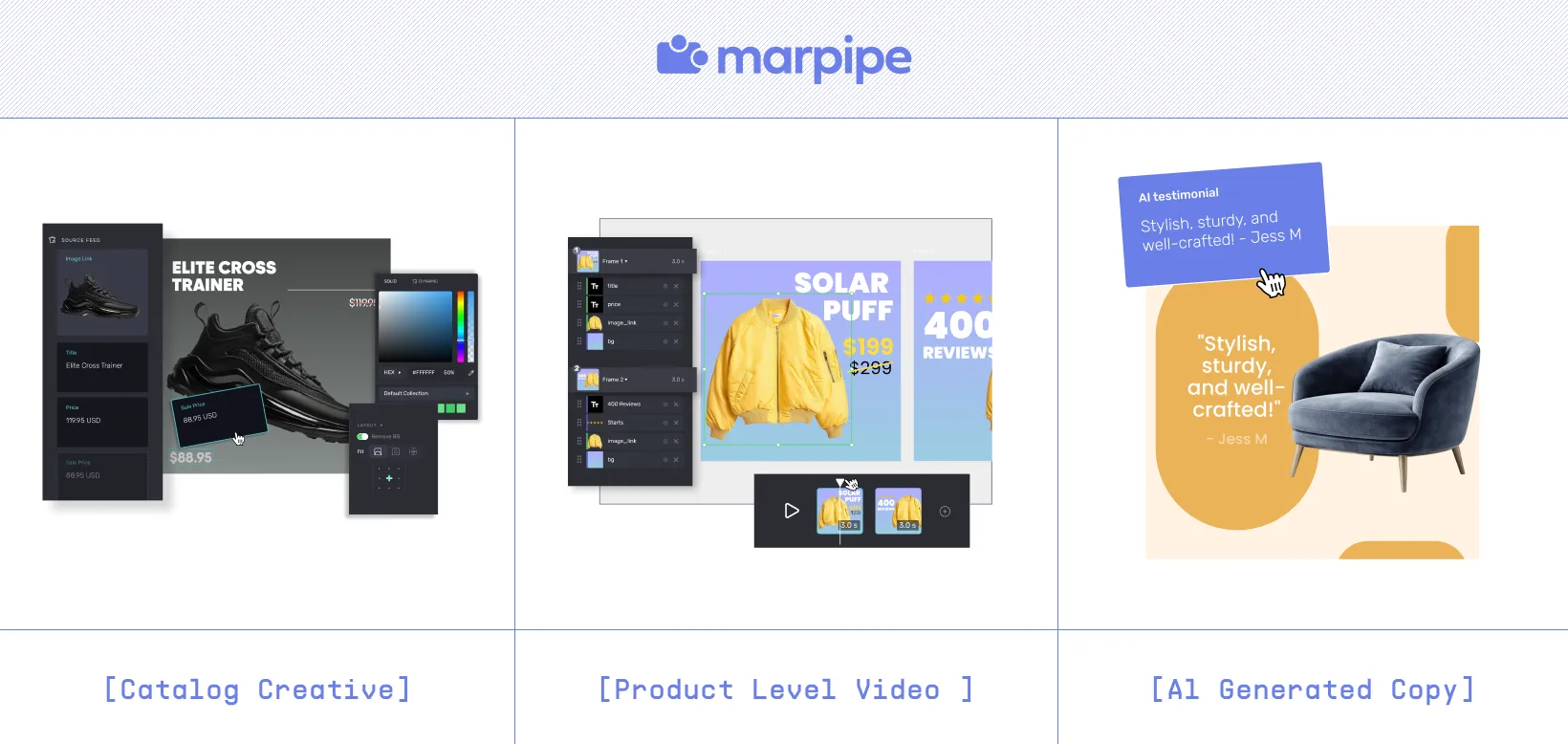
Start in Feed Management to clean titles, fix attributes, remove weak SKUs, and organize products into usable groups. Then move into Catalog Ad Creative to build one reusable 9:16 Story template and map product fields like title, price, image, and URL into the layout.
From there, use Product Optimizations to decide which SKUs should actually enter rotation based on performance, margin, or product priority.
If you need motion, Product-Level Video can turn the same feed into Story-ready video assets. If your product inputs need stronger visuals or cleaner copy first, Generative AI can help improve those before they enter the template. Once the assets are ready, Marpipe sends them back into Meta for launch.
The Better Way to Scale Instagram Story Ads
Instagram Story ads become harder to manage when every product needs to be resized, reformatted, and rebuilt by hand. That process may work for a small catalog, but it gets slower and harder to maintain as product volume grows.
A better system starts with the feed. When product data is clean, the creative is reusable, and the Story format is built to update dynamically, scaling becomes much easier to manage. That’s where Marpipe fits. It helps teams move from raw product data to Story-ready creative with less manual production between the feed and Meta.
If your team is still building Instagram Story ads one product at a time, book a demo to see how Marpipe can make that workflow easier.
Frequently Asked Questions
Why does Instagram Story Ads break at scale?
Instagram Story Ads usually do not fail because the format stops working. They fail because the workflow behind them does not scale. At small volume, Story ads are manageable. A team can take a few bestsellers, crop them into vertical, add a price overlay, write a short headline, and launch. That works when you are promoting five products and refreshing creative once a month.
The moment you need Story creative for 50, 500, or 5,000 SKUs, the workflow starts collapsing under manual work. Every product needs the same set of creative decisions made again and again: image treatment, headline length, badge placement, pricing logic, promotional overlays, and mobile-safe formatting. None of that work is difficult on its own. It just does not scale when every SKU needs its own version.
How do Instagram Story ads work with a product feed?
Instagram Story ads can pull directly from your product feed using Meta’s catalog system, which means product names, prices, images, and availability can update dynamically instead of being rebuilt manually for every ad. For a full breakdown of how the catalog side works, read Marpipe’s guide to Instagram Shopping and Catalog Ads.
What is the best aspect ratio for Instagram Story ads?
For Instagram Stories, the best format is 9:16 so the ad fills the full screen without awkward cropping or empty space. Marpipe’s guide to the best aspect ratio for Instagram ads breaks down when to use 9:16 for Stories and Reels, and when 4:5 or 1:1 still makes sense for other placements.
What makes Instagram story ads convert better?
Instagram Story ads usually convert better when they do three things well: fill the screen, make the product clear immediately, and reduce friction between the first impression and the click. Stories are naturally strong at this because the format is full-screen and mobile-first. In 2025 benchmark data, Instagram Stories averaged a lower CPC than Instagram Feed ads ($1.83 vs. $3.35), which makes Stories a more efficient click environment when the creative is built for the placement.
Why do Story ads need different creative than in-feed ads?
Instagram Story ads need different creative because people consume them faster than Feed ads. In-feed ads sit in a slower scroll where users can pause, read, and compare. Story ads are full-screen, vertical, and viewed one tap at a time, so the product has less time to make sense.
That changes what works. Feed creative can hold more text, tighter layouts, and slower messaging. Story creative needs to be simpler: clearer product framing, less text, faster hierarchy, and a stronger first frame.
The format matters too. Story ads are built for 9:16, while many in-feed ads are still designed in square or 4:5. Creative that works in feeds often feels cramped or harder to scan in Stories, which is why Story ads usually need their own layout and pacing.
