


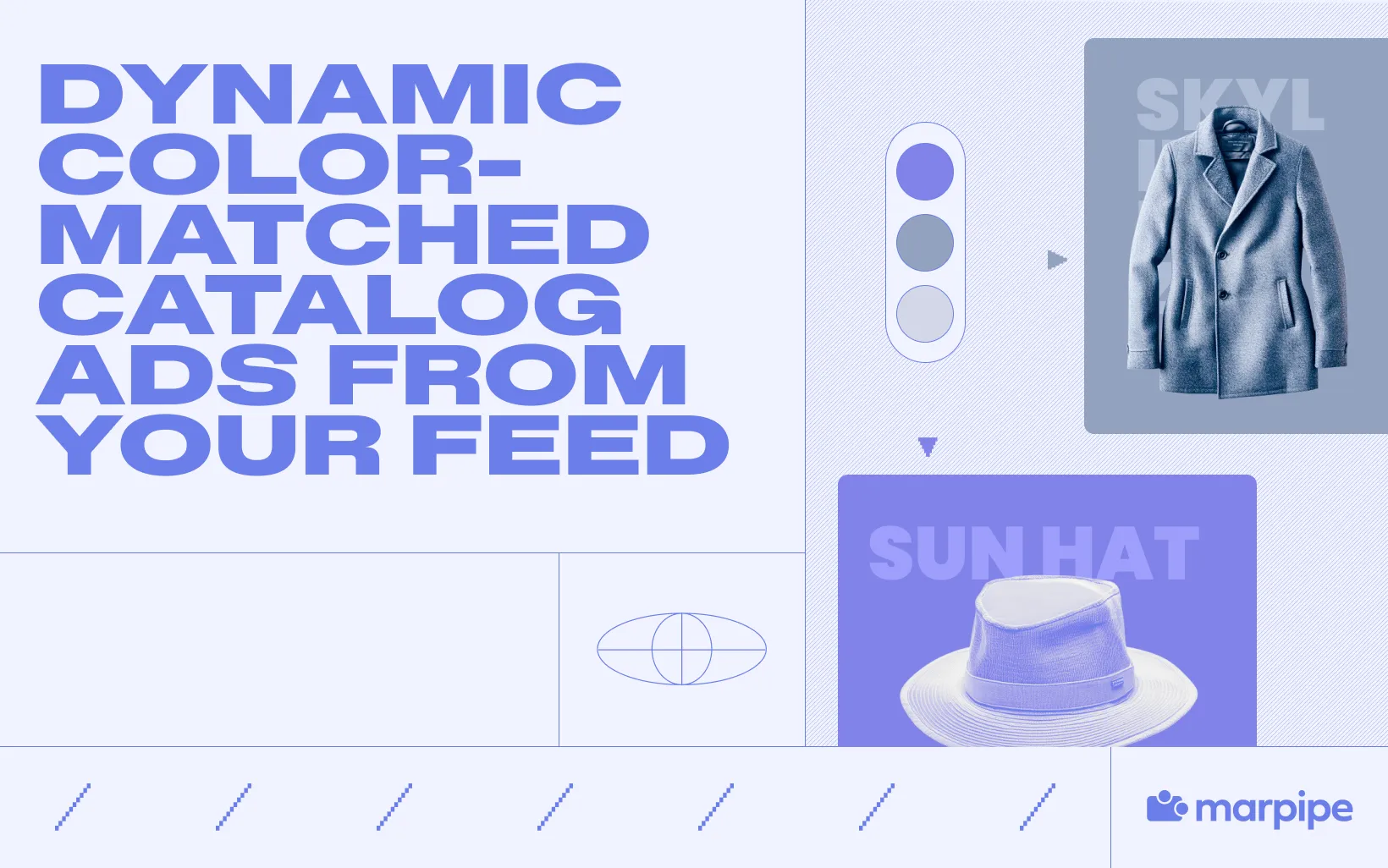
Yellow hat? Yellow background. Red sneaker? Red background.
That's the idea — and it's one of the most visually striking things you can do to a catalog ad. Every product gets an ad background that automatically matches its own dominant color, pulled directly from the product image, without any manual design work.
The result looks custom. It looks intentional. And it stops the scroll in a way that a standard white or gray background simply doesn't.
This guide shows you how to set it up.
Why Color-Matched Catalog Ads Work
Most catalog ads look identical to each other. Same white background, same font, same layout — only the product image changes. That uniformity isn't a bug in the format, it's a feature of scale: when you're running dynamic product ads across hundreds or thousands of SKUs, manual design for each one isn't realistic.
But uniformity has a cost. In a feed where every ad looks roughly the same, none of them stand out. Shoppers develop a kind of visual immunity to the format — they know what a catalog ad looks like, and their eyes start to skip it.
Dynamic color matching breaks that pattern in two important ways:
It creates visual contrast. When each catalog ad has a background color drawn from the product itself, the creative stands out against both the neutral feed and against other catalog ads. Motion stops the scroll; unexpected color does too.
It makes the ad feel branded and intentional. A red sneaker on a red background doesn't look like a default template — it looks like a considered design choice. That perception of intentionality increases trust. Shoppers respond differently to a dynamic product ad that looks like someone cared about how it was made.
The underlying insight is simple: product images already contain color information. Dynamic color matching just uses that information in the catalog ad creative, automatically, at scale.
What You'll Need
Setting up dynamic color matching for catalog ads requires:
- A product feed with product images already populated — the same images powering your existing catalog ads.
- A Meta product catalog connected to your Business Manager.
- A feed-based creative tool like Marpipe that can extract the dominant color from a product image and apply it dynamically to the ad background.
No design team. No per-SKU manual work. No color hex codes to manage. The tool reads the image, finds the dominant color, and applies it — for every product in your catalog, automatically.
Step 1: Understand How Dominant Color Extraction Works
Before building the template, it's worth understanding what "dominant color" means in practice — because it affects how your catalog ads look and how you might want to configure the effect.
Dominant color extraction analyzes the pixels in a product image and identifies the color that appears most frequently or most prominently. For a yellow baseball cap on a white background, the dominant color is typically the yellow of the hat. For a red sneaker photographed on a gray surface, it's usually the red of the upper.
A few things to keep in mind:
White and near-white backgrounds can interfere. If your product images have white backgrounds (as most studio shots do), the dominant color extraction may return white — which defeats the purpose. Most tools handle this by ignoring near-white and near-black pixels, focusing instead on the most prominent non-neutral color. Confirm how your tool handles this before you publish.
Busy products may produce unexpected results. A multicolor print or a product with many distinct colors can produce a dominant color that feels arbitrary. For these products, consider using a secondary color (second-most-dominant) or a custom fallback color.
The effect is strongest on single-color or clearly branded products. Solid-color apparel, footwear, bags, and accessories tend to produce the cleanest and most visually compelling results.
Step 2: Build the Color-Matched Creative Template
With the concept understood, building the catalog ad template itself is straightforward.
In Marpipe, dynamic background color is applied through a color extraction element mapped to the product image field in your feed. Here's how to set it up:
- Open a new catalog ad template in Marpipe.
- Set the background layer to use a dynamic color — map it to the dominant color extracted from the image_link field in your product feed.
- Add your product image element on top of the colored background.
- Add any dynamic text elements you want to surface — product name, price, rating, or any other feed field.
- Adjust text color logic if needed: if your background is dark, text should be light, and vice versa. Some tools handle this automatically; others require you to set a contrast rule manually.
- Publish — every product in your catalog now renders as a dynamic product ad with its own color-matched background, automatically.
The template handles all the variation. A catalog of 500 products produces 500 distinct-looking dynamic product ads, each one visually tied to its own product, without 500 separate design files.
Step 3: Refine and Test
Like any creative change, color-matched backgrounds benefit from iteration. A few things to evaluate as you run these catalog ads:
Check for readability. The most common issue with color-matched ads is text legibility — product names and prices can disappear against a background that's too close in hue or brightness. Review a sample of your catalog after publishing to catch any problem products, and adjust your text color rules as needed.
Evaluate the color quality across your catalog. Pull a sample of 20–30 products and look at the extracted background colors. Do they feel true to the products? Are any surprising or off-brand? This audit usually surfaces edge cases that need handling — very light products, multicolor SKUs, or images where the studio backdrop is dominating the extraction.
A/B test against your standard template. Run color-matched creative against your existing static template with the same targeting and budget split. Most brands see meaningful CTR improvement on dynamic product ads — but the magnitude varies by product category and audience. Let data guide how broadly you roll it out.
Consider pairing with other overlays. Color-matched backgrounds are a visual foundation. Layering star ratings, sale prices, countdown timers, or inventory counts on top of a color-matched background creates a catalog ad that's both attention-grabbing and informationally rich — which is the highest-performing combination.
FAQ
Does this work with any product feed?
Yes — as long as your product feed contains the image_link field (which is standard for all Meta-compatible feeds), the color extraction can pull from it. Shopify, WooCommerce, BigCommerce, and custom feeds all work.
What happens if a product image has multiple equally dominant colors?
The extraction picks the single most prominent color. For multicolor products where this produces an unhelpful result, set a fallback rule (e.g., use a brand color, or use a neutral gray) so those SKUs don't end up with awkward backgrounds.
Does this slow down my dynamic product ad delivery?
No. The color extraction happens at the creative-template level, not at delivery time. By the time Meta serves the ad, the background color is already baked in.
Can I override the extracted color for specific products?
Yes. Most feed-based creative tools let you set per-product overrides through a custom field in your feed — useful for hero SKUs or seasonal products where you want a specific brand color rather than the extracted one.
The Compounding Effect of Looking Different
There's a longer-term benefit to dynamic color matching that goes beyond any individual catalog ad's CTR: brand recognition.
When your catalog ads consistently look distinctive — when they have a visual signature that other brands' dynamic product ads don't — shoppers start to recognize your creative in the feed before they've even read the product name. That recognition builds familiarity, and familiarity builds trust. Over time, a catalog that looks custom and considered develops an aesthetic identity that generic white-background ads never can.
Dynamic color matching is one of the simplest ways to start building that identity at scale, without the cost or time investment of manual design.
Ready to make every catalog ad match its product? Try Marpipe free and set up dynamic color matching across your catalog today.
