Google Display ad examples
Google Display Ad Examples
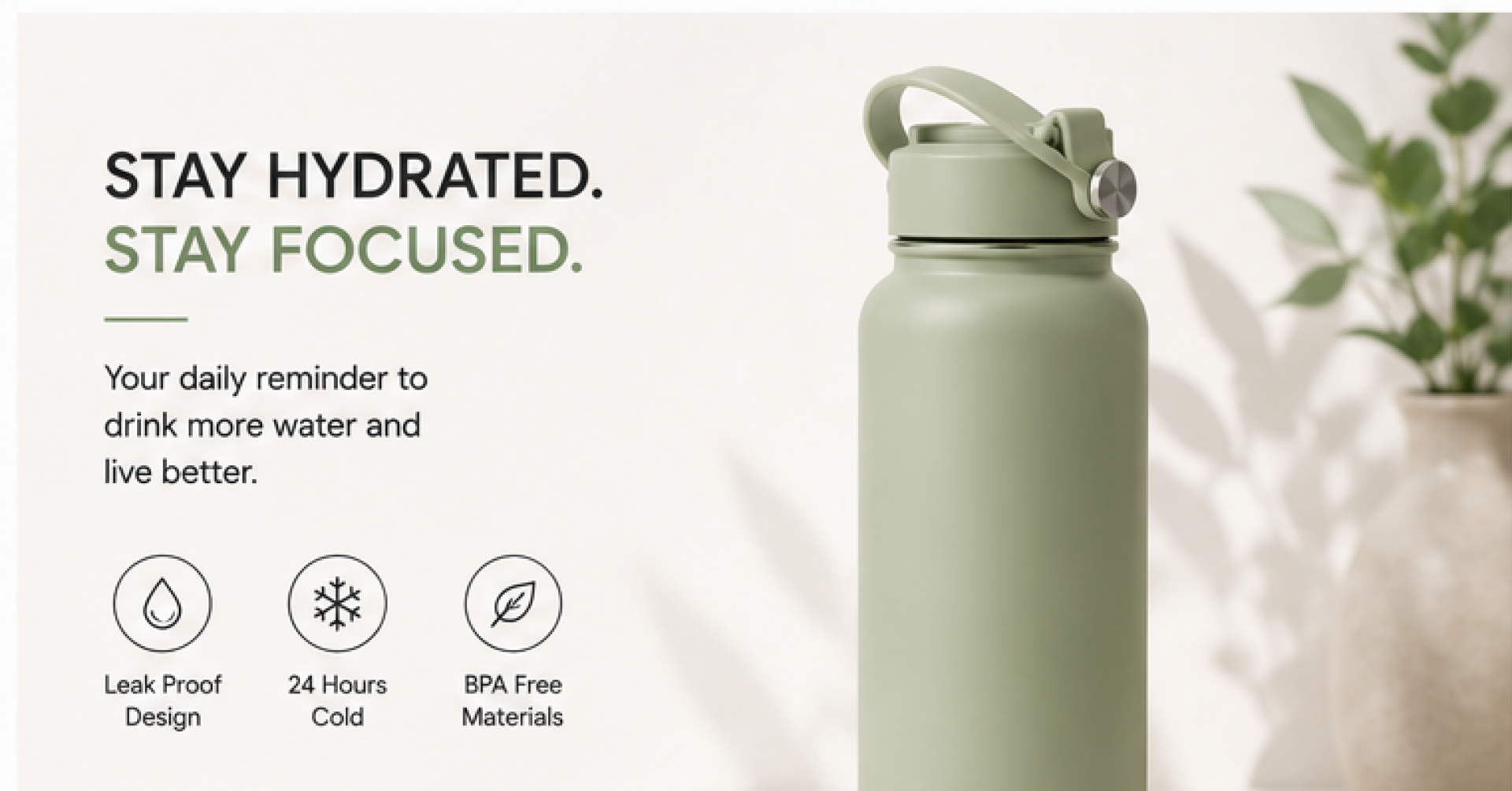
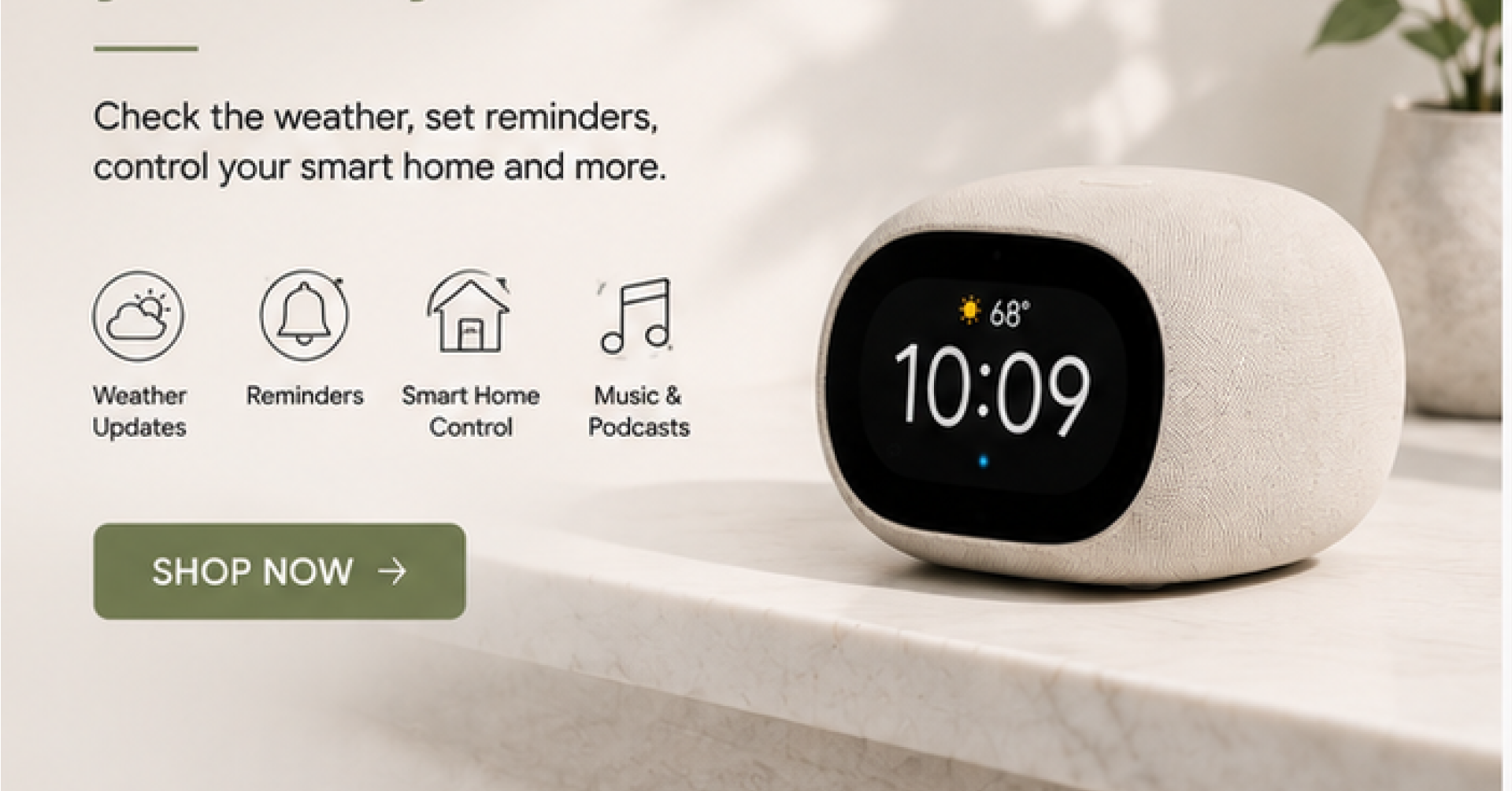
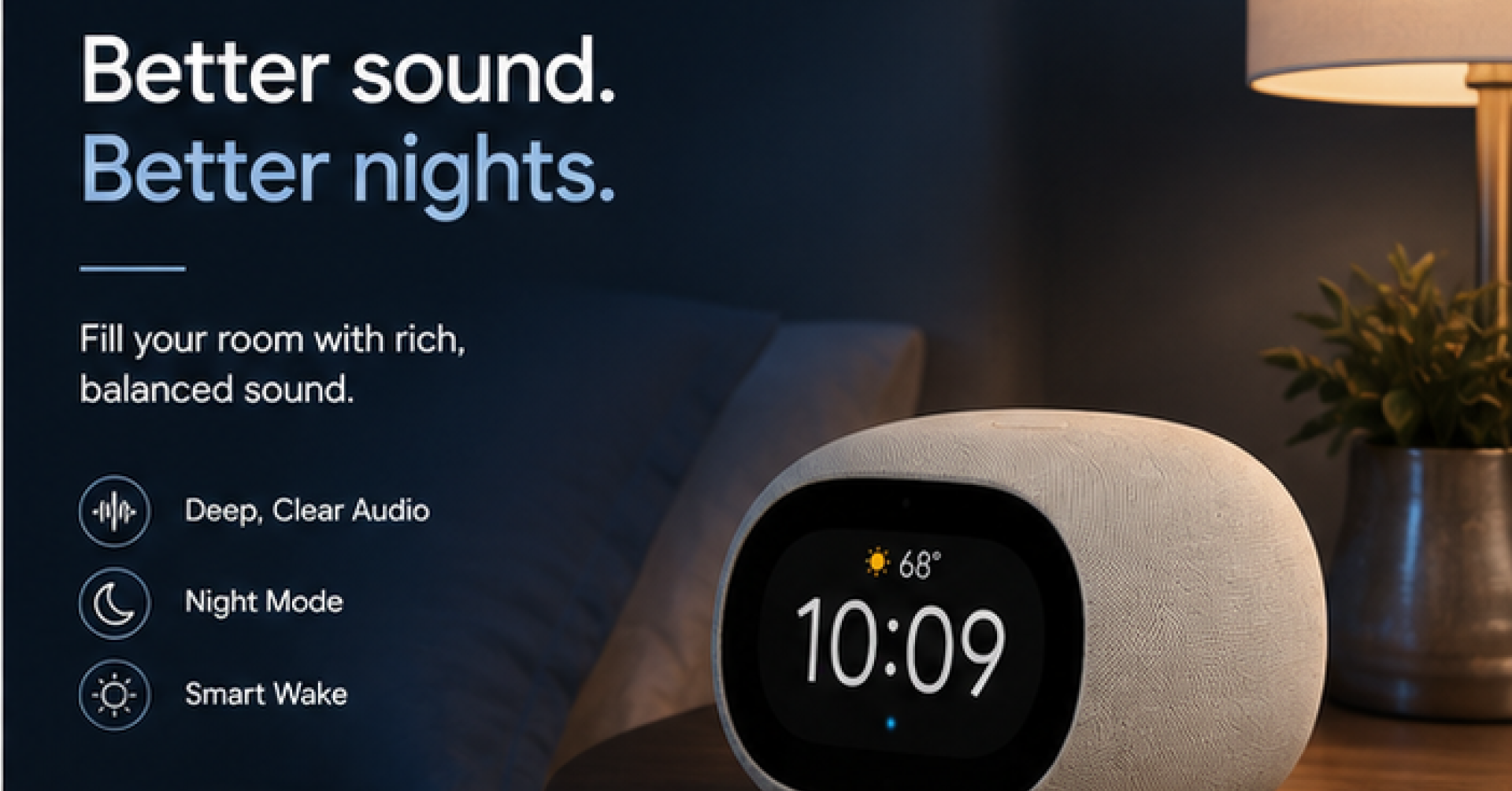
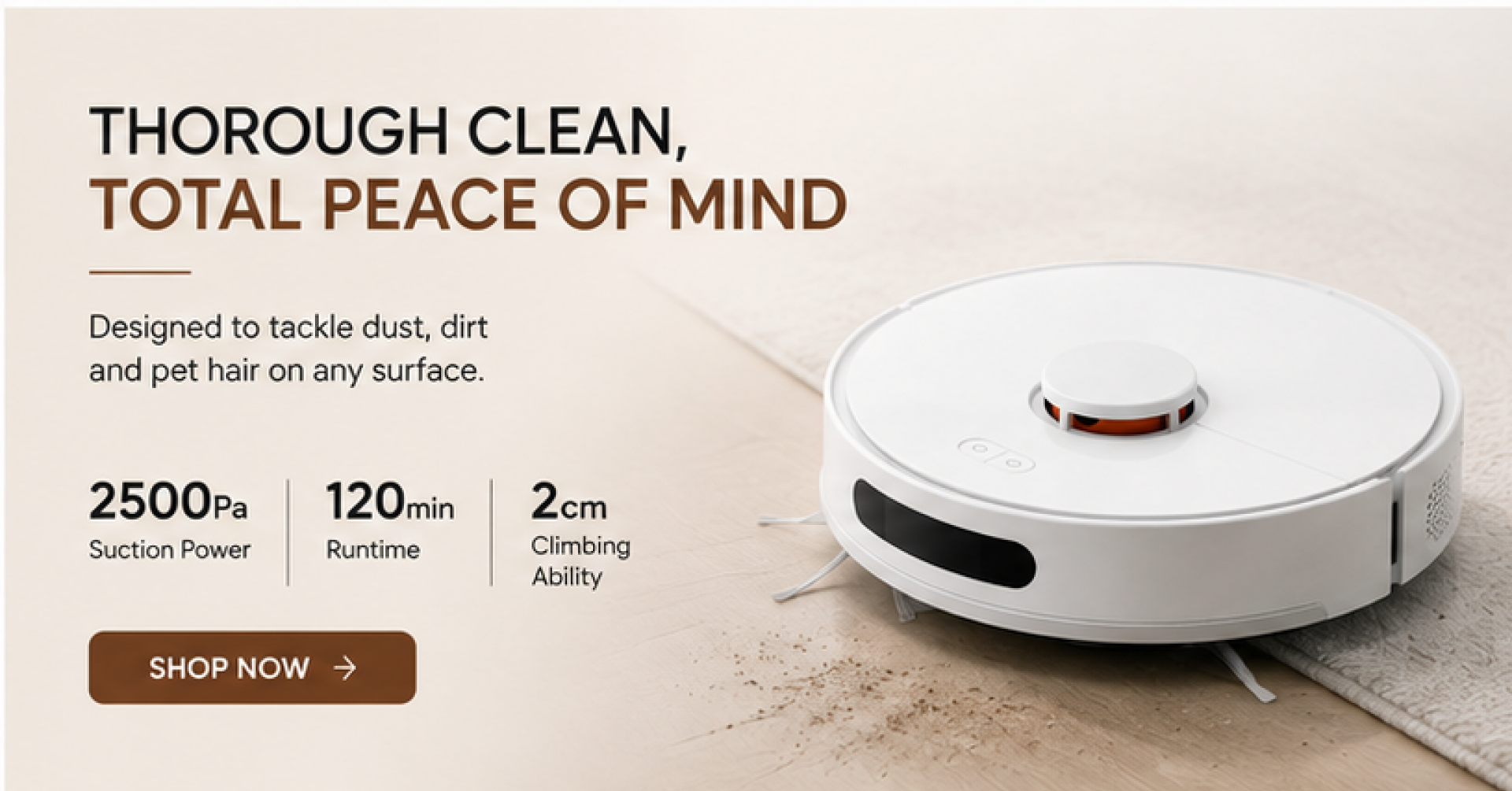
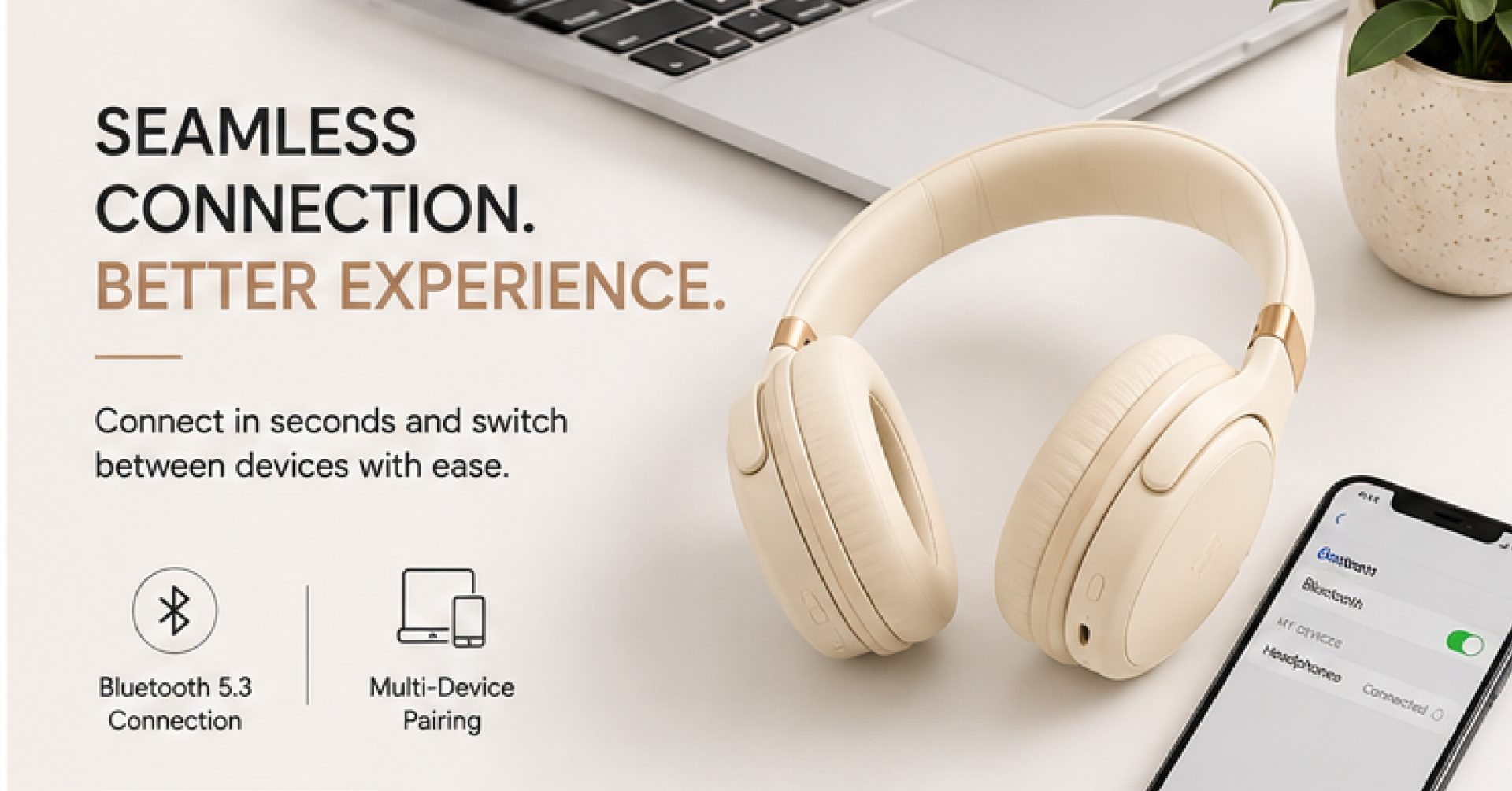
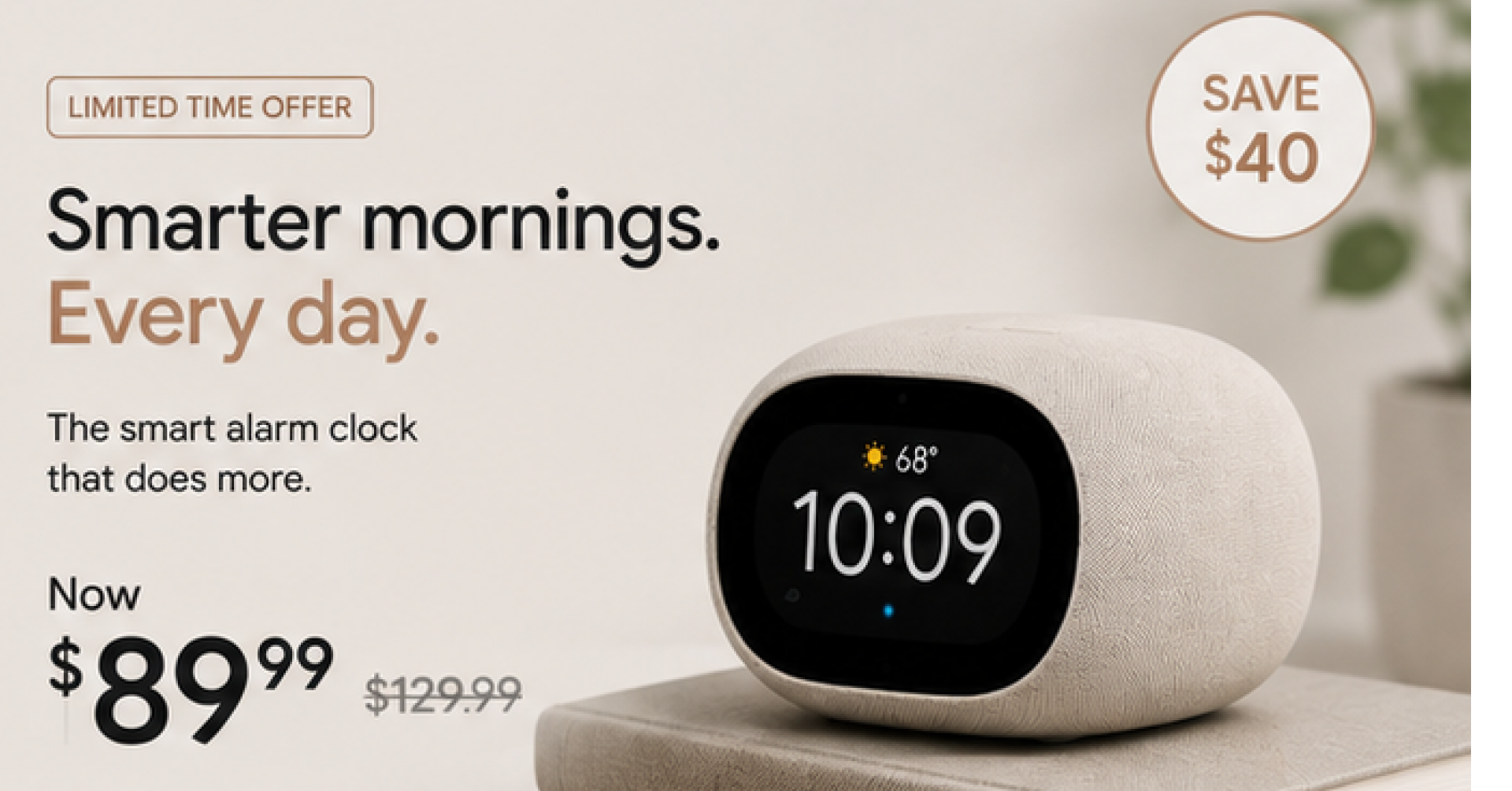
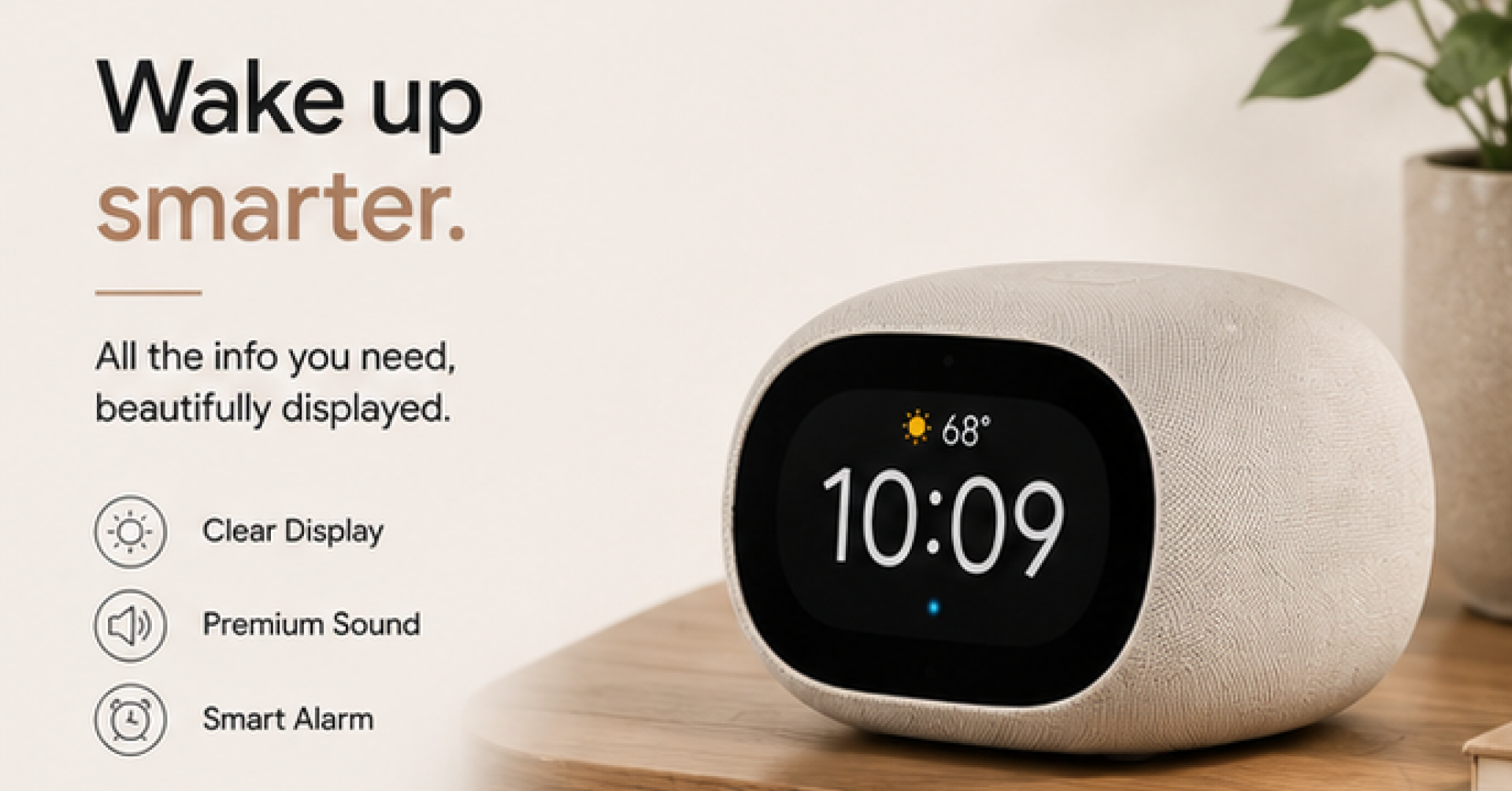
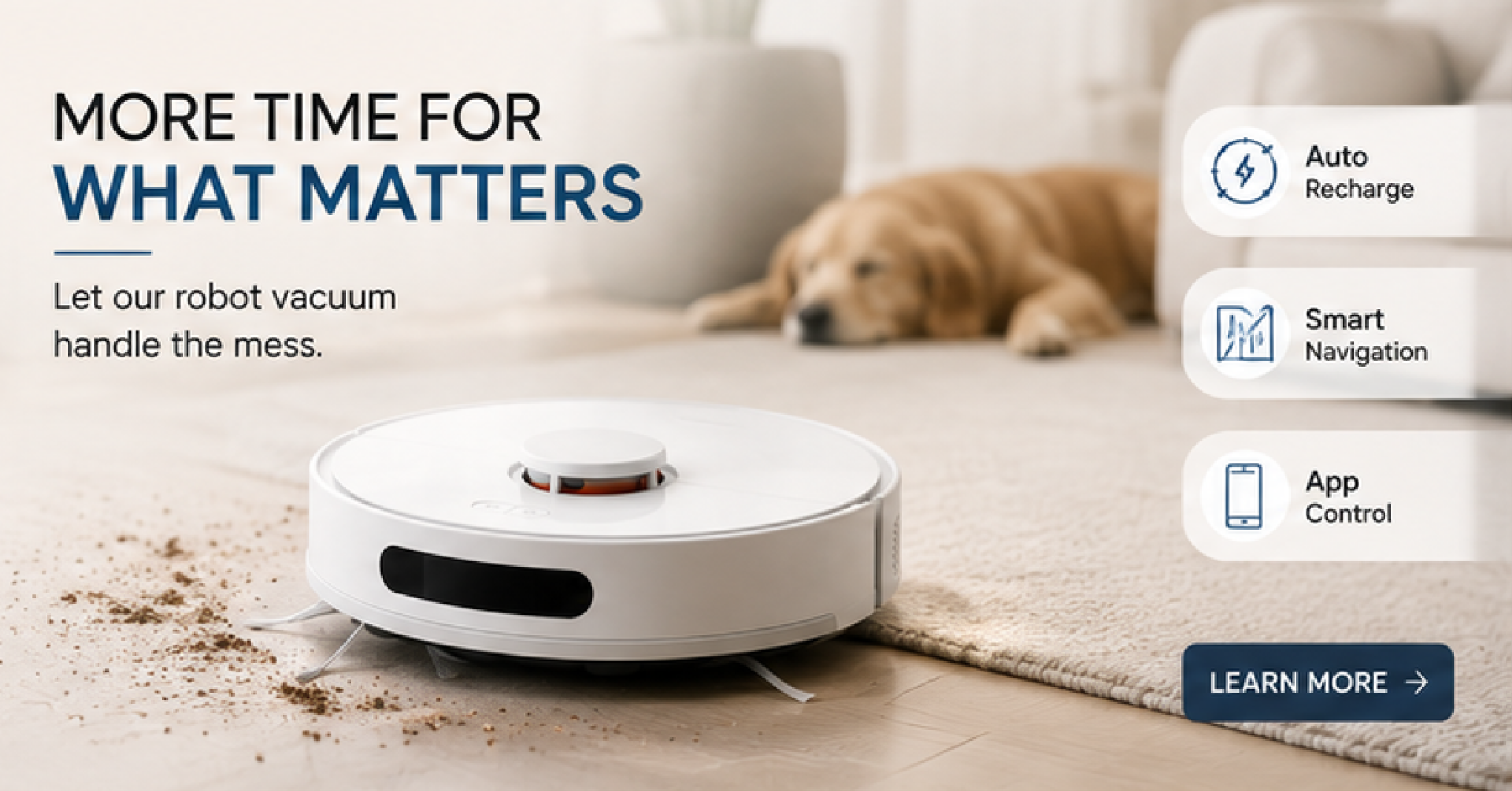
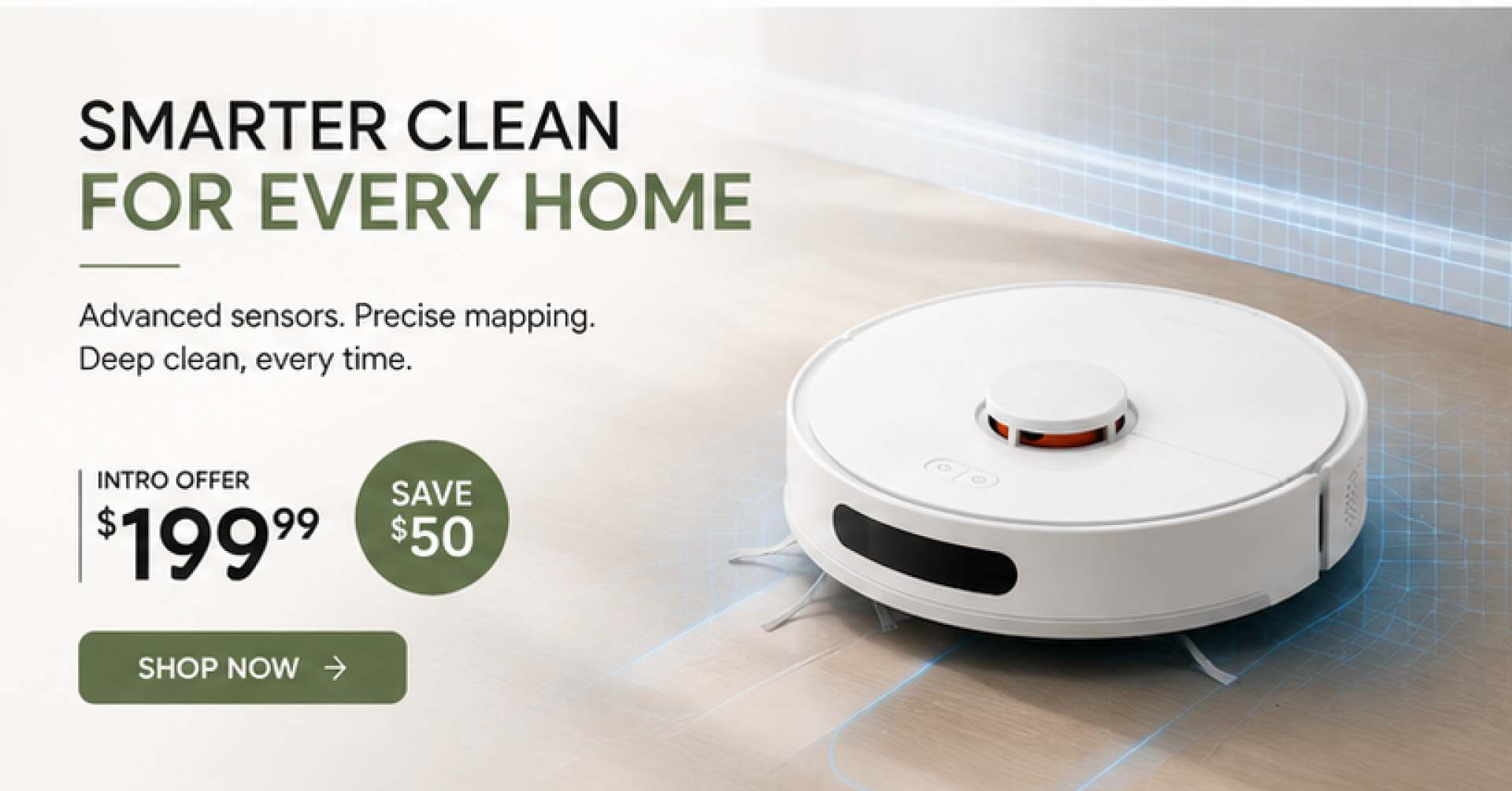
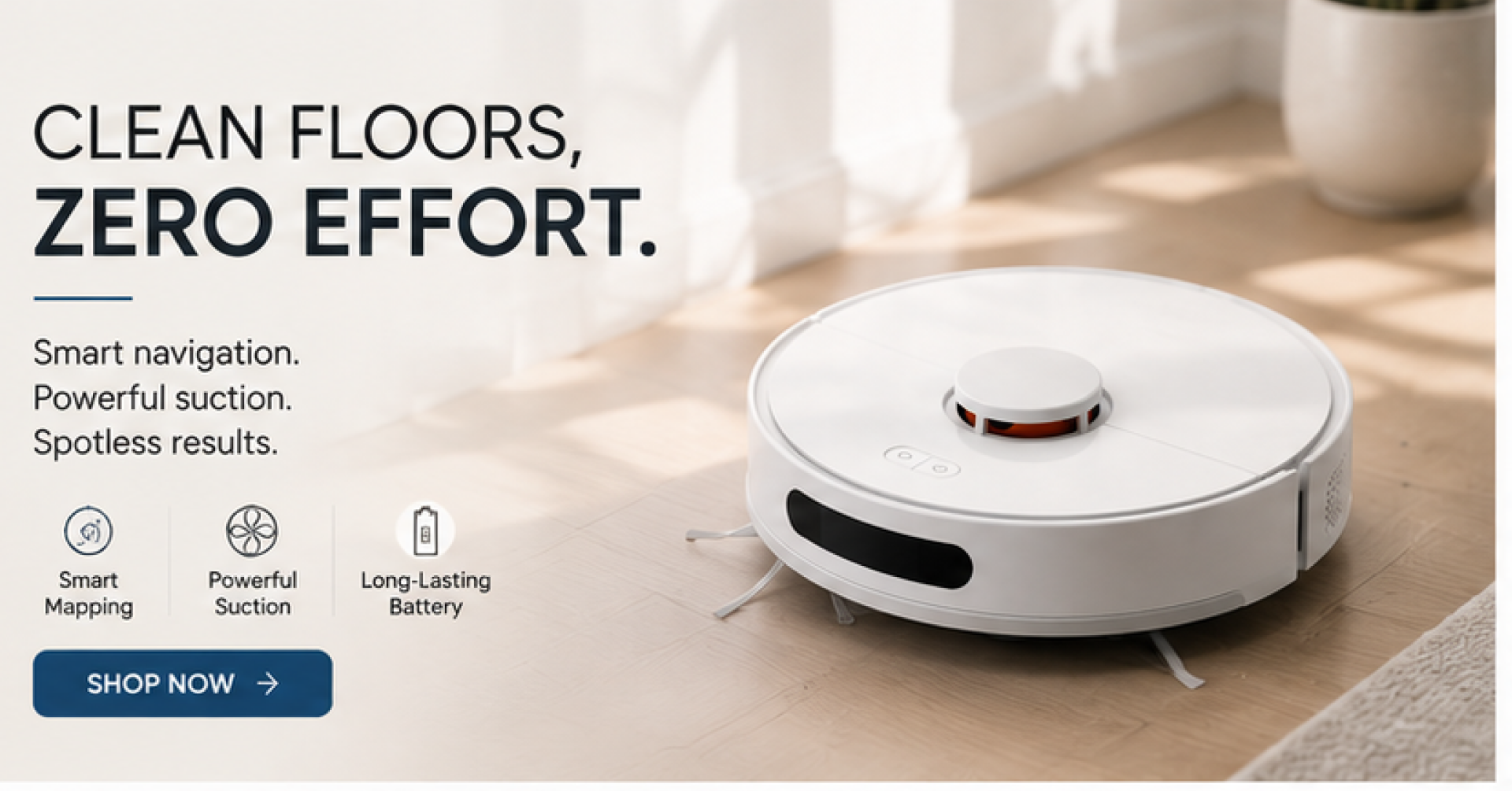
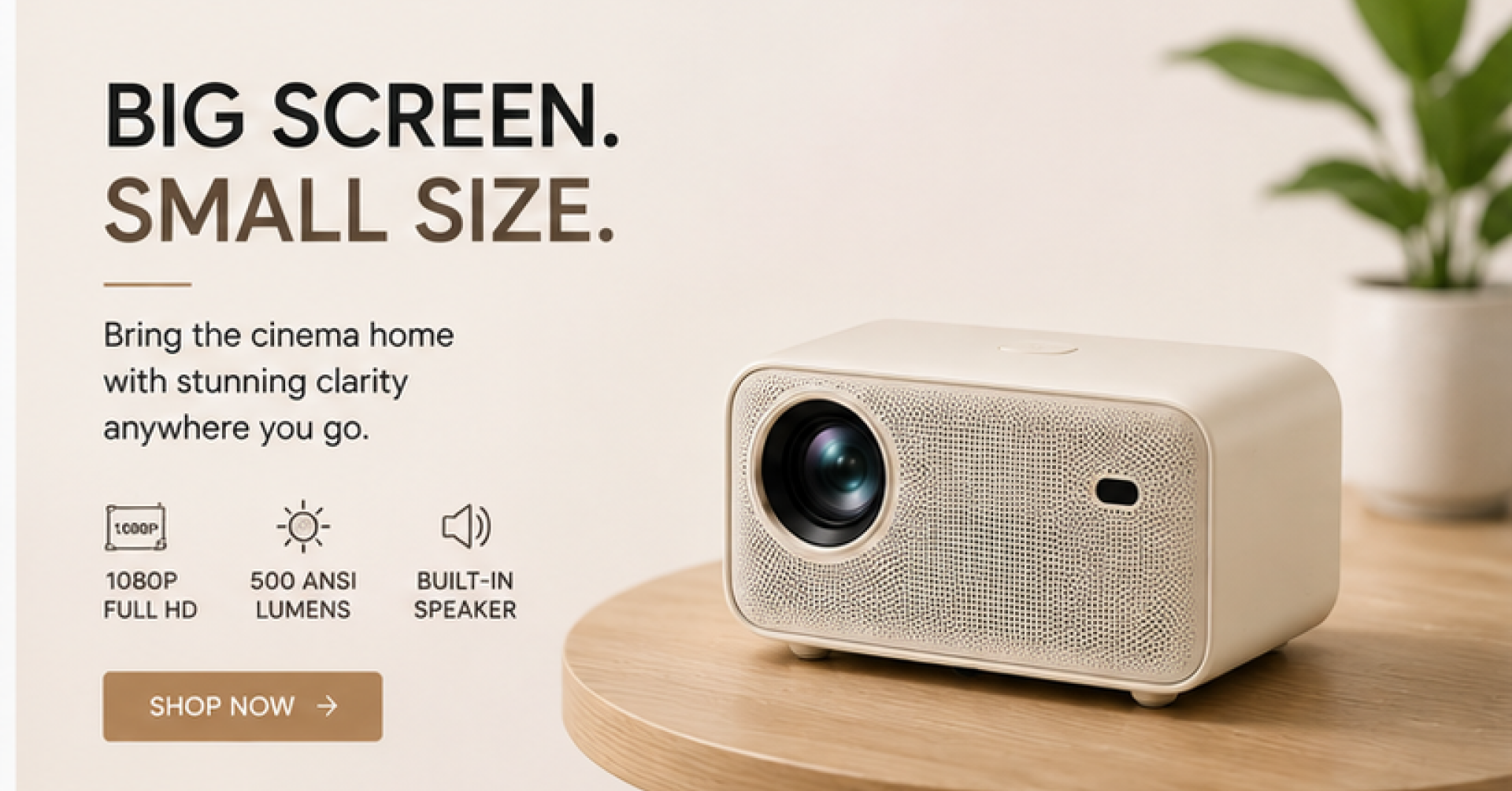
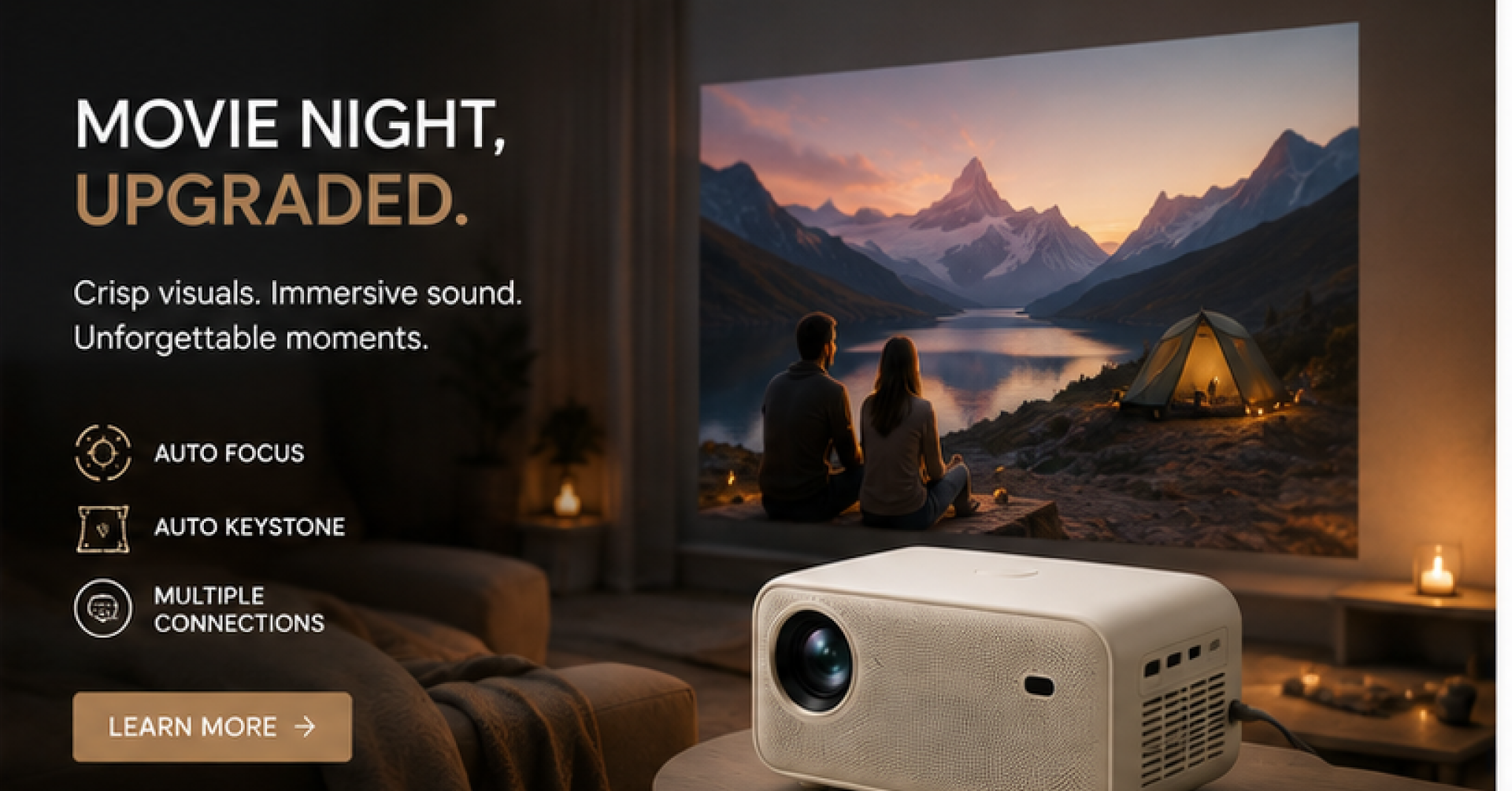
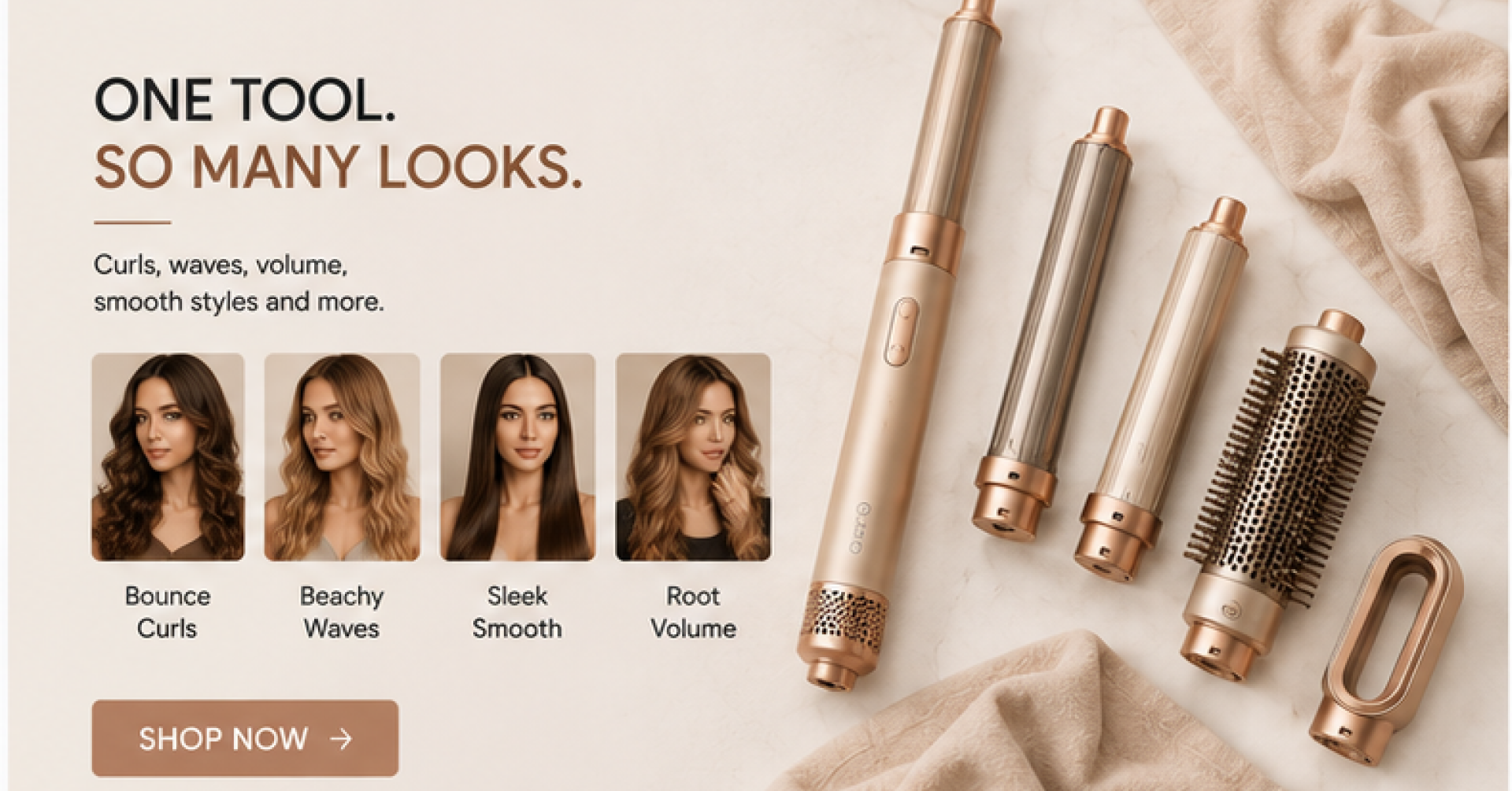
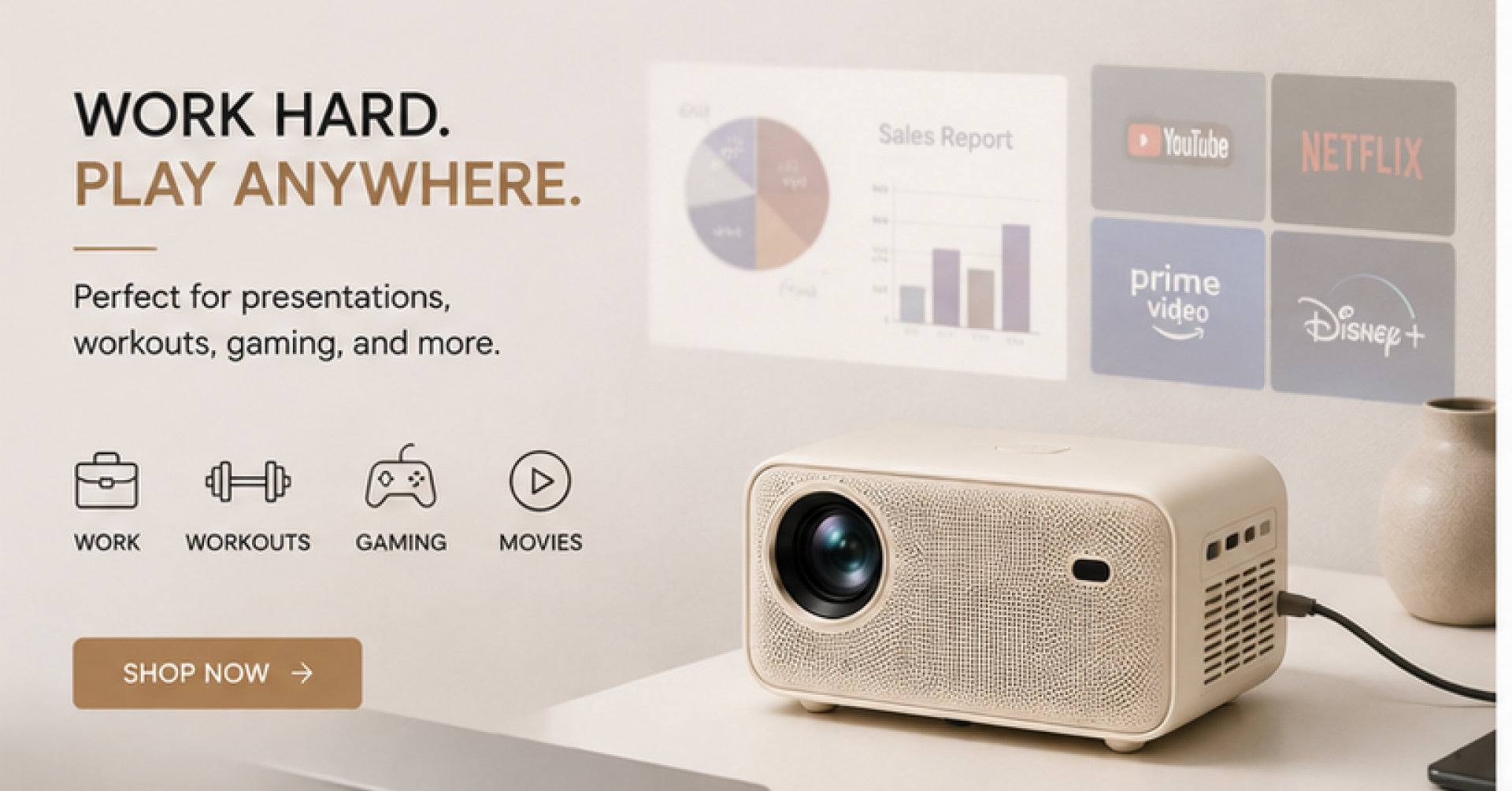
Google display ads often have to make sense at a glance, in a space the viewer was never looking for in the first place. These examples show how clear hierarchy, focused offers, and simple layouts can earn that second look.














Earn a second look in a passive ad space
Lead with clear visual hierarchy
Display ads sit next to content the viewer is actually reading, so competing for attention takes discipline. Strong concepts use one dominant image, one headline, and one price, arranged so the eye has an obvious path.
Design for every required banner size
Google Display requires many banner sizes to run one campaign, from small inline units to large leaderboards. A concept designed only at one size often breaks when it has to be resized down to a 300x250 unit.
State the offer without relying on click
Build product sets, apply labels and segment your catalog for better targeting.
Launch Ads Everywhere
Push your feed to Meta, Google, TikTok, Pinterest and Snapchat - from one place.
Related sets


Build every variant, run them against each other, ship the one that wins.
FAQ
No. Every concept on this page was built by the Marpipe team using Marpipe, starting from publicly available product imagery. None of the brands shown is a Marpipe customer, none of them ran these ads, and none has endorsed or reviewed them. We build them ourselves so we can show the before and after on the same product, which you cannot do with a screenshot of somebody else's live ad.

Google recommends covering the most common sizes, including 300x250, 336x280, 728x90, and 160x600, since inventory availability varies by publisher. Responsive display ads can also generate additional sizes from source assets automatically.
Display reaches people who were not actively searching, so intent is lower by default. That makes the creative do more of the work, since the ad has to earn interest rather than answer a query someone already typed.
Yes. Marpipe applies one branded template across your product feed, and price, badges, and messaging populate from feed data, producing enriched banners in every required size without a manual resize for each unit.
It helps for recognition, but the format constraints differ enough that a direct copy rarely fits. Our meta ad examples page shows how the same underlying offer can be reframed for a different placement without losing consistency.