Dynamic Product Ad Examples
Dynamic Product Ad Examples
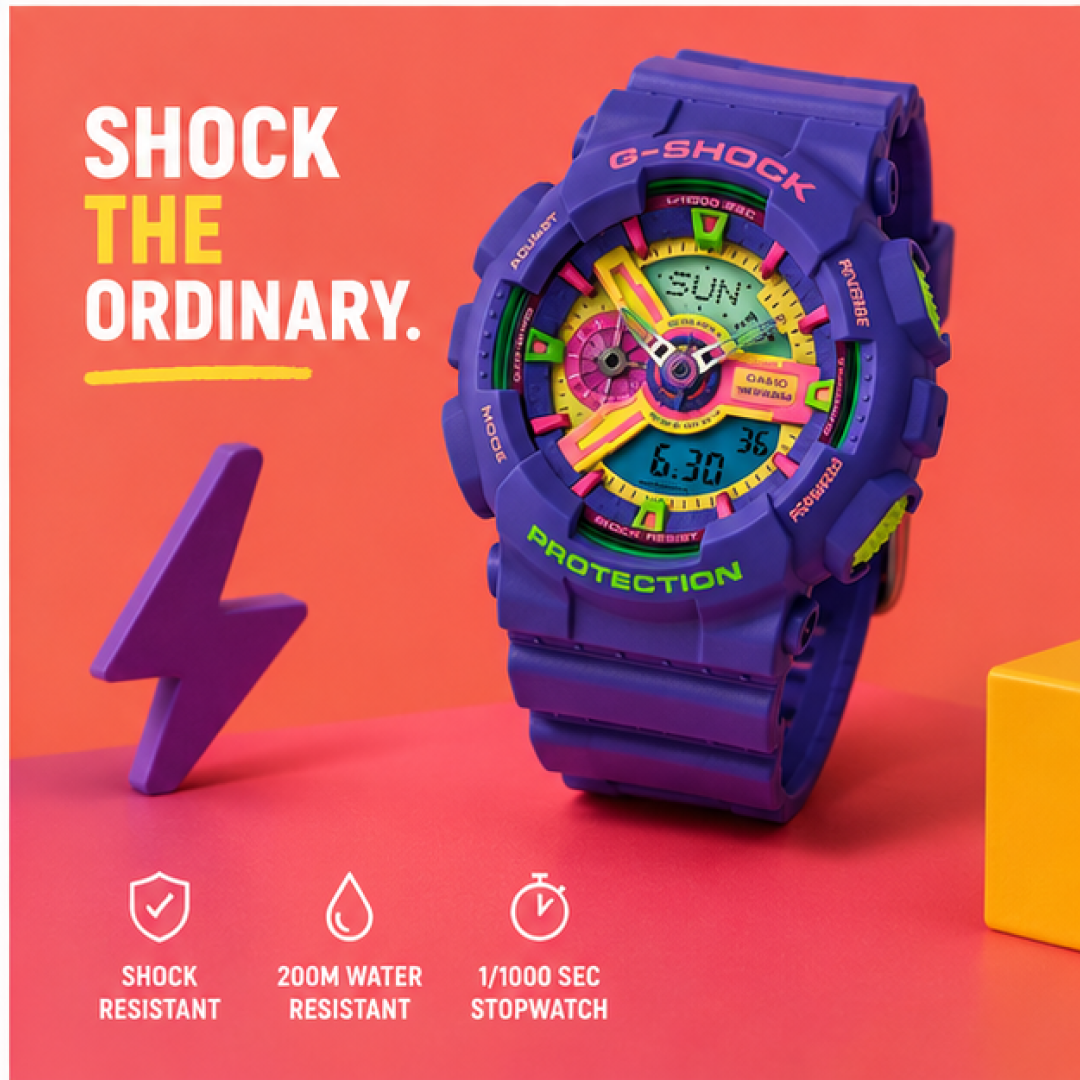
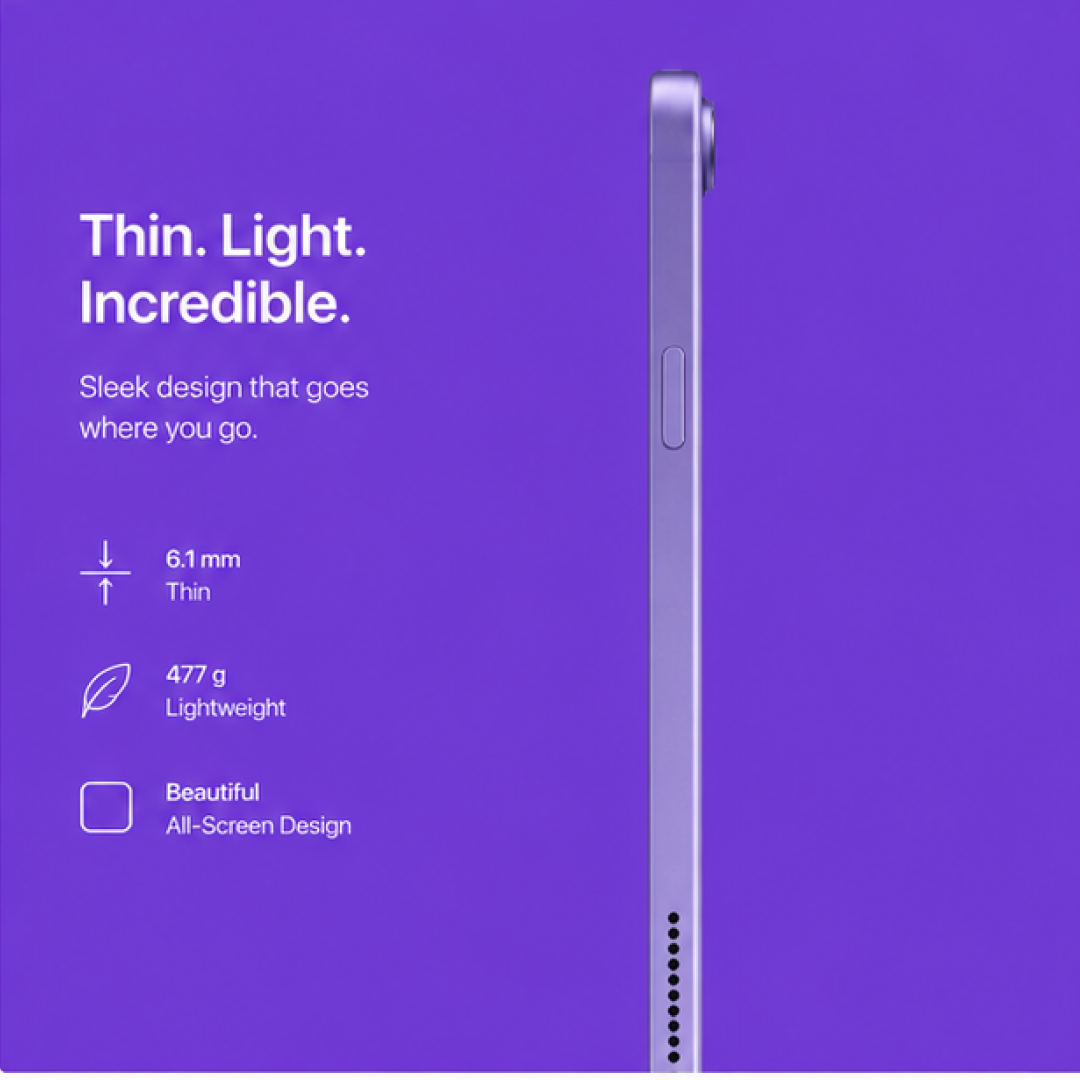
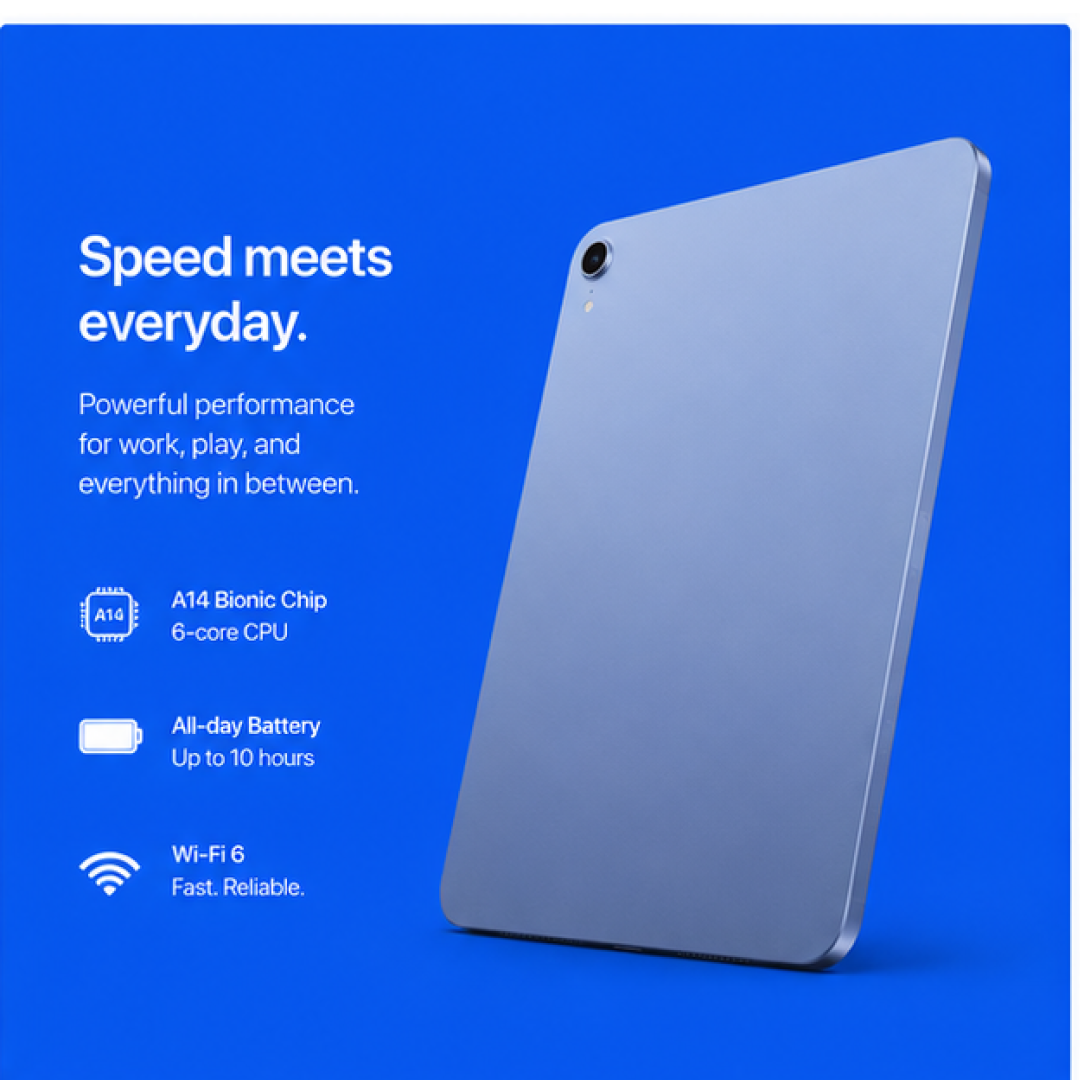
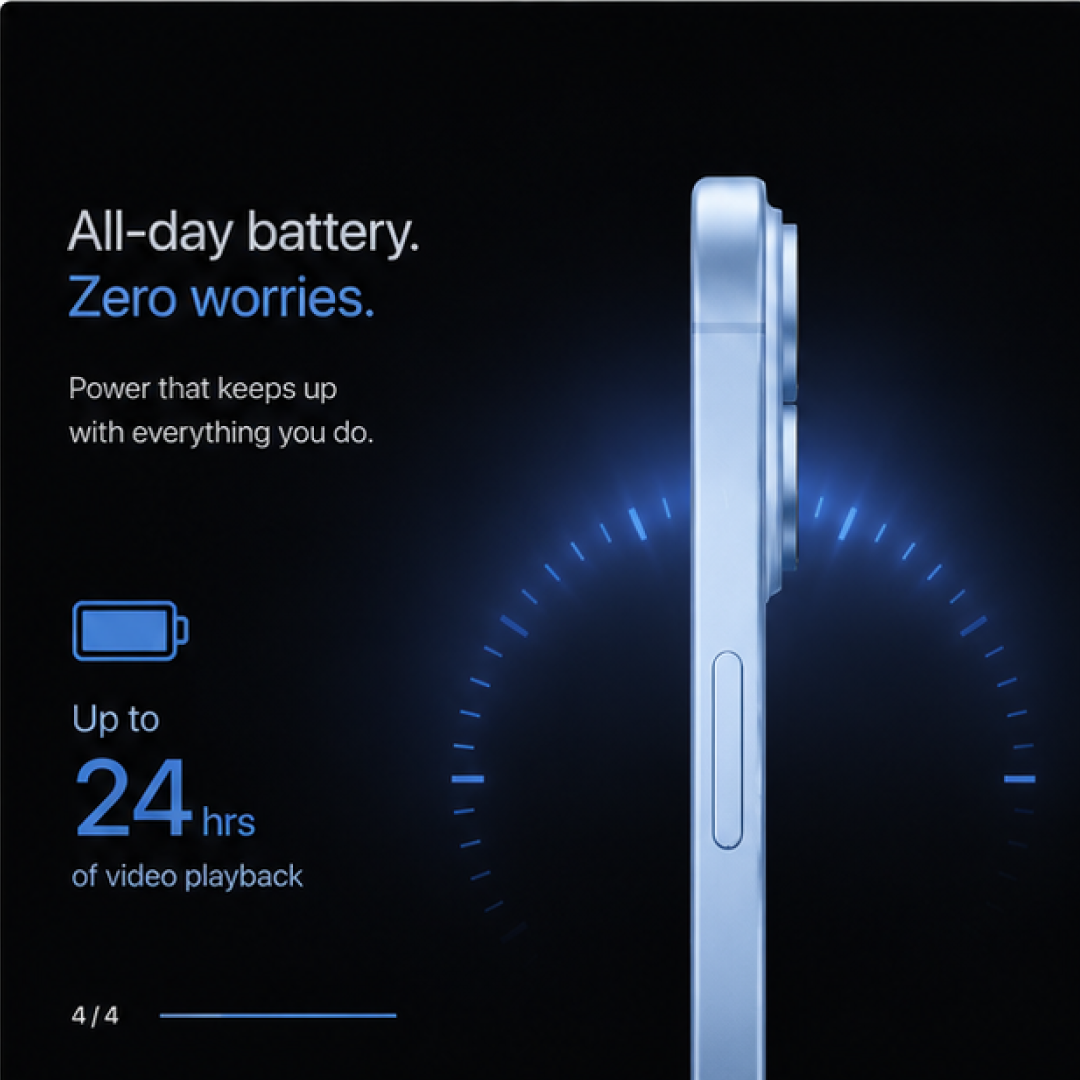
Dynamic product ads don’t have to look like they came straight from a feed. Check our dynamic product ad examples to see how better layouts, sharper offers, and smarter product data can make every impression feel more considered.





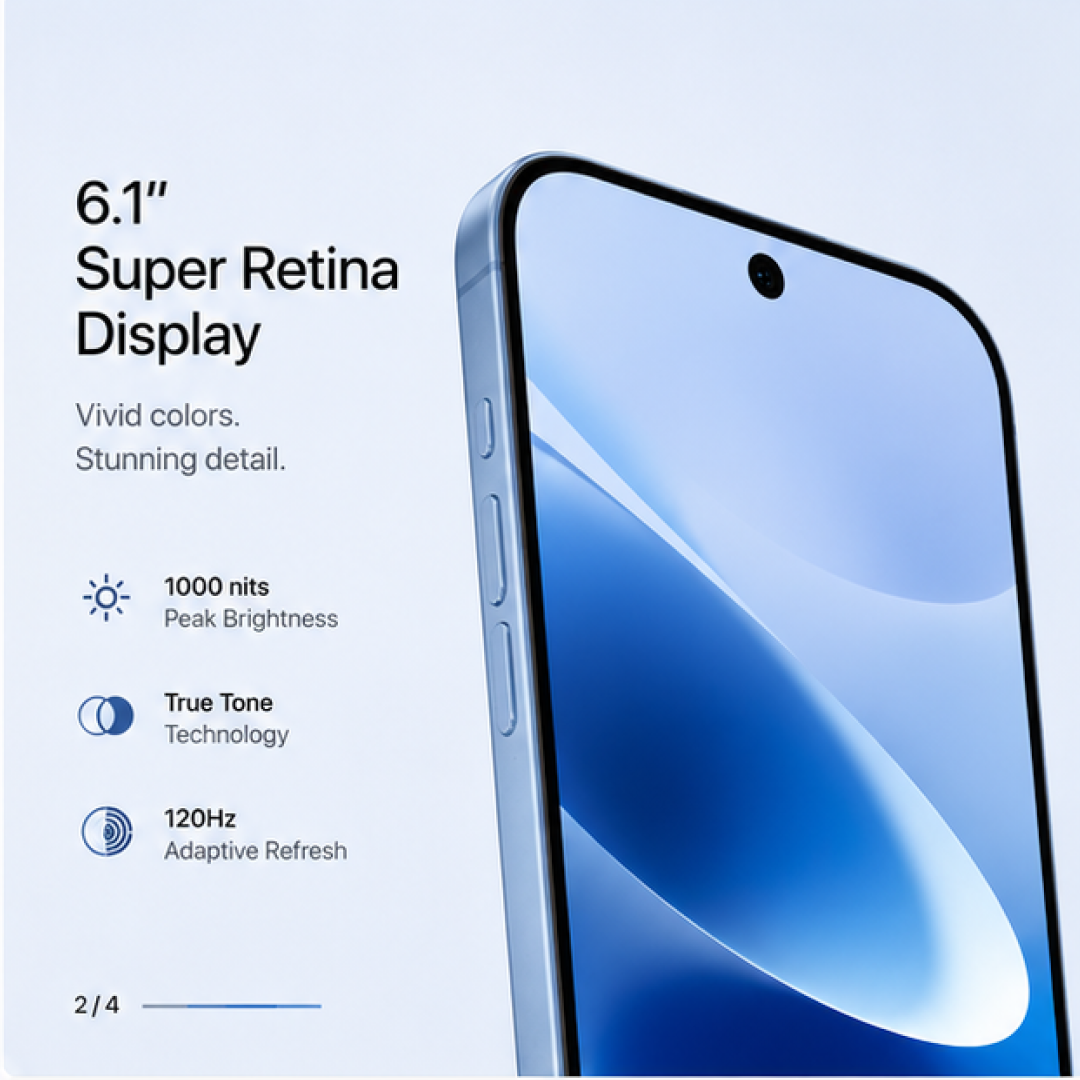

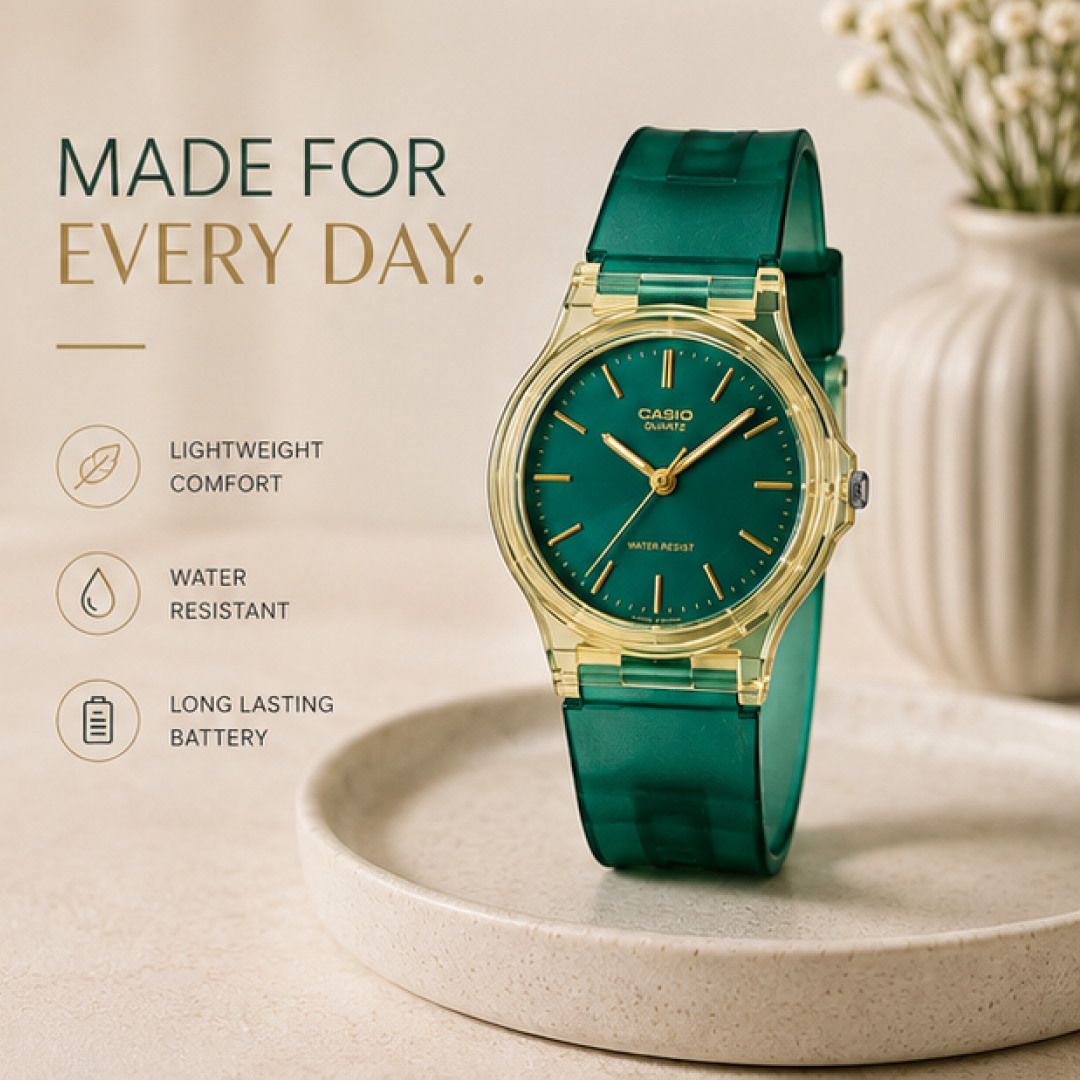











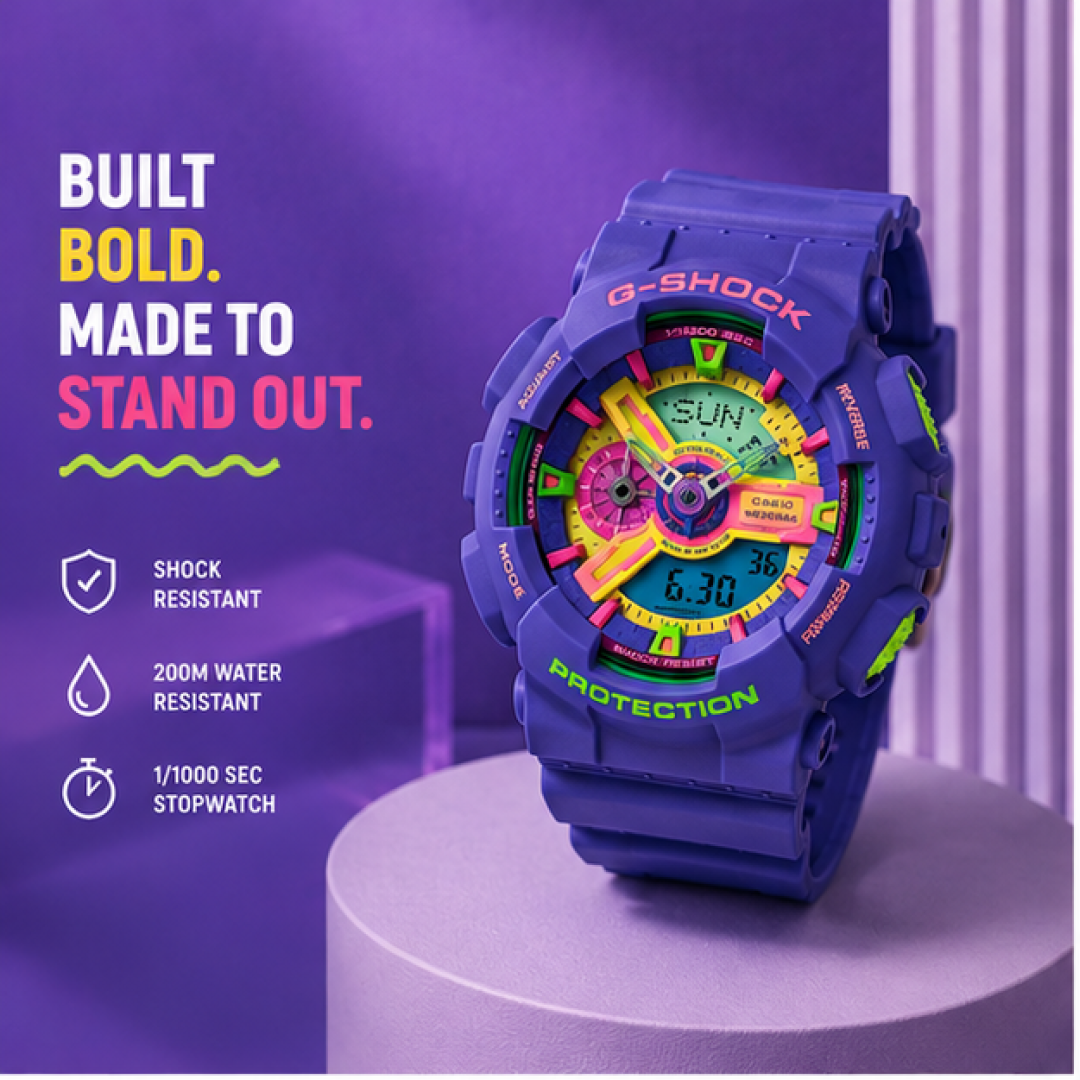
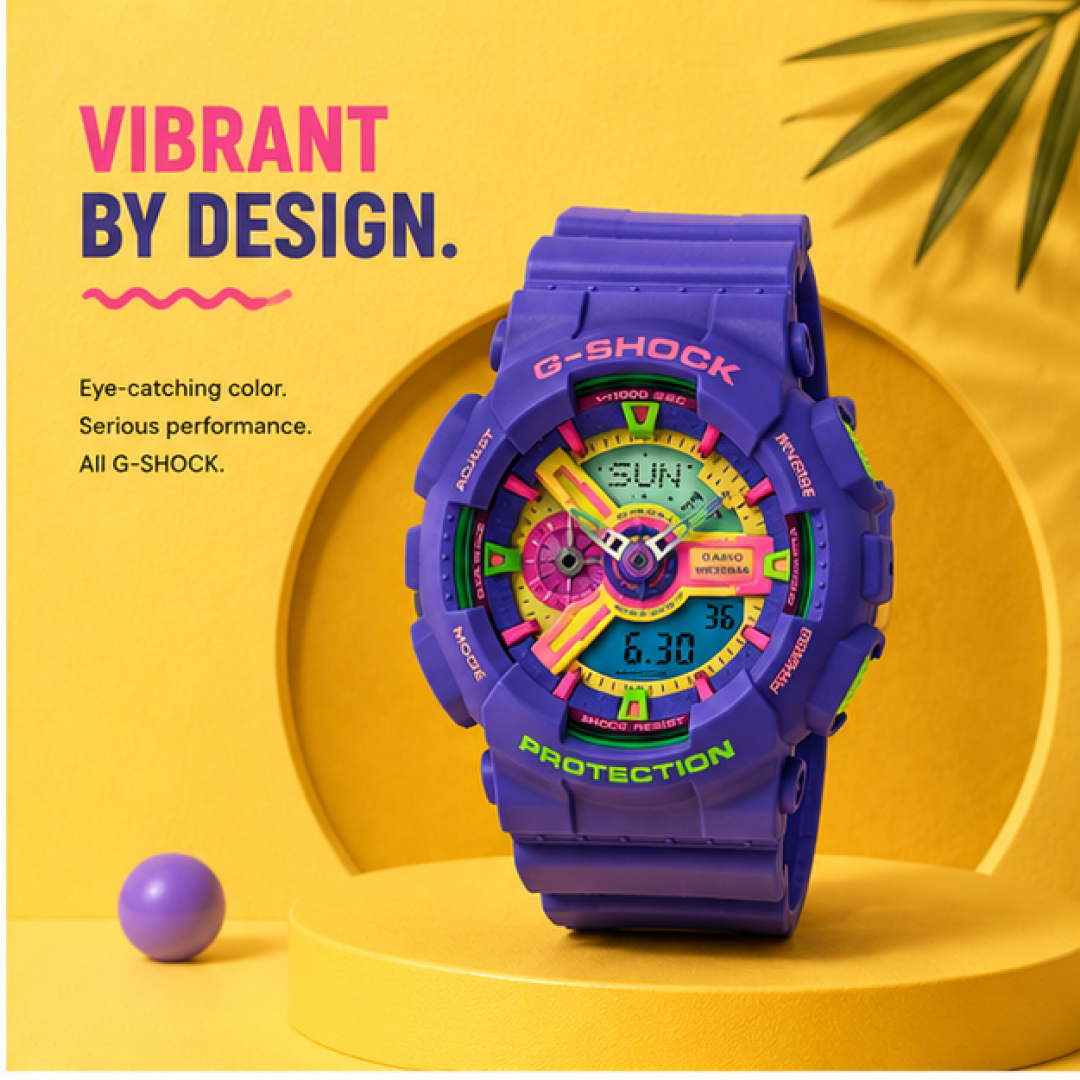
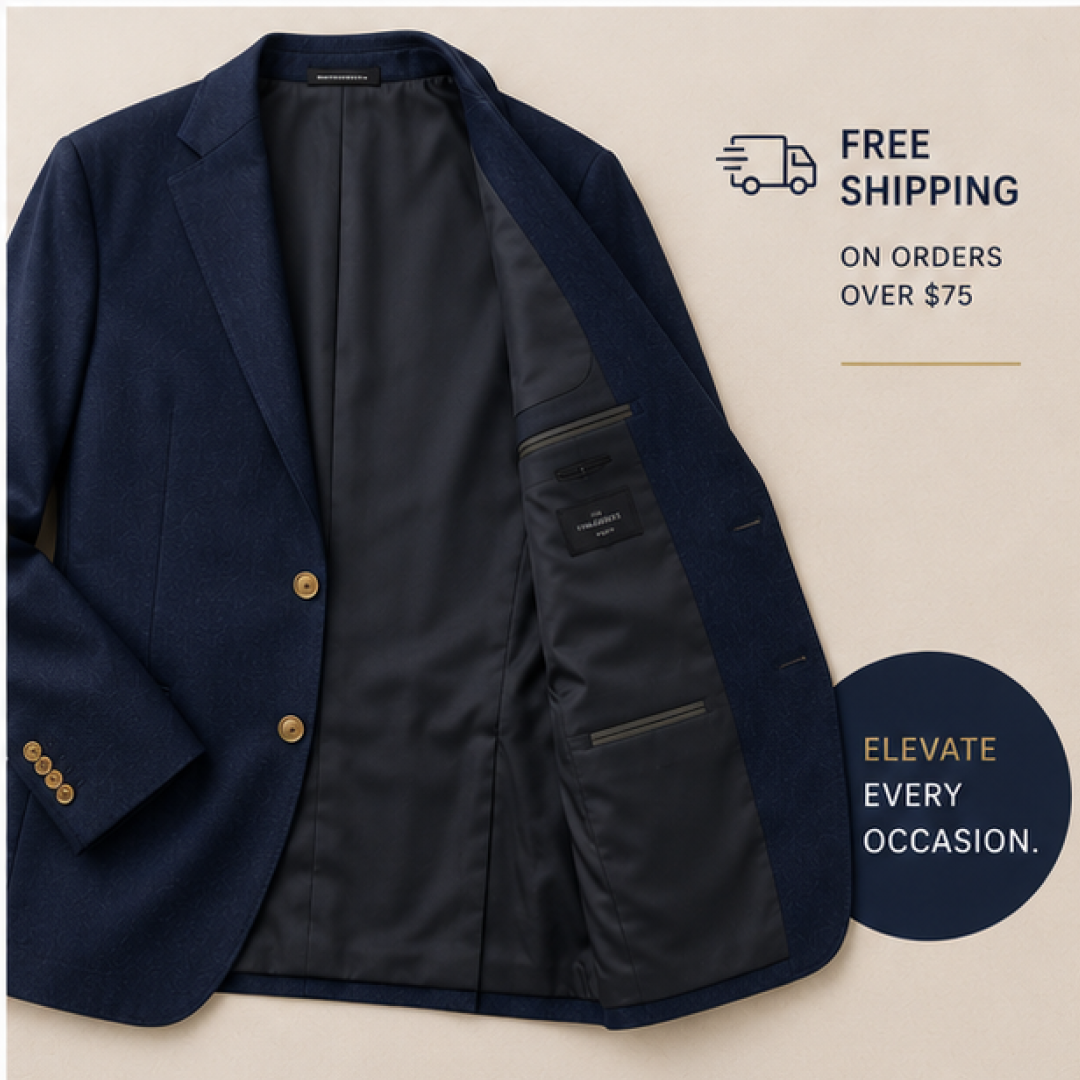


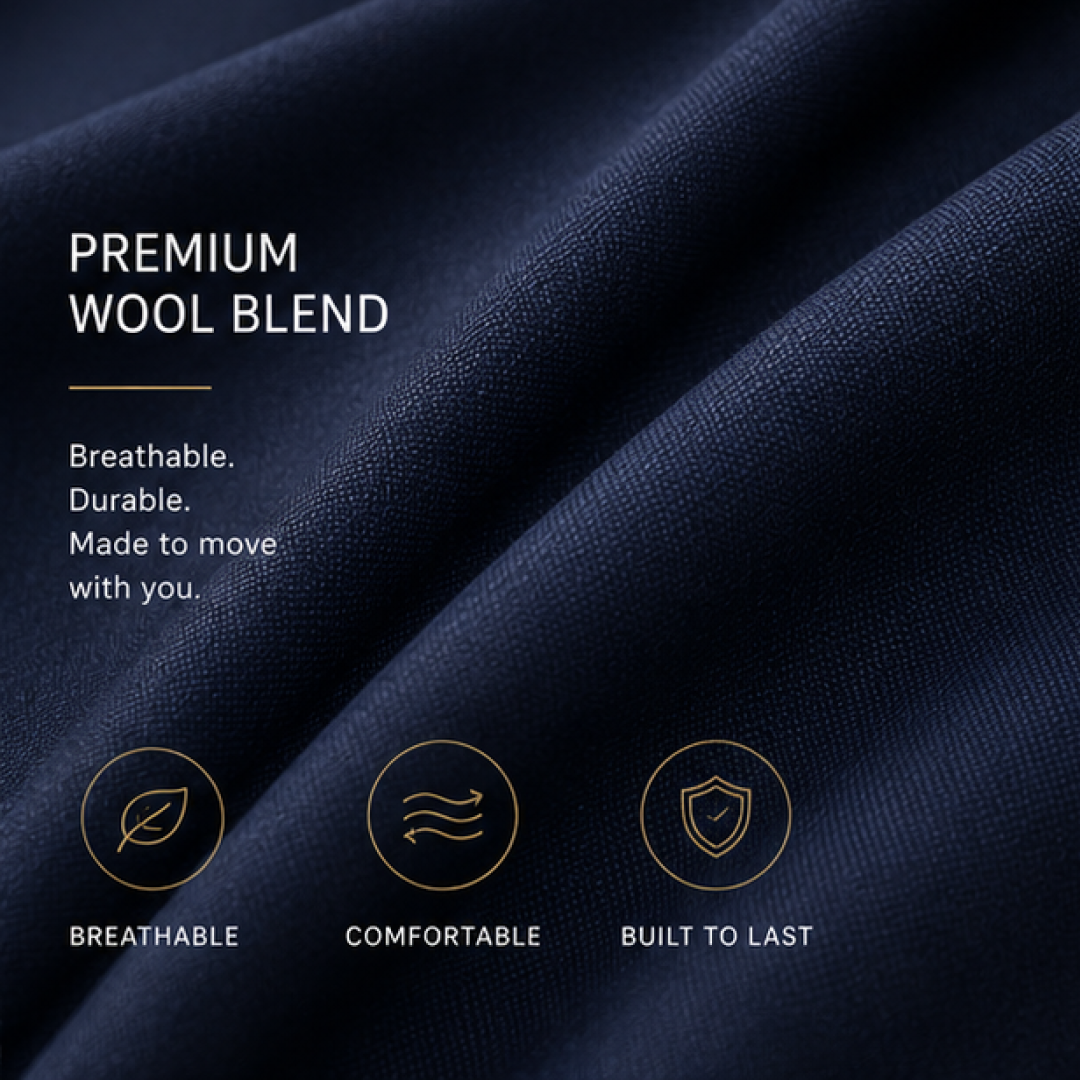
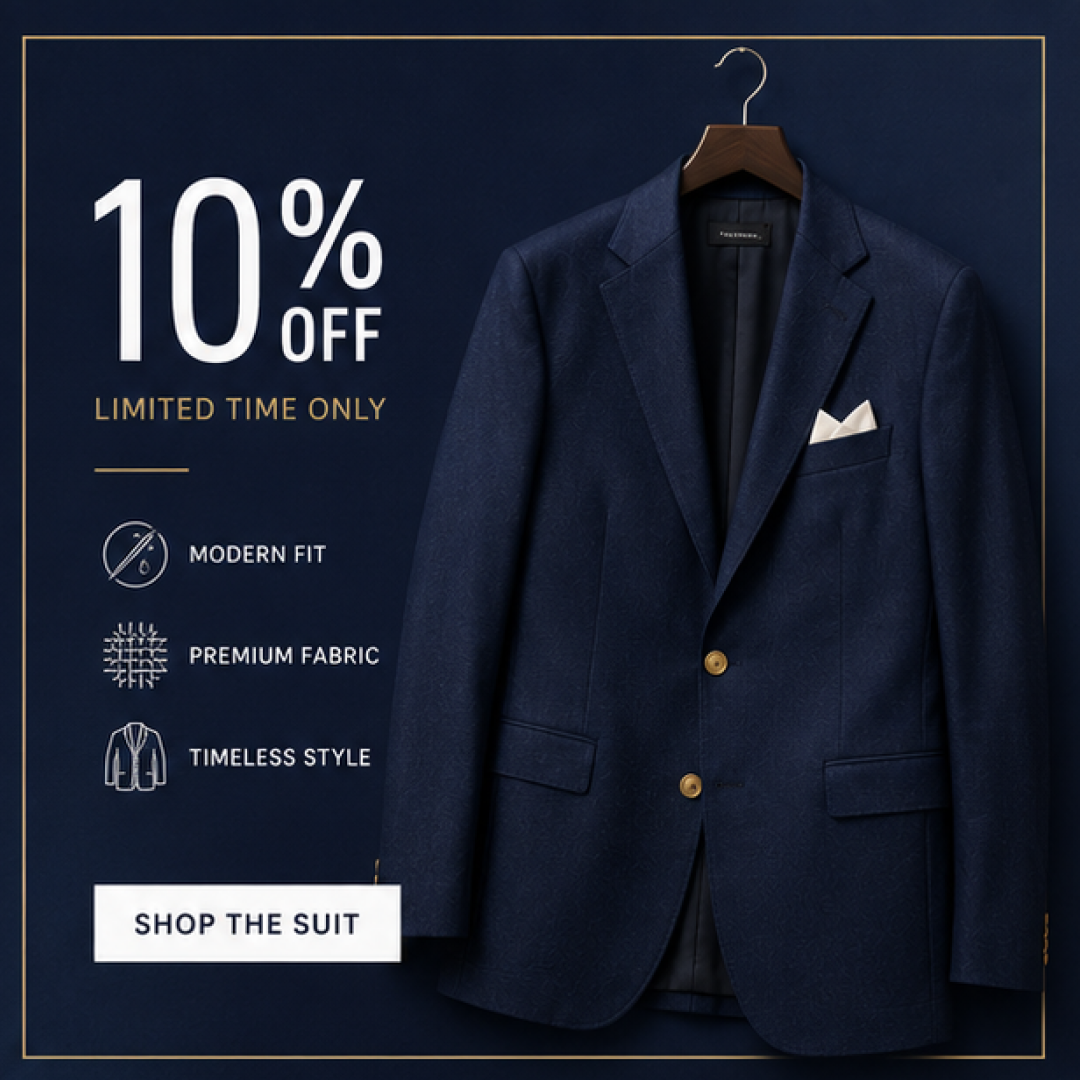


Turn your product feed into better creative
Add information that helps people choose
A product photo and price only tell part of the story. Ratings, reviews, discounts, product features, and other feed data can give shoppers more useful context without asking them to click first.
Design for the whole catalog
One template has to work across products with different images, titles, prices, and promotions. Strong dynamic product ads stay clear and balanced even as the underlying product data changes.
Decide what deserves the spotlight
Decide what deserves the spotlight
Build product sets, apply labels and segment your catalog for better targeting.
Launch Ads Everywhere
Push your feed to Meta, Google, TikTok, Pinterest and Snapchat - from one place.
Related sets


Build every variant, run them against each other, ship the one that wins.
FAQ
No. Every concept on this page was built by the Marpipe team using Marpipe, starting from publicly available product imagery. None of the brands shown is a Marpipe customer, none of them ran these ads, and none has endorsed or reviewed them. We build them ourselves so we can show the before and after on the same product, which you cannot do with a screenshot of somebody else's live ad.

A dynamic product ad is generated automatically from your product catalog rather than built one at a time. You supply a product feed, the ad platform matches products to users based on browsing or purchase signals, and the creative is assembled from the feed's image, title and price fields.
Because the default template only has the raw feed fields to work with. The platform renders the product image, the title and the price, and nothing else. Branding, promotional messaging, ratings and lifestyle context all have to be added to the creative layer before the feed reaches the ad account.
You enrich the creative before the feed is published. Marpipe connects to your product catalog, applies a branded template across every SKU, and outputs an enriched image feed the ad platform serves in place of the plain product shot. Badges, backgrounds, ratings and promotional copy all populate from feed fields.
Follow the destination platform's catalog requirements. Meta publishes product image specifications for catalogues and minimum pixel requirements per placement, and Google Merchant Center is raising its minimum to 500x500 pixels across all categories. Building the enriched creative at 1080x1080 or larger satisfies every catalog placement without upscaling.